AI Video Generator : Deepfake Yourself with Face Swap AI Tools
TL;DR
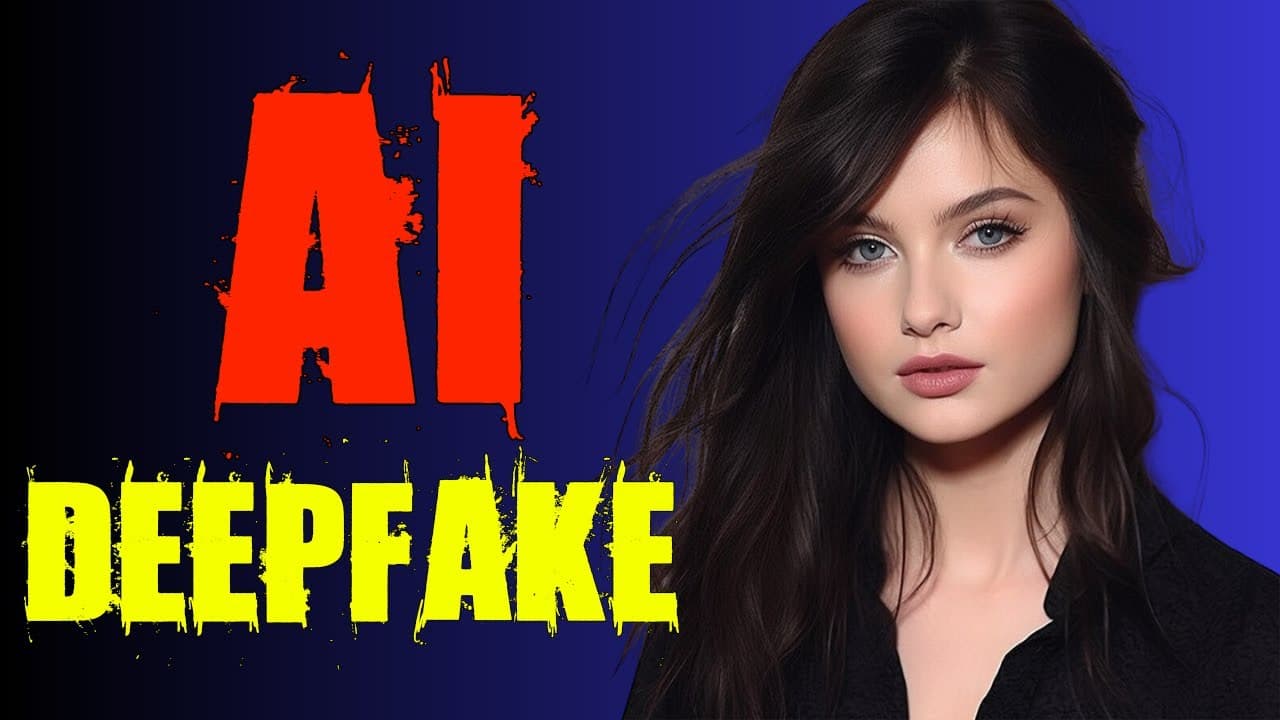
This video tutorial demonstrates how to create videos using an AI video generator, covering topics such as creating avatars, generating deep fake videos, and utilizing the AI swap face feature.
Transcript
hi welcome back to my channel in this video I will show you how to use an AI video generator to create videos with ease the video will be divided into five sections section one creating a free trial account for the AI video generator section two making a talking avatar from your own photo or image Section 3 generating a random and unique AI Avatar ... Read More
Key Insights
- 🥶 The Movio AI video generator offers a free trial for users to explore its features.
- 👤 Users can create talking avatars by uploading their photos and customizing various aspects.
- 📼 The AI video generator allows users to generate random and unique AI avatars based on set preferences.
- 😀 Deep fake videos can be created through recording or using the AI swap face feature.
- 🦸 The tool provides options for voice selection, super resolution, and background customization.
- 🎮 Avatar templates can be saved and utilized in videos for various purposes.
- 🥶 The video emphasizes the importance of validating your email to receive free trial credits.
Install to Summarize YouTube Videos and Get Transcripts
Explore YouTube Video Summarizer or Get YouTube Transcript Extractor
Questions & Answers
Q: How do I register for a free trial account on Movio AI video generator?
To register, go to the registration page from the video's description, click "Try Movio for free," and complete the registration process using your email, Gmail, or Facebook account. Once verified, you'll receive free credits in your dashboard.
Q: How can I create a talking avatar using the AI video generator?
First, upload your photo in the Avatar menu and wait for the process to complete. Then, create an avatar template and select the view mode, voice, and super resolution option to enhance video quality. Customize the orientation and background, add a script, and preview before rendering the video.
Q: How can I generate a random and unique AI avatar?
In the Avatar menu, select "Generate talking photo." Set preferences for the avatar's pose, gender, style, outfit, and custom prompt if desired. Click "Generate" to start generating the random AI avatar. Save the desired avatar and use it in your video.
Q: What are the two methods for creating a deep fake video template?
Method one involves recording yourself or uploading a video to create an avatar template. Method two uses the AI swap face feature, where you upload your photo and select an avatar style. The tool will perform a face swap based on your photo, allowing you to create a deep fake character.
Summary & Key Takeaways
-
Section 1: Register for a free trial account on the Movio AI video generator platform.
-
Section 2: Create a talking avatar by uploading your photo and customizing its appearance, voice, and background.
-
Section 3: Generate a random and unique AI avatar by setting preferences for pose, gender, style, and outfit.
-
Section 4: Create a deep fake video template either by recording yourself or using the AI swap face feature with your photo.
Read in Other Languages (beta)
Share This Summary 📚
Summarize YouTube Videos and Get Video Transcripts with 1-Click
Try YouTube Summary with ChatGPT & Claude or YouTube Transcript Generator
Explore More Summaries from How To In 5 Minutes 📚
Summarize YouTube Videos and Get Video Transcripts with 1-Click
Try YouTube Summary with ChatGPT & Claude or YouTube Transcript Generator