Is Tiny 11 Suitable for Low-Resource Devices?
TL;DR
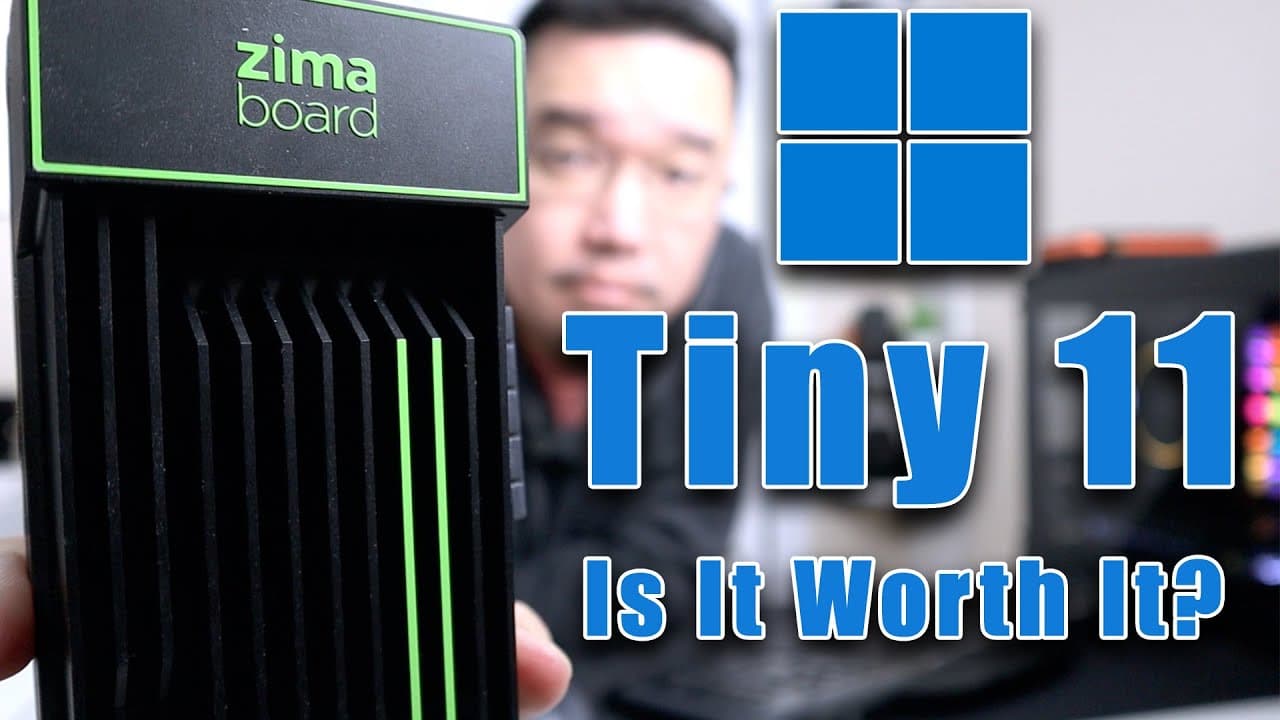
Tiny 11 is a minimal version of Windows 11 designed for low-resource devices like Zima boards, using only 12 GB of storage. While it works well for specific projects and development use, it lacks essential software and features for everyday desktop use, making it less suitable for regular users.
Transcript
now tiny 11 has been on my radar for quite some time now it's a stripped down version of Windows 11. it actually removes all the restrictions so you can install it on incompatible devices so let's check it out now the advantages of having tiny 11 is that you can install it on devices like the zema board or even this little kiwi 310 which is an Inte... Read More
Key Insights
- 👻 Tiny 11 is crafted for low-resource devices, allowing installations on hardware typically considered incompatible with Windows 11.
- 💄 The operating system minimizes resource usage, making it an attractive option for temporary development setups or experimental projects.
- 👤 A notable drawback is the absence of commonly used software applications, which could severely limit functionality for typical desktop users.
- 😑 Users are encouraged to create their own ISOs to safeguard against malware, as pre-built versions may not be trustworthy.
- 📪 Performance on low-resource devices can vary, with potential lags due to high CPU usage, particularly during file searches or application launches.
- 🪡 Tiny 11 offers compatibility with ARM devices, such as Raspberry Pi, though further testing is needed to gauge its efficiency in that environment.
- 👾 Regular maintenance and monitoring of storage space are crucial, as incremental usage may quickly deplete available resources on limited-capacity devices.
Install to Summarize YouTube Videos and Get Transcripts
Explore YouTube Video Summarizer or Get YouTube Transcript Extractor
Questions & Answers
Q: What are the main advantages of using Tiny 11?
The primary advantage of Tiny 11 is its ability to run on low-end hardware that is normally incompatible with standard Windows versions. It requires only about 12 GB of storage and 2 GB of RAM, making it suitable for devices such as Zima boards or modified Chromebooks, especially in development environments.
Q: How does Tiny 11 perform on low-resource devices?
Tiny 11 operates efficiently on low-resource devices, initially using around 2 GB of RAM. However, CPU usage can spike, particularly during initial setup or updates, leading to lag in response time for actions such as searching for files or running applications, due to the absence of features like folder indexing.
Q: What software and features are removed in Tiny 11?
Tiny 11 comes stripped down, lacking applications such as Microsoft Edge, Candy Crush, and other pre-installed software, which can free up resources. However, this could be a downside for users who require broad compatibility with applications typically available in standard Windows installations.
Q: Why is it recommended to build your own Tiny 11 ISO?
It's recommended to create your own Tiny 11 ISO to avoid the risk of malware found in pre-built versions. The NT Dev Labs website provides a script for automating the process, which can be completed in about 10 to 15 minutes, ensuring a safer installation.
Q: Who should consider installing Tiny 11?
Tiny 11 is ideal for developers or users needing to run minimal applications on low-powered devices for projects. Conversely, it is not recommended for general desktop use due to its stripped features, which can hinder user experience in everyday tasks.
Q: Can Tiny 11 be used on Raspberry Pi devices?
Tiny 11 reportedly has compatibility with Raspberry Pi devices, although thorough testing is needed to determine its performance. Users considering this option should keep in mind that certain features and functionalities may still be limited as compared to a full Windows experience.
Q: How does the storage usage change after installation?
Upon installation, Tiny 11 takes about 12 GB of storage, but this can increase to around 14 GB after initial updates. Users running the OS will notice ongoing incremental usage over time, which can significantly impact devices with limited storage capacity.
Q: What should users be cautious about when using Tiny 11?
Users should be cautious of the limitations that come with Tiny 11, such as missing default applications and restricted features like indexing, which can affect usability and performance. It is essential to assess whether these constraints fit their needs before choosing Tiny 11 over standard Windows versions.
Summary & Key Takeaways
-
Tiny 11 is a stripped-down version of Windows 11 that can be installed on incompatible devices, such as Zima boards and modified Chromebooks, while utilizing only 12 GB of storage.
-
Although efficient for minimal setups and development environments, Tiny 11 removes many standard Windows features and software, potentially complicating everyday desktop use.
-
Users are advised to build Tiny 11 ISOs themselves to avoid malware in pre-built versions, with instructions available on the NT Dev Labs website.
Read in Other Languages (beta)
Share This Summary 📚
Summarize YouTube Videos and Get Video Transcripts with 1-Click
Try YouTube Summary with ChatGPT & Claude or YouTube Transcript Generator
Explore More Summaries from Novaspirit Tech 📚






Summarize YouTube Videos and Get Video Transcripts with 1-Click
Try YouTube Summary with ChatGPT & Claude or YouTube Transcript Generator