How to Use Python in Excel for Data Analysis
TL;DR
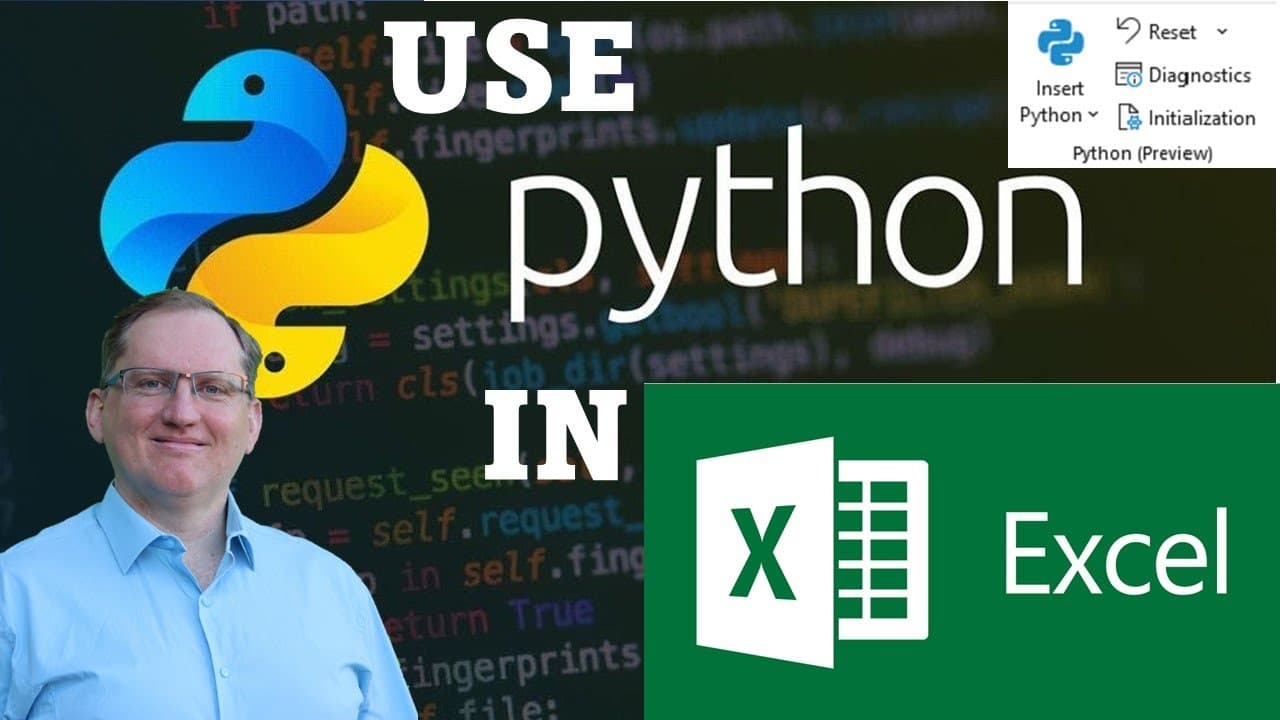
To use Python in Excel, join the Microsoft 365 Insider program and switch to the Beta Channel. This integration allows you to execute Python code for advanced data analysis directly within Excel, significantly enhancing its capabilities for analysts and data enthusiasts. Expect future videos to cover more complex applications and techniques.
Transcript
hi friends welcome back to the channel today I'm going to be showing you how you can add python into Excel so this is a really big development and so far it is only a beta version you need to be part of the Microsoft insiders in order to get access to it but I think it's going to be really useful and powerful and certainly if you're doing anything ... Read More
Key Insights
- 👨💼 Python integration into Excel aims to enhance data analytics for business users who rely on Excel for complex tasks.
- 👻 Users can join the Microsoft 365 Insider program to access the beta version, which allows experimentation with new features.
- 👤 Basic Python functionalities enable users to import datasets, execute commands, and output results directly in Excel.
- 👤 Although the Python integration is powerful, users may initially encounter bugs and performance issues as it is still under development.
- 🦻 The ability to visualize data using Python enhances Excel's standard graphical capabilities, aiding in more enriched presentations.
- 🌍 Future tutorials from the presenter will address more advanced applications of Python in Excel, focusing on real-world data tasks.
- 👤 The Python implementations may benefit users familiar with R or other programming languages seeking to enhance their Excel proficiency.
Install to Summarize YouTube Videos and Get Transcripts
Explore YouTube Video Summarizer or Get YouTube Transcript Extractor
Questions & Answers
Q: What is the significance of joining the Microsoft 365 Insider program?
Joining the Microsoft 365 Insider program allows users to access new features ahead of the general release. In this context, it provides the opportunity to use Python within Excel, which can significantly enhance analytical capabilities. While this beta version may have bugs and limitations, it permits early adopters to test innovations that could improve their data analysis processes.
Q: How do users insert Python code into Excel?
Users can insert Python code in Excel by clicking the "insert Python" button after switching to the beta version. Once the code is entered in the designated cell, it can be executed by pressing Control and Enter together. This functionality allows users to run complex data operations traditionally unavailable in standard Excel.
Q: Can developers and data engineers benefit from Python in Excel?
While the new Python feature may not cater specifically to developers and data engineers, it presents valuable analytics tools for Excel users who manage data operations. Those familiar with Python can extend their use of Excel for more complex analyses, but dedicated development environments might be more suitable for extensive coding tasks.
Q: What type of data analysis can be performed using Python in Excel?
Python in Excel allows for various forms of data analysis, such as descriptive statistics, mean calculations, and data visualization through graphs. Users can execute detailed data manipulations using integrated Python libraries, surpassing the capabilities of traditional Excel functions, as demonstrated with the Iris dataset in the video.
Summary & Key Takeaways
-
The video demonstrates how to join the Microsoft 365 Insider program to access the beta version of Excel with Python functionality. Users must change from the current channel to the Beta Channel to explore new features.
-
The presenter showcases basic Python code execution within Excel, utilizing the Iris dataset for analytics. The process involves using the "insert Python" button, enabling a more extensive data manipulation capability compared to traditional Excel functions.
-
Future content will delve deeper into Python's potential in Excel, focusing on advanced techniques and applications, expanding its utility beyond basic Excel functionalities.
Read in Other Languages (beta)
Share This Summary 📚
Summarize YouTube Videos and Get Video Transcripts with 1-Click
Try YouTube Summary with ChatGPT & Claude or YouTube Transcript Generator
Explore More Summaries from Dr Lyndon Walker 📚





Summarize YouTube Videos and Get Video Transcripts with 1-Click
Try YouTube Summary with ChatGPT & Claude or YouTube Transcript Generator