Stanford CS105: Introduction to Computers | 2021 | Lecture 13.1 Creating Webpages: Forms for Input
TL;DR
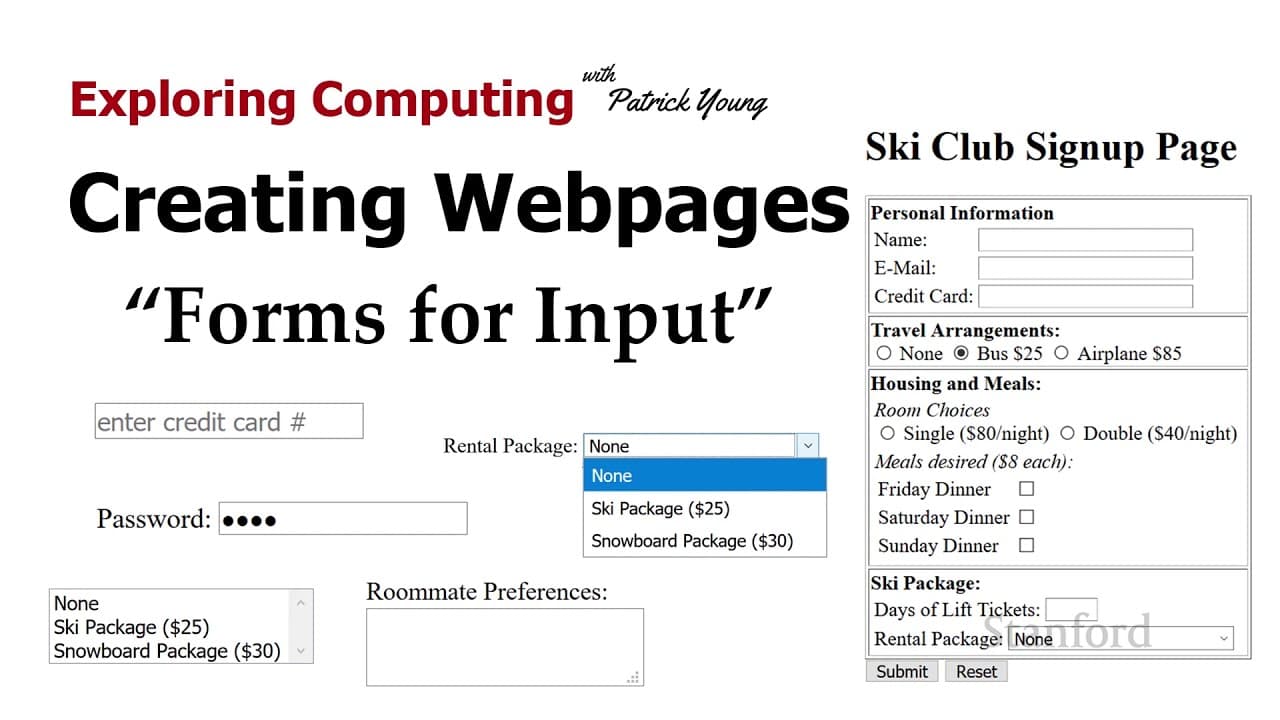
This video explains the basics of creating forms for user input on web pages.
Transcript
welcome to exploring computing today's video is creating web pages forms for inputs so so far we've been looking at how to present information on a web page but websites do more than just allow the presentation information they actually allow interaction between a viewer and the website itself and so in order to do this we need to use forms and so ... Read More
Key Insights
- 💁 Forms on web pages allow for interaction and information submission between users and websites.
- 👨🔬 Different types of forms cater to various purposes, such as search, advanced search, and account creation.
- 💁 HTML tags like input, select, and textarea are used to create different form elements.
- 🔘 Checkbox and radio buttons cater to mutually exclusive and non-exclusive choices, respectively.
- ⚡ The select tag creates dropdown menus, while the textarea tag allows for multi-line text input.
- 💁 Buttons, such as submit and reset, enable form submission and resetting of input values.
Install to Summarize YouTube Videos and Get Transcripts
Explore YouTube Video Summarizer or Get YouTube Transcript Extractor
Questions & Answers
Q: What is the purpose of forms on web pages?
Forms on web pages allow users to input and submit information, enabling interaction with the website.
Q: What are some examples of different types of forms?
Examples include search forms, advanced search forms, and account creation forms.
Q: How are form elements created in HTML?
Form elements such as text fields, checkboxes, radio buttons, select dropdowns, and buttons are created using specific HTML tags.
Q: Can multiple options be selected in a select dropdown?
By setting the multiple attribute, users can select more than one option in a select dropdown.
Q: How can the initial value of a form element be set?
Initial values for form elements can be set using attributes such as value, selected, or by placing the desired value between the opening and closing tags.
Summary & Key Takeaways
-
Forms on web pages allow for interaction between viewers and websites, enabling information submission.
-
Different types of forms exist, including search forms, advanced search forms, and account creation forms.
-
HTML tags such as input, select, textarea, and button are used to create form elements.
Read in Other Languages (beta)
Share This Summary 📚
Summarize YouTube Videos and Get Video Transcripts with 1-Click
Try YouTube Summary with ChatGPT & Claude or YouTube Transcript Generator
Explore More Summaries from Stanford Online 📚





Summarize YouTube Videos and Get Video Transcripts with 1-Click
Try YouTube Summary with ChatGPT & Claude or YouTube Transcript Generator