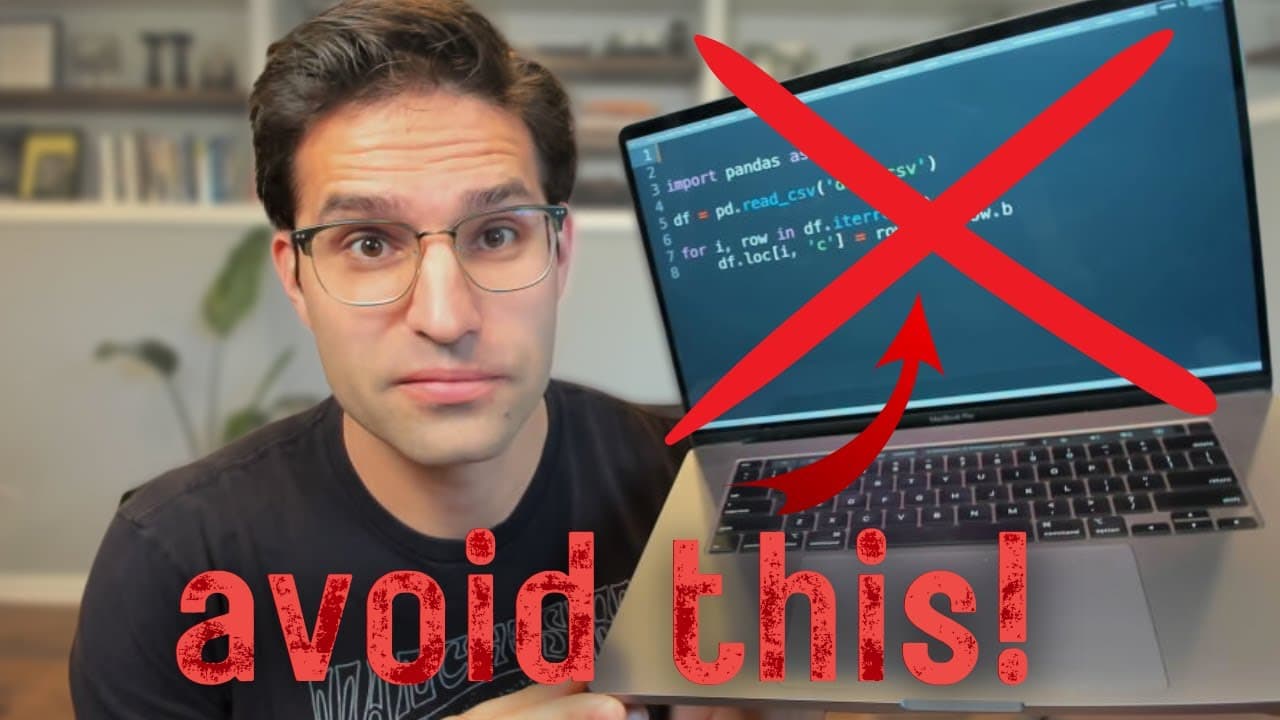
25 Nooby Pandas Coding Mistakes You Should NEVER make.
TL;DR
This video highlights 25 common mistakes made by new pandas users and provides tips on how to avoid them.
Transcript
in this video I'm going to go over my list of 25 mistakes that new pandas users often make in most of these cases the code will still run but there's a better way to implement the same functionality these mistakes will also be a dead giveaway to anyone reading your code that you're new to the library number one writing to a CSV with an unnecessary ... Read More
Key Insights
- 🫠 Avoid unnecessary indexes when writing to CSV to improve file readability and avoid issues when reading the CSV.
- 😒 Use underscores instead of spaces in column names for easier access and querying.
- ❓ Leverage the query method for powerful filtering of DataFrames.
- ♿ Use the "@" symbol to access external variables in query strings.
- 🥺 Avoid using inplace=True, as it can overwrite the original DataFrame and lead to unexpected results.
- 🤨 Prefer vectorized functions over iterating over rows for better performance.
- 🐼 Utilize pandas' built-in plotting methods instead of manually creating plots using matplotlib.
Install to Summarize YouTube Videos and Get Transcripts
Explore YouTube Video Summarizer or Get YouTube Transcript Extractor
Questions & Answers
Q: How can you avoid writing unnecessary indexes when saving a DataFrame to a CSV?
To avoid this mistake, set "index=False" when saving to CSV or specify an index column when reading the CSV.
Q: Why should column names with spaces be avoided in pandas?
Using spaces in column names can cause issues with accessing columns using dot syntax and can make querying more difficult.
Q: What is the benefit of leveraging the query method in pandas?
The query method allows for powerful filtering of DataFrames, especially with complex query criteria.
Q: Why is it discouraged to use "inplace=True" in pandas?
Using inplace=True overwrites the original DataFrame, which can lead to unexpected results and is generally not recommended by the pandas core developers.
Q: What is the preferred method for iterating over rows in a pandas DataFrame?
It is preferable to use vectorized functions instead of iterating over rows for better performance. For example, using the ">" operator to compare an entire column instead of iterating over each row.
Q: What is the advantage of using vectorized functions instead of apply in pandas?
Vectorized functions can be applied to an entire array or column, resulting in cleaner and faster code compared to using the apply method.
Q: How can you avoid making modifications to a slice of a DataFrame inadvertently?
To avoid making modifications to a slice of a DataFrame, use the copy method when creating a subset DataFrame.
Q: Why is it not recommended to create multiple intermediate DataFrames when making transformations?
Creating multiple intermediate DataFrames can lead to code repetition and inefficiency. It is better to use chaining commands to apply all transformations at once.
Key Insights:
- Avoid unnecessary indexes when writing to CSV to improve file readability and avoid issues when reading the CSV.
- Use underscores instead of spaces in column names for easier access and querying.
- Leverage the query method for powerful filtering of DataFrames.
- Use the "@" symbol to access external variables in query strings.
- Avoid using inplace=True, as it can overwrite the original DataFrame and lead to unexpected results.
- Prefer vectorized functions over iterating over rows for better performance.
- Utilize pandas' built-in plotting methods instead of manually creating plots using matplotlib.
- Apply string methods on entire arrays/columns using Pandas' string methods for cleaner and faster code.
Summary & Key Takeaways
-
Mistake 1: Writing unnecessary index when saving a DataFrame to a CSV.
-
Mistake 2: Using column names with spaces instead of underscores, which can cause issues.
-
Mistake 3: Not leveraging the query method to filter DataFrames effectively.
-
Mistake 4: Using string methods to create query strings instead of utilizing the "@" symbol.
-
Mistake 5: Using the "inplace=True" option, which is generally discouraged by the pandas core developers.
-
Mistake 6: Iterating over rows in a DataFrame instead of using vectorized functions.
-
Mistake 7: Using the apply method instead of vectorized functions for better performance.
-
Mistake 8: Treating a slice of a DataFrame as a new DataFrame without copying it.
Read in Other Languages (beta)
Share This Summary 📚
Summarize YouTube Videos and Get Video Transcripts with 1-Click
Try YouTube Summary with ChatGPT & Claude or YouTube Transcript Generator
Explore More Summaries from Rob Mulla 📚


Summarize YouTube Videos and Get Video Transcripts with 1-Click
Try YouTube Summary with ChatGPT & Claude or YouTube Transcript Generator