How to Create Videos with Canva's AI Tool
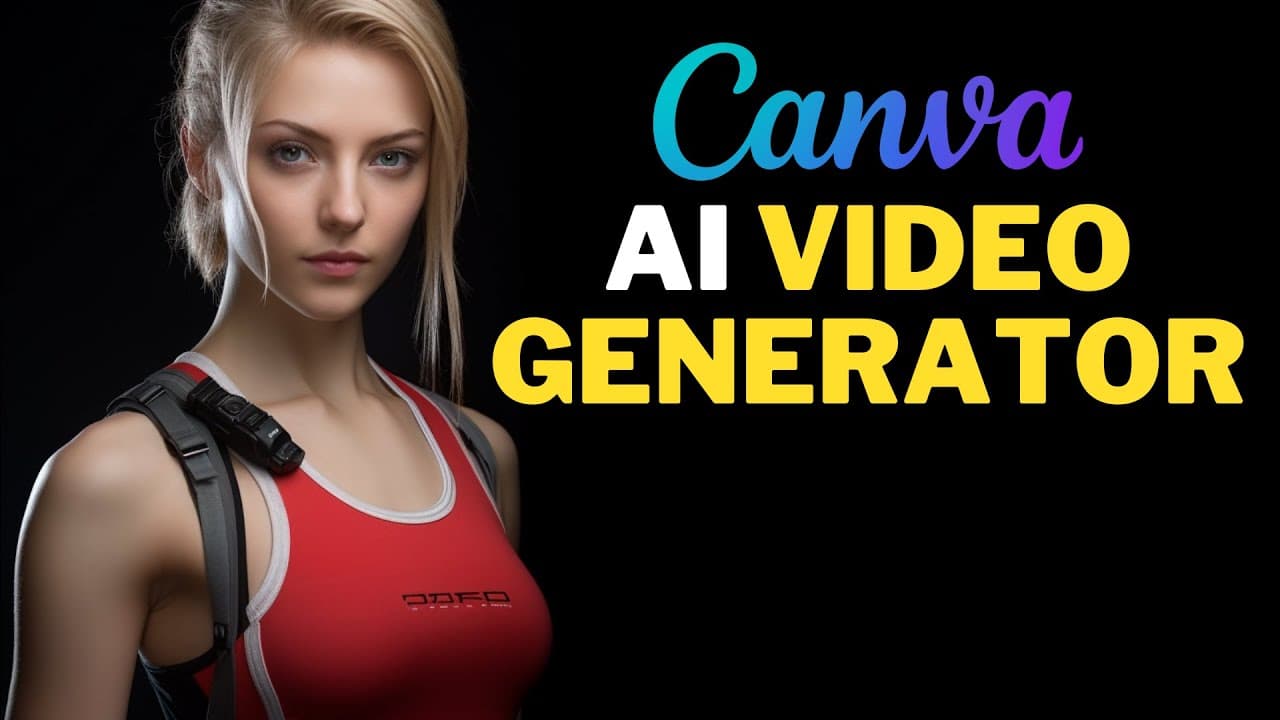
TL;DR
Create engaging videos effortlessly using Canva's AI video generator. Enhance your videos by specifying styles and customizing camera and lens options, plus animate text for added flair. Canva Pro users enjoy five free video credits each month and a 30-day free trial.
Transcript
this canva text to video AI tutorial will be divided into five parts make sure you watch all these parts to better understand how canva AI video generator works you can get 5 fre video credits per month using canva Pro if you don't have canva Pro you can try Campa Pro for free for 30 days using the link I provided in this video's description so let... Read More
Key Insights
- 🎮 Canva's AI video generator allows users to create videos by simply describing the video they want to create using natural language prompts.
- 🎮 Users can choose from various video styles, such as professional cinematography, to enhance the visual appearance of their videos.
- 🎥 Customizable camera and lens styles further provide creative options for making unique videos.
- 🪜 Text can be added and animated using Canva's Magic Morph app, adding more engagement to the videos.
- 🎮 Canva Pro users can benefit from 5 free video credits per month to create AI-generated videos.
- 🥶 Canva offers a 30-day free trial of Canva Pro, allowing users to try out the AI video generator and other features.
- 🧘 Reviewing and editing AI-generated videos is easy using the Canva editor.
Install to Summarize YouTube Videos and Get Transcripts
Explore YouTube Video Summarizer or Get YouTube Transcript Extractor
Questions & Answers
Q: How can I access Canva's text to video AI feature?
To access the Canva text to video AI feature, go to the apps page, click the try magic media button, choose the video option, and click the video tab under the magic media panel.
Q: How can I specify a video style for better results?
You can enhance your prompt by specifying a video style using the prompt format "subject plus in the style of plus video style." For example, you can choose the professional cinematography style.
Q: Can I customize the camera style in my AI video?
Yes, you can customize the camera style by adding it either at the beginning or end of your prompt. For example, you can use the drone camera style.
Q: Is it possible to customize the lens style in the AI video?
Absolutely, you can customize the lens style by adding the lens type at the beginning or end of your prompt. For instance, you can use the macro lens style.
Key Insights:
- Canva's AI video generator allows users to create videos by simply describing the video they want to create using natural language prompts.
- Users can choose from various video styles, such as professional cinematography, to enhance the visual appearance of their videos.
- Customizable camera and lens styles further provide creative options for making unique videos.
- Text can be added and animated using Canva's Magic Morph app, adding more engagement to the videos.
- Canva Pro users can benefit from 5 free video credits per month to create AI-generated videos.
- Canva offers a 30-day free trial of Canva Pro, allowing users to try out the AI video generator and other features.
- Reviewing and editing AI-generated videos is easy using the Canva editor.
- Canva's AI video generator is a powerful tool for creating visually appealing and engaging videos with minimal effort.
Summary & Key Takeaways
-
Canva's AI video generator allows users to create videos by using natural language or sample prompts.
-
Users can enhance their videos by specifying different video styles such as professional cinematography.
-
Customizable camera and lens styles can be added to give the videos a unique touch.
-
Text can be added and animated using Canva's Magic Morph app.
Read in Other Languages (beta)
Share This Summary 📚
Summarize YouTube Videos and Get Video Transcripts with 1-Click
Try YouTube Summary with ChatGPT & Claude or YouTube Transcript Generator
Explore More Summaries from How To In 5 Minutes 📚

Summarize YouTube Videos and Get Video Transcripts with 1-Click
Try YouTube Summary with ChatGPT & Claude or YouTube Transcript Generator