Coding Train Live 8: HTML / CSS / DOM with p5.js - Part 2
TL;DR
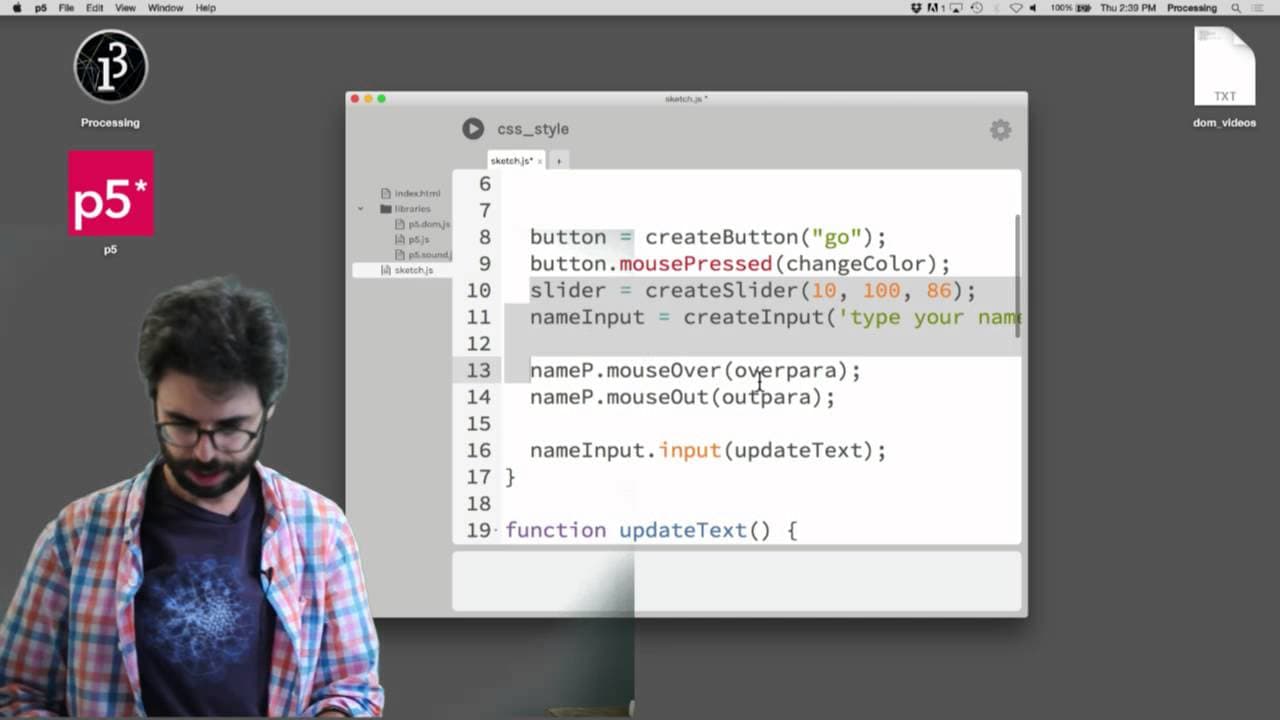
An experimental live streaming session showcasing CSS manipulation using p5.js.
Transcript
here test test test I'm trying a new wave of streaming I don't even have the mic in or anything it says the stream is offline uh let's see here live dashboard is anyone watching this zero people come on somebody tell me if this is working okay test test ah there's a slam on the door sorry that was very loud I'm testing a new streaming way of stream... Read More
Key Insights
- 🎮 CSS plays a vital role in web design, controlling the visual aspects of elements to enhance user experience.
- 🕸️ Combining CSS with JavaScript libraries like p5.js enables dynamic and interactive styling for engaging web applications.
- 🕸️ Understanding CSS selectors and properties empowers developers to structure and style web content effectively.
- 💨 Live coding sessions provide an engaging way to explore CSS concepts and practical applications in real-time.
- 🤗 Experimenting with CSS in live streams allows for hands-on learning and troubleshooting, showcasing the creative process of web development.
- ❓ Utilizing online CSS references and tutorials can supplement learning and broaden understanding of advanced styling techniques.
- 👤 Incorporating event-based styling in web development introduces interactive elements for user engagement and visual feedback.
Install to Summarize YouTube Videos and Get Transcripts
Explore YouTube Video Summarizer or Get YouTube Transcript Extractor
Questions & Answers
Q: What is CSS, and how does it relate to HTML and JavaScript?
CSS stands for Cascading Style Sheets, used for styling web elements while HTML provides structure and content, and JavaScript adds interactivity and behavior.
Q: How can CSS be applied to HTML elements in a webpage?
CSS can be added directly within the HTML file using <style> tags, referencing external CSS files or applying styles dynamically via JavaScript.
Q: What are CSS selectors, and why are they important?
CSS selectors target specific HTML elements to apply styles, allowing precise control over styling, from individual elements to groups of elements for consistent design.
Q: How can CSS styling be managed dynamically with p5.js?
p5.js allows for on-the-fly styling changes using the style function to dynamically modify the appearance of elements based on user interactions and events.
Summary & Key Takeaways
-
In an unplanned live session, the content creator explores CSS styles through direct HTML editing and p5.js manipulation.
-
Demonstrates how to add CSS styles directly in HTML, dynamically in JavaScript, and via the
stylefunction. -
Shows practical examples of styling paragraphs, buttons, and handling events for interactive styling changes.
Read in Other Languages (beta)
Share This Summary 📚
Summarize YouTube Videos and Get Video Transcripts with 1-Click
Try YouTube Summary with ChatGPT & Claude or YouTube Transcript Generator
Explore More Summaries from The Coding Train 📚






Summarize YouTube Videos and Get Video Transcripts with 1-Click
Try YouTube Summary with ChatGPT & Claude or YouTube Transcript Generator