Best FREE Photoshop Alternative You've NEVER Heard Of???
TL;DR
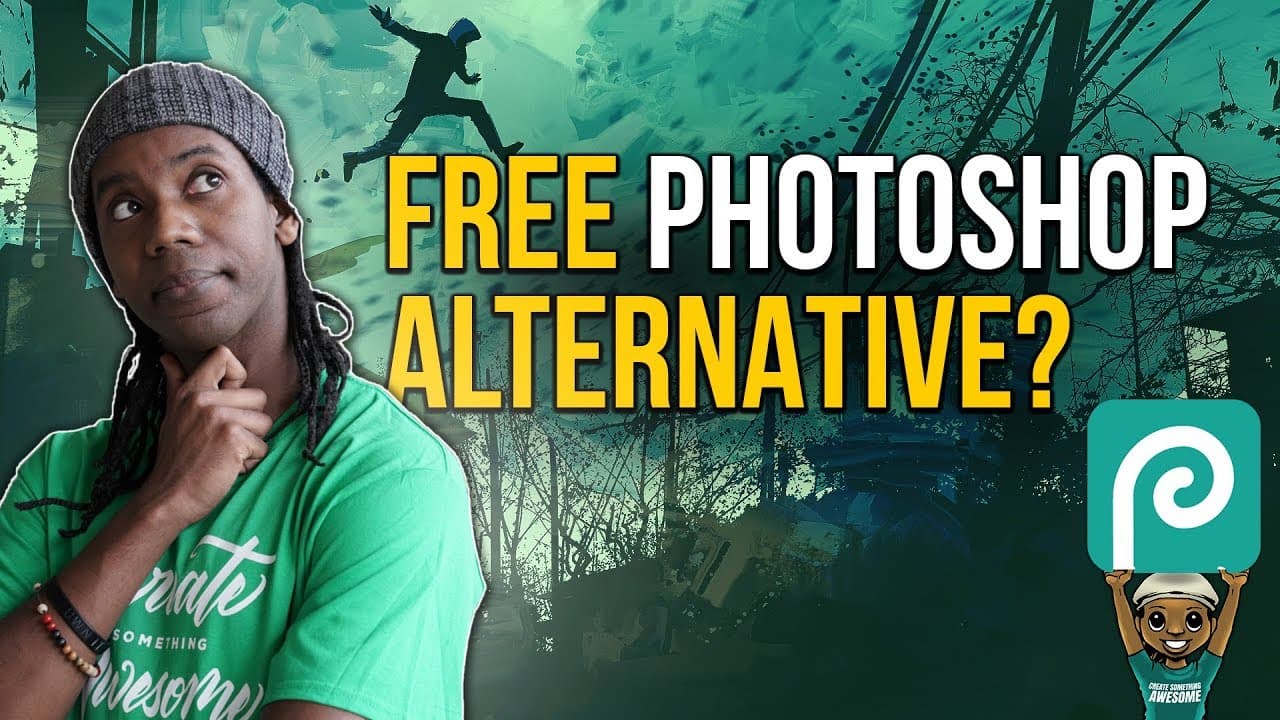
Photopea is a free browser-based alternative to Photoshop with similar features and compatibility with PSD files.
Transcript
- Hey everybody this is Roberto Blake helping you create something awesome today. I use Adobe Photoshop pretty frequently. I use it for all of my graphic design work for the most part. I use pretty much everything in the Adobe ecosystem. It's done the graphics of this YouTube channel, the graphics for awesomecreatoracademy.com, and the graphics for... Read More
Key Insights
- 🥶 Photopea is a free browser-based alternative to Photoshop, offering similar features and compatibility with PSD files.
- 🎨 Roberto Blake recommends Photopea as a cost-effective solution for graphic design projects, especially for beginners or those on a budget.
- 🈴 The ad-supported model of Photopea allows users to access professional-grade graphic design tools without incurring additional costs.
- 👤 The availability of budget-friendly software alternatives like Affinity Photo and Designer, Gimp, and Pixlr provides options for users with varying needs and budgets.
- 👤 Photopea's browser-based platform makes it accessible to users on different operating systems, expanding its reach and usability.
- 🎨 Roberto Blake emphasizes the importance of exploring budget solutions for graphic design, acknowledging the challenges of limited finances in creative endeavors.
- 🤗 Open-source software solutions like Photopea play a crucial role in providing accessible tools for creators and fostering innovation in the industry.
Install to Summarize YouTube Videos and Get Transcripts
Explore YouTube Video Summarizer or Get YouTube Transcript Extractor
Questions & Answers
Q: What is Photopea and how does it compare to Photoshop?
Photopea is a free browser-based alternative to Photoshop, offering similar features and compatibility with PSD files. It is ad-supported but provides a cost-effective solution for graphic design projects.
Q: Why did Roberto Blake recommend Photopea to his audience?
Roberto Blake recommended Photopea as a budget-friendly solution for those who cannot afford Adobe products. He wanted to provide his students and followers with a free option to access graphic design resources.
Q: How does Photopea contribute to the open-source software community?
Photopea is an open-source platform that offers a free alternative to Photoshop. It allows users to access professional-grade graphic design tools without a premium cost, contributing to the availability of open-source solutions.
Q: What other software alternatives did Roberto Blake mention besides Photopea?
Besides Photopea, Roberto Blake mentioned other budget-friendly software options like Affinity Photo and Designer, Gimp, and Pixlr for graphic design projects.
Summary & Key Takeaways
-
Roberto Blake introduces Photopea, a free alternative to Photoshop, ideal for beginners or those on a budget.
-
Photopea offers similar features to Photoshop, including the ability to open and save PSD files.
-
The browser-based application is ad-supported but provides a convenient and cost-effective solution for graphic design projects.
Read in Other Languages (beta)
Share This Summary 📚
Summarize YouTube Videos and Get Video Transcripts with 1-Click
Try YouTube Summary with ChatGPT & Claude or YouTube Transcript Generator
Explore More Summaries from Roberto Blake 📚






Summarize YouTube Videos and Get Video Transcripts with 1-Click
Try YouTube Summary with ChatGPT & Claude or YouTube Transcript Generator