Xbox Series X|S Tips, Tricks & Hidden Features!! YOU GOTTA SEE!!
TL;DR
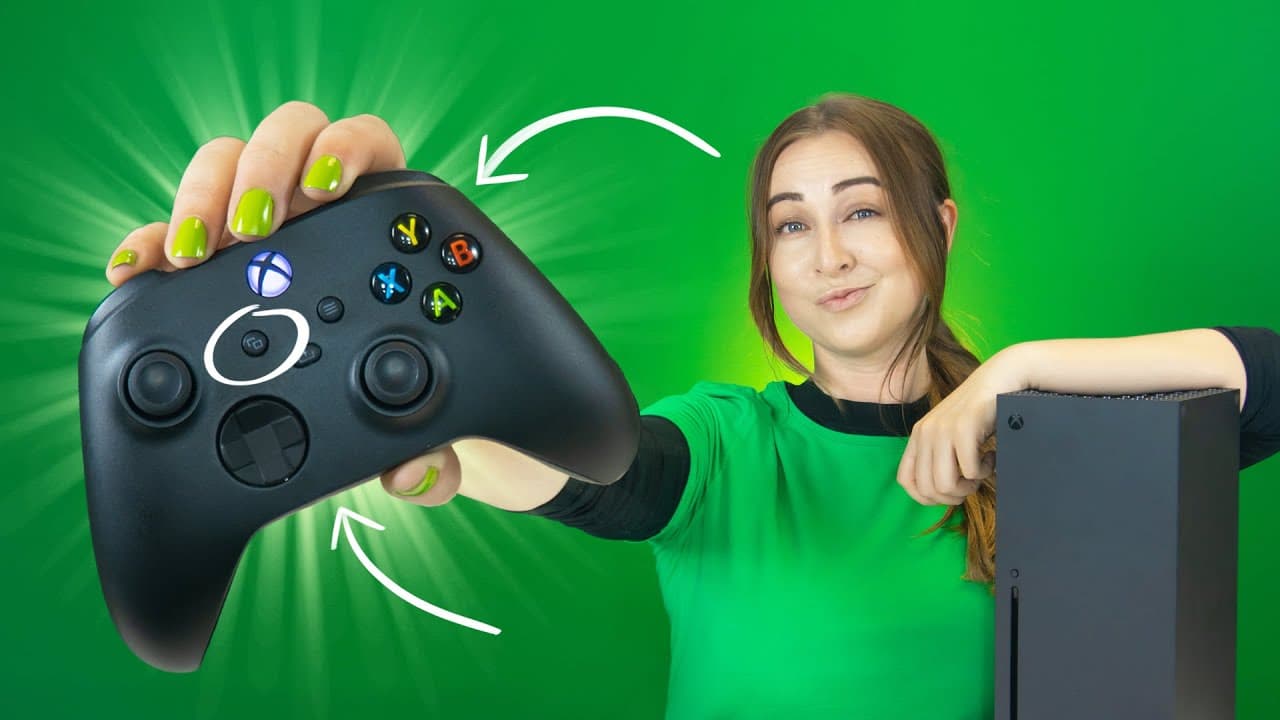
The Xbox Series X offers exciting features like remote play on phones, using your phone as a controller, connecting Bluetooth headphones, convenient controller charging, 4K gaming, Xbox Game Pass, expanding storage, Google Assistant compatibility, and customizable dashboard options.
Transcript
so guys the xbox series x has some of the coolest features that you probably didn't know existed like jamming xbox from your phone google assistant controls and even epic accessories i'm gonna show you it all and kinda blow your mind also you may wanna stay till the end because i've got some epic xbox game passes to give away to you guys so let's g... Read More
Key Insights
- 🎮 The Xbox Series X offers remote play functionality, allowing players to enjoy games on mobile devices without the need to carry the console.
- 😀 Using the Xbox app, players can transform their phone into a controller, making navigation and typing easier.
- 🎧 Bluetooth headphones can be connected to the console via a workaround involving pairing them with a phone and using the Xbox app.
- 🔋 The Xbox charger kit offers a rechargeable battery for controllers, providing convenience and eliminating the need for disposable batteries.
- 🎮 The console supports 4K gaming with HDR and 120 frames per second, enhancing the visual and gameplay experience.
- 🎮 Xbox Game Pass provides subscribers with access to a vast library of high-quality games for console, PC, and mobile.
- 👾 External storage can be expanded using regular SSDs, offering additional space for games and applications.
- 🎮 Google Assistant compatibility allows users to control their Xbox console with voice commands.
- 🏪 The customizable dashboard and quick resume feature enhance the personalization and convenience of the gaming experience.
Install to Summarize YouTube Videos and Get Transcripts
Explore YouTube Video Summarizer or Get YouTube Transcript Extractor
Questions & Answers
Q: How can I play Xbox games on my phone?
Install the Xbox app on your phone, tap on the remote play icon, and select remote play on this device. Your phone will connect to your console, allowing you to play games on the go with your controller.
Q: Can I use my phone as a controller for Xbox?
Yes, by opening the Xbox app, selecting the remote control icon, and tapping the keyboard icon, you can use your phone as a controller, including typing and searching for games.
Q: How can I connect Bluetooth headphones to my Xbox Series X?
Pair your Bluetooth headphones with your phone, open the Xbox app, and select remote play with this device. The audio from your console will be streamed to your phone, providing a workaround for using Bluetooth headphones.
Q: What are the benefits of the Xbox charger kit for controllers?
The Xbox charger kit offers a rechargeable battery for controllers, eliminating the need for disposable batteries. The battery can be recharged during gameplay, and the controller can even be powered directly through a USB cable.
Q: How can I optimize my gaming experience on Xbox Series X?
Adjust the settings on your console to enable 4K resolution and 120Hz refresh rate, providing a smooth and immersive gaming experience. Ensure that your game supports these features.
Q: What is Xbox Game Pass?
Xbox Game Pass is a monthly subscription service that offers access to a wide variety of high-quality games for console, PC, and mobile devices. It includes EA games and titles optimized for the Xbox Series X.
Q: How can I expand the storage on my Xbox Series X?
You can use regular SSDs by connecting them to the front USB port of the console. Format the SSD for games and applications through the Xbox settings, ensuring you have ample storage space.
Q: Can I control my Xbox using Google Assistant?
Yes, you can add your Xbox as a new device to the Google Assistant app. This allows you to turn on and off your console with voice commands, enhancing convenience.
Summary & Key Takeaways
-
Xbox Series X allows remote play on mobile phones, enabling gameplay on-the-go without the need to carry the console.
-
The Xbox app turns your phone into a controller, making it easier to navigate and search for games using the phone's keyboard.
-
It is possible to connect Bluetooth headphones to the console using a workaround and enjoy synchronized audio.
-
The Xbox charger kit offers a rechargeable battery for controllers, eliminating the need for disposable batteries.
-
4K resolution with HDR and 120 frames per second is supported, providing an immersive gaming experience.
-
Xbox Game Pass offers a vast library of high-quality games for console, PC, and mobile devices.
-
External storage can be expanded using regular SSDs, offering more space to store games and applications.
-
Google Assistant can be used to control the Xbox console, providing convenient voice commands.
-
The customizable dashboard allows users to personalize their gaming experience with different themes, sections, and background pictures.
-
Quick Resume feature enables seamless game switching, thanks to the built-in SSD.
-
The console is backward compatible with Xbox One and Xbox 360 games, expanding game options for players.
Read in Other Languages (beta)
Share This Summary 📚
Summarize YouTube Videos and Get Video Transcripts with 1-Click
Try YouTube Summary with ChatGPT & Claude or YouTube Transcript Generator
Explore More Summaries from Hayls World 📚






Summarize YouTube Videos and Get Video Transcripts with 1-Click
Try YouTube Summary with ChatGPT & Claude or YouTube Transcript Generator