How to Upload to a Private S3 Bucket from the Browser
TL;DR
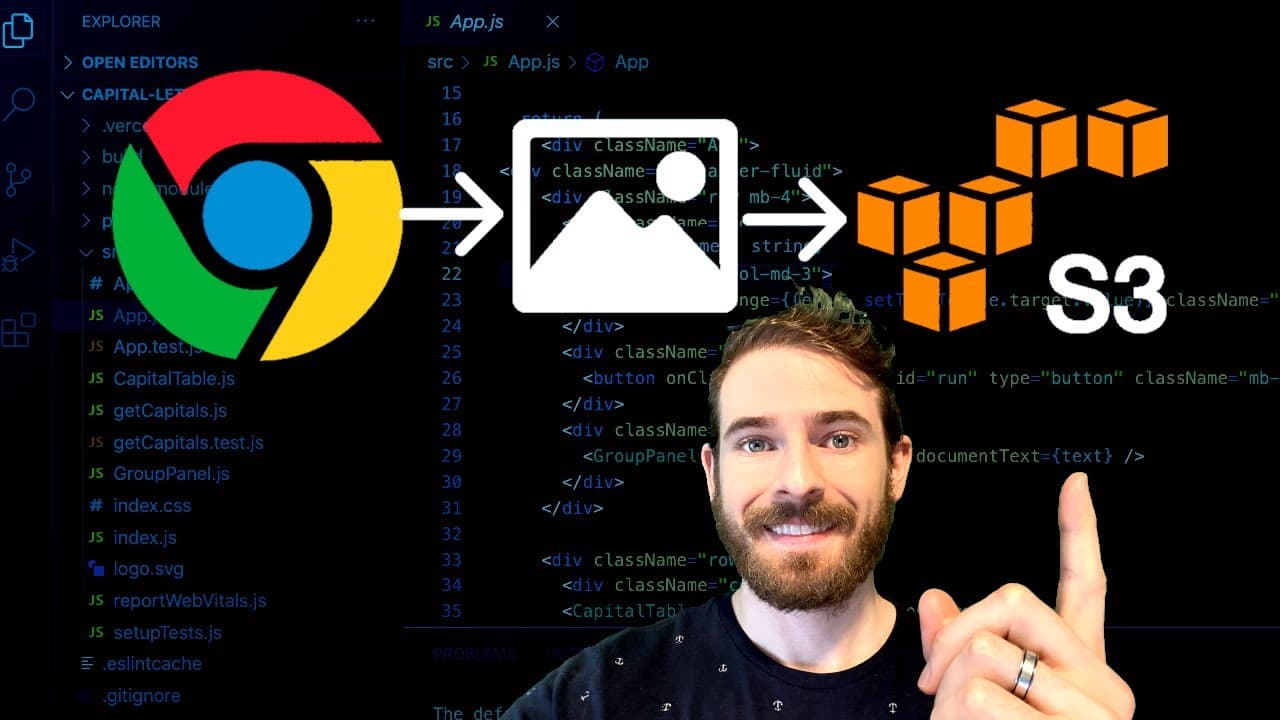
Learn how to upload files to AWS S3 from a UI.
Transcript
what is up everyone i hope you're having a great day welcome back to another web dev junkie video my name is cody cyber in this video what i'm going to show you is how to upload to an s3 bucket from your ui so let me just give you a little demo and then we can kind of dive into how i did this so i have a ui here which just has a form with an input ... Read More
Key Insights
- 📁 Direct uploads to S3 enhance application performance by reducing server load and improving file transfer speed.
- 😑 Pre-signed URLs provide a temporary and secure way to interact with S3 without exposing sensitive credentials.
- 😭 Understanding AWS SDK and setting up Express for backend processing are vital skills for modern web developers.
- 📁 Maintaining specific conditions while uploading (like file type and size) is crucial for both security and data integrity.
- 📁 Implicit security features such as UID generation help prevent accidental file overwrites in S3 buckets.
- 😑 Time-limited pre-signed URLs mitigate the risk of unauthorized uploads by expiring after a short duration.
- 💁 Structuring the upload form properly ensures that the S3 upload process functions without errors, thus providing a smoother user experience.
Install to Summarize YouTube Videos and Get Transcripts
Explore YouTube Video Summarizer or Get YouTube Transcript Extractor
Questions & Answers
Q: What is the advantage of using a pre-signed URL for S3 uploads?
Using a pre-signed URL allows clients to upload files directly to an S3 bucket without needing to expose AWS credentials. This enhances security since users obtain temporary access limited by time and permissions, minimizing risk while efficiently managing file uploads.
Q: How is the Express server set up in the tutorial?
The Express server is set up to handle a get request for generating a pre-signed URL to upload files. It utilizes AWS SDK to create a key, set conditions like file type and size limits, and specify the duration of the upload permission, returning the necessary information back to the client.
Q: What security measures are emphasized in uploading files to S3?
Security measures include generating a random unique identifier (UID) for each file to prevent overwrites, validating file types and sizes, and restricting access to the pre-signed URL by implementing user roles or IDs. The URL expires after a short time frame to reduce potential misuse.
Q: Why is it recommended to append the file last in the form data?
It's crucial to append the file last in the form data due to how S3 expects the data to be organized for validation. S3 processes fields in the order they are received, and having the file last ensures correct parsing and secure upload handling.
Summary & Key Takeaways
-
The tutorial demonstrates how to upload files directly to an AWS S3 bucket using a user interface, which enhances performance and user experience.
-
It explains the process of generating a pre-signed URL via an Express server, permitting users to upload files securely to a private S3 bucket.
-
The video covers both front-end and back-end implementations, ensuring the user understands necessary code, security implications, and how to properly format requests for S3 uploads.
Read in Other Languages (beta)
Share This Summary 📚
Summarize YouTube Videos and Get Video Transcripts with 1-Click
Try YouTube Summary with ChatGPT & Claude or YouTube Transcript Generator
Explore More Summaries from Web Dev Cody 📚





Summarize YouTube Videos and Get Video Transcripts with 1-Click
Try YouTube Summary with ChatGPT & Claude or YouTube Transcript Generator