How To Edit YouTube Videos
TL;DR
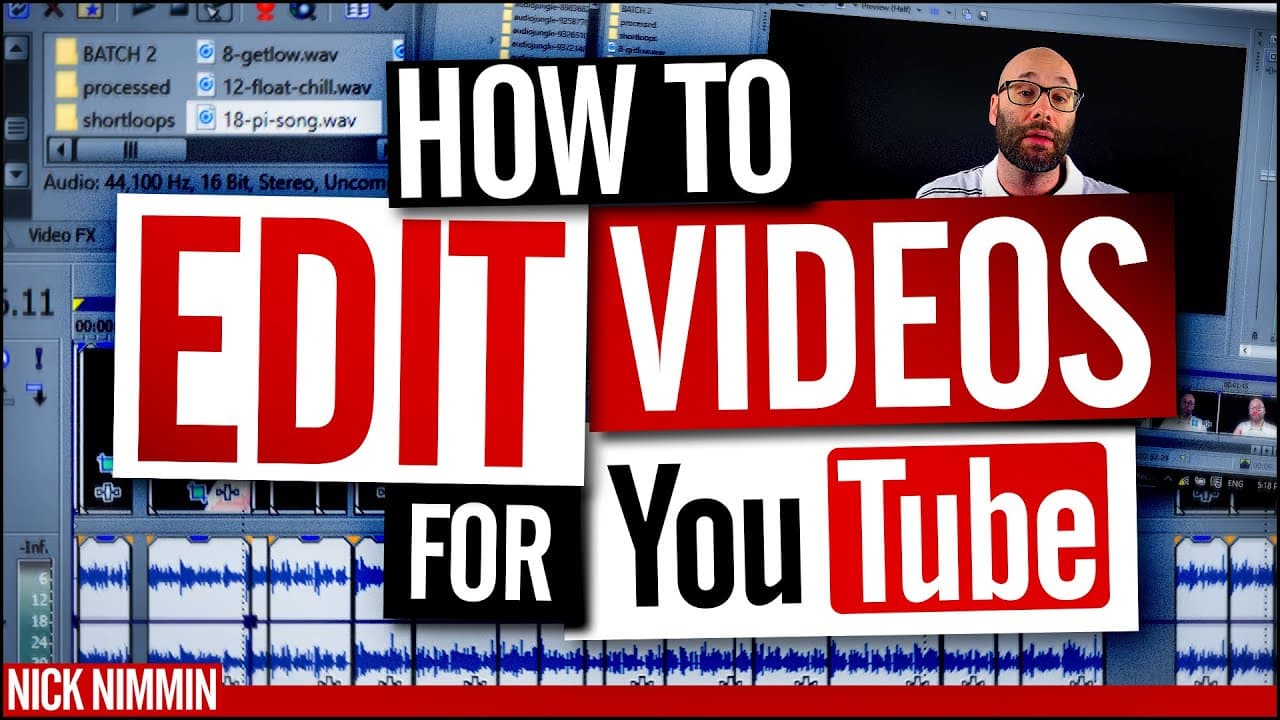
Learn how to edit videos for YouTube and make them more interesting by using color correction, stock footage, transitions, and motion graphics.
Transcript
I'm going to show you how I edit my videos to make them more interesting to hide mistakes I'm going to show you how to keep the momentum going as well as some other tricks that you can use to make your videos look fantastic and we're starting right now I'm Nick this is video 6 in the series on how to make videos for YouTube if you have not watched ... Read More
Key Insights
- 👀 Color correction is essential for making videos look professional by using a gray card and color corrector plugin.
- 🎮 Stock footage and graphics can be utilized to add visual interest and illustrate ideas in videos.
- ⏯️ Effective use of jump cuts helps maintain momentum and avoids awkward pauses.
- 💇 Hiding mistakes in editing can be achieved through techniques like zoom cuts, transitions, and leaving video notes for reference.
- 🎮 Motion graphics and adding effects enhance the overall engagement and impact of videos.
- 👣 Variety in track layers and organization in the editing process can optimize efficiency.
- 🥶 Utilizing free editing software can still achieve effective results without expensive plugins.
Install to Summarize YouTube Videos and Get Transcripts
Explore YouTube Video Summarizer or Get YouTube Transcript Extractor
Questions & Answers
Q: How important is color correction in making videos look professional?
Color correction plays a crucial role in enhancing the visual appeal of videos, making them look more polished and professional. The use of a gray card and the color corrector plugin in Sony Vegas helps balance colors and improve the overall aesthetics.
Q: How can motion graphics and stock footage be used to make videos more engaging?
Motion graphics and stock footage can add visual interest and help illustrate ideas in videos. Adding motion, such as zooming or panning, to stock graphics or images creates a more dynamic and engaging visual experience for viewers.
Q: How can jump cuts be utilized effectively in video editing?
Jump cuts can be used to maintain a fast-paced momentum in videos. By cutting between sentences or phrases closely in the audio waveform, the flow of the video is kept smooth and prevents any awkward pauses or dead space.
Q: What are some techniques for hiding mistakes in video editing?
Mistakes can be hidden by using stock footage or graphics to cover up any undesirable parts. Zoom cuts, transitions, or even leaving video notes for future reference can help conceal mistakes and maintain a seamless flow in the video.
Summary & Key Takeaways
-
The content provides a tutorial on the process of editing videos for YouTube, focusing on color correction, using stock assets, and speeding up the editing process.
-
The instructor shares the importance of color in making videos look professional, using a gray card for color correction, and enhancing colors for a more visually appealing result.
-
The instructor demonstrates the video editing process using Sony Vegas 12, showcasing various tracks, including video, audio, music, stock footage, graphics, and branding elements.
Read in Other Languages (beta)
Share This Summary 📚
Summarize YouTube Videos and Get Video Transcripts with 1-Click
Try YouTube Summary with ChatGPT & Claude or YouTube Transcript Generator
Explore More Summaries from Nick Nimmin 📚



Summarize YouTube Videos and Get Video Transcripts with 1-Click
Try YouTube Summary with ChatGPT & Claude or YouTube Transcript Generator