How Does C++ Source Code Become an Executable? Build Process Explained (Preprocess, Compile, Assemble, Link, Load)
TL;DR
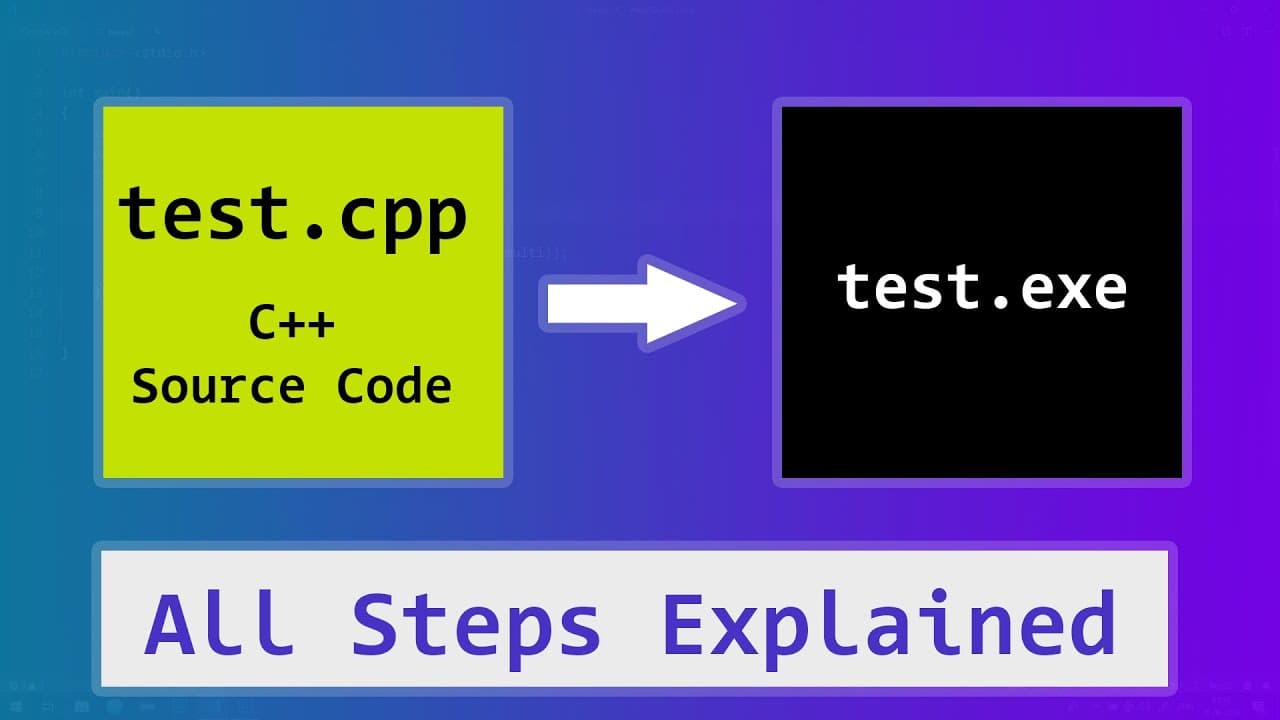
A C++ program becomes an executable through five stages: the preprocessor cleans the code and pulls in header file content, the compiler turns it into assembly code, the assembler produces object code, the linker combines the object files with required libraries into an executable, and the loader loads it into RAM for the CPU to run. Source code lives in .cpp files while declarations live in .h or .hpp header files. Read on to see how each program in the toolchain fits together.
Transcript
Hi this is Anil from LearningLad and welcome to another C++ video. In this video we will see all the steps involved from writing a C++ program to generating an executable file and then executing that generated executable file. Now before getting started, this video is for beginners and i have a simplified a lot of things in this video. let's get st... Read More
Key Insights
- 💻 C++ is a general-purpose programming language used to write computer programs.
- 📁 Source files (.cpp) contain the implementation of features, while header files (.h or .hpp) contain their declarations.
- 🍻 The build process involves preprocessing, compiling, assembling, linking, and loading to create and execute an executable file.
- 🤩 Preprocessor, compiler, assembler, linker, and loader are the key programs involved in the build and execution process.
- 📚 Libraries, both standard and external, provide additional features that can be included in a C++ program.
- 👨💻 The output of an executed program may vary based on the correctness of the source code.
Install to Summarize YouTube Videos and Get Transcripts
Explore YouTube Video Summarizer or Get YouTube Transcript Extractor
Questions & Answers
Q: What are the steps to compile C++ source code into an executable?
The build process runs through several programs in order: the preprocessor, the compiler, the assembler, the linker, and finally the loader. Preprocessing cleans the code and includes header content, the compiler generates assembly code, the assembler generates object code, the linker joins the object files with libraries into an executable, and the loader loads and runs it.
Q: How does C++ get turned into machine code the CPU can run?
The compiler translates the preprocessed source into assembly code, and the assembler then converts that assembly into object code. The linker combines the object files with the required libraries to produce the final executable, which the loader places into main memory (RAM) so the CPU can execute it.
Q: What is the difference between source files and header files in C++?
Source files (.cpp) contain the implementation of features, while header files (.h or .hpp) contain the declarations of features without the implementation. A header declares things like the feature's name and the values it needs to run, and it is included in source files so those features can be accessed.
Q: What does the preprocessor do in the C++ build process?
The preprocessor cleans up the code, removes unnecessary spaces and comments, and includes the content of header files into the source code. It produces an intermediate file (.ii) containing the preprocessed code that is then passed to the compiler.
Q: How does the linker turn object files into an executable?
The linker takes the object files generated from the source and links them together along with the required libraries to create a single executable file. If any required libraries are missing, the linker produces an error instead of an executable.
Q: What is the purpose of the loader when running a C++ program?
The loader loads the executable file into main memory (RAM) along with any required libraries. The CPU then executes the program, and the loader returns the output. Its job is running the already-built executable, not building it.
Q: What file extensions are used for C++ source and header files?
The most common C++ source file extension is .cpp, though .cc, .cxx, .cp, and capital .C are also used. Header files use .h or .hpp, and .hpp is preferred for C++ so it can be distinguished from C header files, which use .h.
Q: Why does a C++ program use libraries during the build?
The C++ standard library provides built-in features for common tasks like printing text to the screen or reading user input, so you can call those features instead of writing them yourself. You can also include external libraries, which are features created and shared by other programmers, and the linker pulls in these libraries when building the executable.
Summary & Key Takeaways
-
The C++ programming language is used to write computer programs, and the code written in C++ is called the source code.
-
Source files in C++ have the extension .cpp, while header files have the extension .h or .hpp. Header files contain declarations of features, while source files contain implementations.
-
The build process involves preprocessing the code, compiling it to generate assembly code, assembling it to generate object code, linking the object files to create an executable file, and finally loading and executing the program.
Read in Other Languages (beta)
Share This Summary 📚
Summarize YouTube Videos and Get Video Transcripts with 1-Click
Try YouTube Summary with ChatGPT & Claude or YouTube Transcript Generator
Explore More Summaries from LearningLad 📚



Summarize YouTube Videos and Get Video Transcripts with 1-Click
Try YouTube Summary with ChatGPT & Claude or YouTube Transcript Generator