Flutter Firebase Master Class Tutorial Complete App | Backend Data Storage
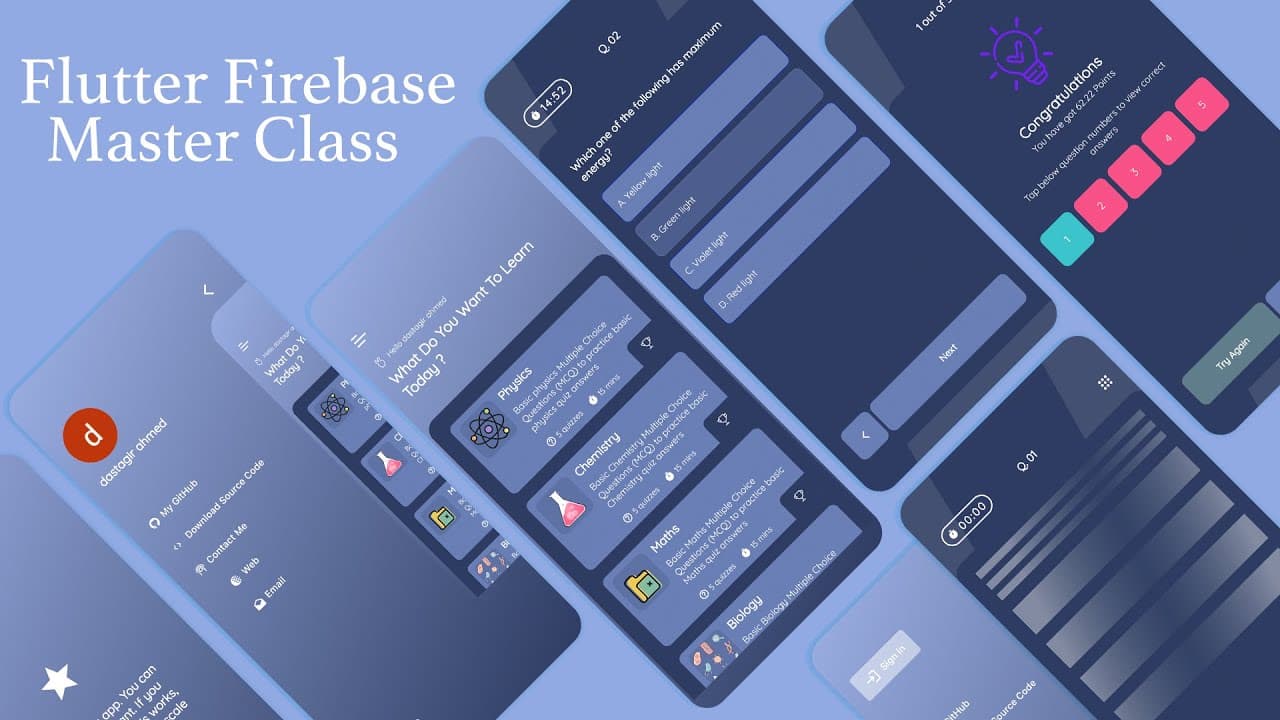
TL;DR
This analysis discusses how to create a Firebase project, configure Flutter with Firebase, upload JSON data to Firebase Firestore, and create collections and documents programmatically.
Transcript
ice in my veins i've been driving this train years in this lane there's no stop in this flame cause i came to the game and i changed it to play how i like rearranged it to my own domain yeah i got what it takes made lots of mistakes taking shots skipping breaks feeling lost feeling great popping off singing straight never stop never chang... Read More
Key Insights
- 😀 Configuring Flutter with Firebase is essential for integrating Firebase services into your app.
- 👨💻 Uploading JSON data to Firebase Firestore requires configuring Firebase CLI and using Flutter code.
- 📜 Creating collections and documents programmatically can be done using the batch operation in Firebase Firestore.
Install to Summarize YouTube Videos and Get Transcripts
Explore YouTube Video Summarizer or Get YouTube Transcript Extractor
Questions & Answers
Q: How do you create a Firebase project?
To create a Firebase project, you need to go to the Firebase website, give it a name, and choose the desired platform (iOS, Android, and web). Once created, you can configure your project with Flutter.
Q: What is the purpose of configuring Flutter with Firebase?
Configuring Flutter with Firebase allows you to connect your Flutter app with the Firebase project. This enables you to use Firebase services, such as Firestore, within your app.
Q: How do you upload JSON data to Firebase Firestore?
To upload JSON data to Firebase Firestore, you need to create a new project in Firebase, configure it with your Flutter app, install the necessary dependencies, and use the Firebase CLI to log in and configure your project. After that, you can upload the JSON data to the backend using Flutter code.
Q: How can you create collections and documents programmatically?
To create collections and documents programmatically, you can use the Firebase Firestore batch operation. This allows you to create collections, documents, and fields using Flutter code. You can loop through your JSON data and set the desired fields for each document.
Key Insights:
- Configuring Flutter with Firebase is essential for integrating Firebase services into your app.
- Uploading JSON data to Firebase Firestore requires configuring Firebase CLI and using Flutter code.
- Creating collections and documents programmatically can be done using the batch operation in Firebase Firestore.
- Properly setting up references and fields in Firebase Firestore is crucial for organizing and storing data efficiently.
Summary & Key Takeaways
-
The content outlines the process of creating a Firebase project and configuring Flutter with Firebase.
-
It explains how to upload JSON data to Firebase Firestore and create collections and documents programmatically.
-
It covers the process of setting up references and fields within the Firebase Firestore.
Read in Other Languages (beta)
Share This Summary 📚
Summarize YouTube Videos and Get Video Transcripts with 1-Click
Try YouTube Summary with ChatGPT & Claude or YouTube Transcript Generator
Explore More Summaries from dbestech 📚

Summarize YouTube Videos and Get Video Transcripts with 1-Click
Try YouTube Summary with ChatGPT & Claude or YouTube Transcript Generator