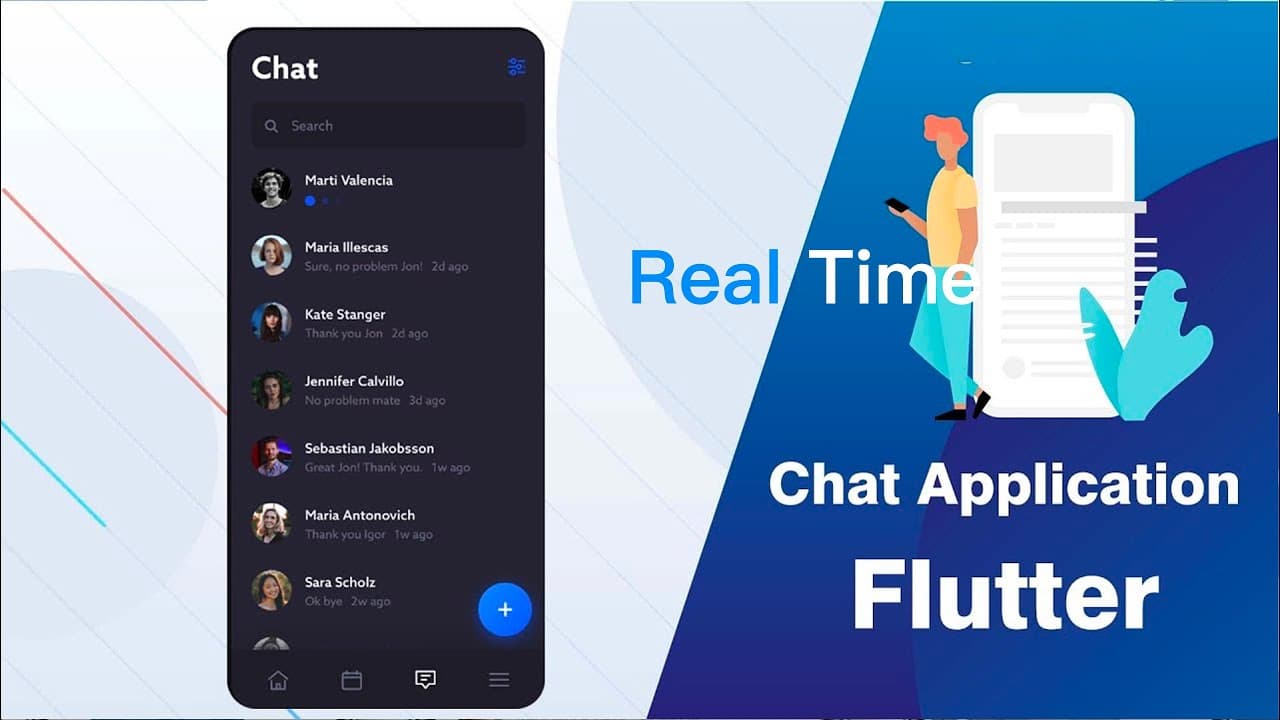
Flutter Firebase Chat App
TL;DR
Learn how to build a chat app using Flutter, GetX, and Firebase.
Transcript
icing my veins I've been driving this train he is in this Lane there's no stopping this Frame cause I came to the game and I changed it to play how I like rearranged it to my own domain yeah I got what it takes made lots of mistakes taking shots keeping breaks feeling lost feeling great popping off singing straight never stop never changed all the ... Read More
Key Insights
- 😀 The content provided contains information about setting up a Firebase project and connecting it to an app using Flutter.
- 🔗 The tutorial walks through creating a Firebase project, configuring Firebase app settings, connecting the app to the Firebase console, and setting up necessary folders and files.
- 🔥 The tutorial explains how to configure Firebase settings automatically using FlutterFire tool, which simplifies the process.
- 🖥️ The tutorial provides code snippets and instructions for setting up various components of the app, such as initializing Firebase, configuring routes, and creating UI elements like logo, text, buttons, and images.
- 🔄 The tutorial demonstrates how to use GetX library for state management, including using bindings, controllers, and states.
- 📱 The tutorial covers working with different screens/pages in the app, including navigation between them.
- 💻 The tutorial explains how to handle sign-in using Google Sign-In API and save user information to the Firestore database.
- 💾 The tutorial explores saving and retrieving data from the Firebase Firestore database, including using models for data conversion.
- 🚀 The tutorial shows how to run and test the app on iOS and Android simulators, addressing potential errors and issues during the process.
Install to Summarize YouTube Videos and Get Transcripts
Explore YouTube Video Summarizer or Get YouTube Transcript Extractor
Questions & Answers
Q: How do you connect a Flutter app to Firebase?
To connect a Flutter app to Firebase, you need to create a Firebase project and download the Firebase configuration files. Then update the dependencies in your app's pubspec.yaml file and configure the Firebase settings in your project's build.gradle and AndroidManifest.xml files.
Q: What is GetX and how is it used in the app?
GetX is a state management library for Flutter. In this app, GetX is used to manage the state of the welcome page and handle navigation between different screens. It also simplifies the process of accessing and updating user information in Firebase Firestore.
Q: How does the app handle user authentication?
The app uses Google sign-in authentication to allow users to log in. When the user clicks on the "Sign In with Google" button, the app initiates the Google sign-in flow and retrieves the user's email, display name, and profile picture. The user information is then saved to Firebase Firestore.
Q: How are the image slides and dot indicators implemented?
The image slides and dot indicators are implemented using the PageView and DotsIndicator widgets. The PageView widget displays a list of images that the user can swipe through. The DotsIndicator widget creates a row of dots that represents each image, allowing the user to see their progress within the slide show.
Q: How is user information saved to Firebase Firestore?
When the user signs in with Google, their information is retrieved and saved to Firebase Firestore using the Firestore package and the collection and document methods. The user's email, display name, and profile picture URL are stored as fields in a Firestore document. This document is then added to the "users" collection in Firebase Firestore.
Summary & Key Takeaways
-
Create a Firebase project and connect it to your Flutter app.
-
Set up the welcome page and implement a page view with image slides and dot indicators.
-
Add a login button that uses Google sign-in authentication.
-
Save user information to Firebase Firestore.
Read in Other Languages (beta)
Share This Summary 📚
Summarize YouTube Videos and Get Video Transcripts with 1-Click
Try YouTube Summary with ChatGPT & Claude or YouTube Transcript Generator
Explore More Summaries from dbestech 📚
Summarize YouTube Videos and Get Video Transcripts with 1-Click
Try YouTube Summary with ChatGPT & Claude or YouTube Transcript Generator