Products
Features
YouTube Video Summarizer
Summarize YouTube videos
Web & PDF Highlighter
Highlight web pages & PDFs
Chat with PDF
Ask any PDF questions with AI
Ask AI Clone
Chat with your highlights & memories
Audio Transcriber
Transcribe audio files to text
Glasp Reader
Read and highlight articles
Kindle Highlight Export
Export your Kindle highlights
Idea Hatch
Hatch ideas from your highlights
Integrations
Obsidian Plugin
Notion Integration
Pocket Integration
Instapaper Integration
Medium Integration
Readwise Integration
Snipd Integration
Hypothesis Integration
Apps & Extensions
Chrome Extension
Safari Extension
Edge Add-ons
Firefox Add-ons
iOS App
Android App
Discover
Discover
Ideas
Discover new ideas and insights
Articles
Curated articles and insights
Books
Book recommendations by great minds
Posts
Essays and notes from readers
Quotes
Inspiring quotes collection
Videos
Curated videos and summaries
Explore Glasp
Glasp Newsletter
Weekly insights and updates
Glasp Talk
Interview series with great minds
Glasp Blog
Latest news and articles
Glasp Use Cases
Learn how others use Glasp
Build & Support
Glasp API
Access Glasp's API for developers
MCP Connector
Connect Glasp to Claude & ChatGPT
Community
Glasp Reddit Community
Students
Student discount and benefits
FAQs
Frequently Asked Questions
AboutPricing
DashboardLog inSign up

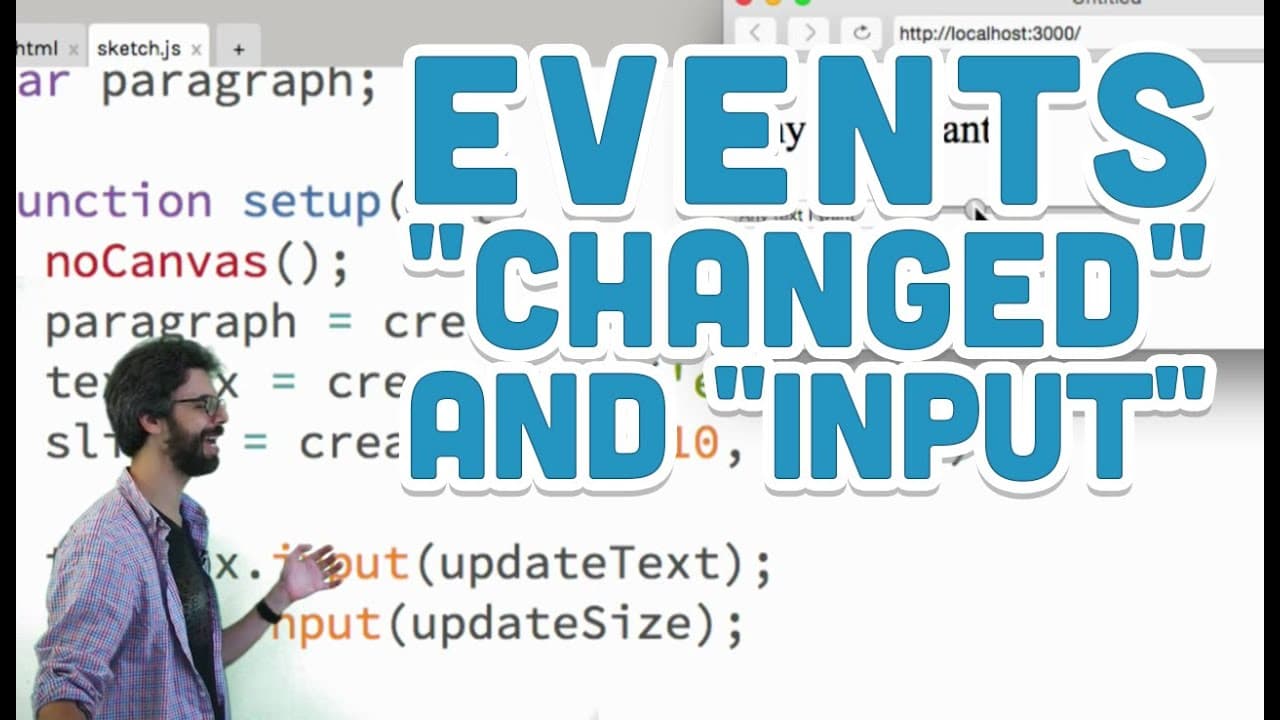
8.8: Events "changed" and "input" - p5.js Tutorial
35.5K views
•
October 22, 2015
by
The Coding Train
YouTube video player
8.8: Events "changed" and "input" - p5.js Tutorial

TL;DR

Learn how to use the JavaScript input event to create dynamic interactions on a webpage.

Transcript

hello I'm back in making a video in this video I want to look at the JavaScript input event now you might be wondering why are you looking at the JavaScript input event well first of all it's a very useful event the name input doesn't exactly describe what it does so I feel like that's a nice thing to clear up in this discussion that but I feel lik... Read More

Key Insights

  • 👻 The input event in JavaScript allows for real-time updates of webpage content based on user interactions.
  • 🍱 Using the p5.js library, interactive elements like text boxes and sliders can be easily implemented.
  • 🍵 Defining callback functions is crucial in event handling to specify actions triggered by specific events.
  • 🍵 Understanding the difference between events like input and changed is essential for precise event handling in JavaScript.
  • 〽️ CSS styling properties, such as font size, can be dynamically altered using JavaScript events like the input event.
  • 🥺 Experimenting with multiple interactive elements and event triggers can lead to creative and dynamic webpage interactions.
  • 👤 Incorporating user input into dynamic webpage elements can result in engaging and interactive user experiences.

Install to Summarize YouTube Videos and Get Transcripts

Explore YouTube Video Summarizer or Get YouTube Transcript Extractor

Questions & Answers

Q: What is the JavaScript input event used for?

The input event in JavaScript triggers whenever the content of a text box changes, allowing for real-time updates on a webpage.

Q: How can the p5.js library be used to create interactive elements?

The p5.js library enables the creation of interactive elements like text boxes and sliders, which can be manipulated based on user input.

Q: What is the significance of defining callback functions in event handling?

Callback functions, like "do something" in the video, are essential as they specify actions to be taken when an event, such as the input event, occurs.

Q: How does the input event differ from the changed event in JavaScript?

The input event triggers every time the content of a text box changes, while the changed event is only activated when the browser determines the user's action is complete.

Summary & Key Takeaways

  • Demonstrates how to use the input event in JavaScript to update webpage content in real-time.

  • Discusses creating interactive elements like text boxes and sliders using the p5.js library.

  • Shows how to trigger events based on user input and manipulate DOM elements dynamically.


Read in Other Languages (beta)

English

Share This Summary 📚

Summarize YouTube Videos and Get Video Transcripts with 1-Click

Download browser extensions on:

Try YouTube Summary with ChatGPT & Claude or YouTube Transcript Generator

Explore More Summaries from The Coding Train 📚

Coding Challenge #116: Lissajous Curve Table thumbnail
Coding Challenge #116: Lissajous Curve Table
The Coding Train
Coding Challenge #126: Toothpicks thumbnail
Coding Challenge #126: Toothpicks
The Coding Train
Classifying Poses with ml5.js Part 2 thumbnail
Classifying Poses with ml5.js Part 2
The Coding Train
ITP/IMA Winter Show 2018 thumbnail
ITP/IMA Winter Show 2018
The Coding Train
Text Generation using Spell with Nabil Hassein thumbnail
Text Generation using Spell with Nabil Hassein
The Coding Train
Computer Mouse Conference Demos! (node.js + tensorflow.js) thumbnail
Computer Mouse Conference Demos! (node.js + tensorflow.js)
The Coding Train

Summarize YouTube Videos and Get Video Transcripts with 1-Click

Download browser extensions on:

Try YouTube Summary with ChatGPT & Claude or YouTube Transcript Generator

Apps & Extensions

  • Chrome Extension
  • Safari Extension
  • Edge Add-ons
  • Firefox Add-ons
  • iOS App
  • Android App

Key Features

  • YouTube Video Summarizer
  • Web & PDF Summarizer
  • Web & PDF Highlighter
  • Chat with PDF
  • Ask AI Clone
  • Audio Transcriber
  • Glasp Reader
  • Kindle Highlight Export
  • Idea Hatch

Integrations

  • Obsidian Plugin
  • Notion Integration
  • Pocket Integration
  • Instapaper Integration
  • Medium Integration
  • Readwise Integration
  • Snipd Integration
  • Hypothesis Integration

More Features

  • APIs
  • MCP Connector
  • Blog & Post
  • Embed Links
  • Image Highlight
  • Personality Test
  • Quote Shots

Company

  • About us
  • Blog
  • Community
  • FAQs
  • Job Board
  • Newsletter
  • Pricing
Terms

•

Privacy

•

Guidelines

© 2026 Glasp Inc. All rights reserved.




