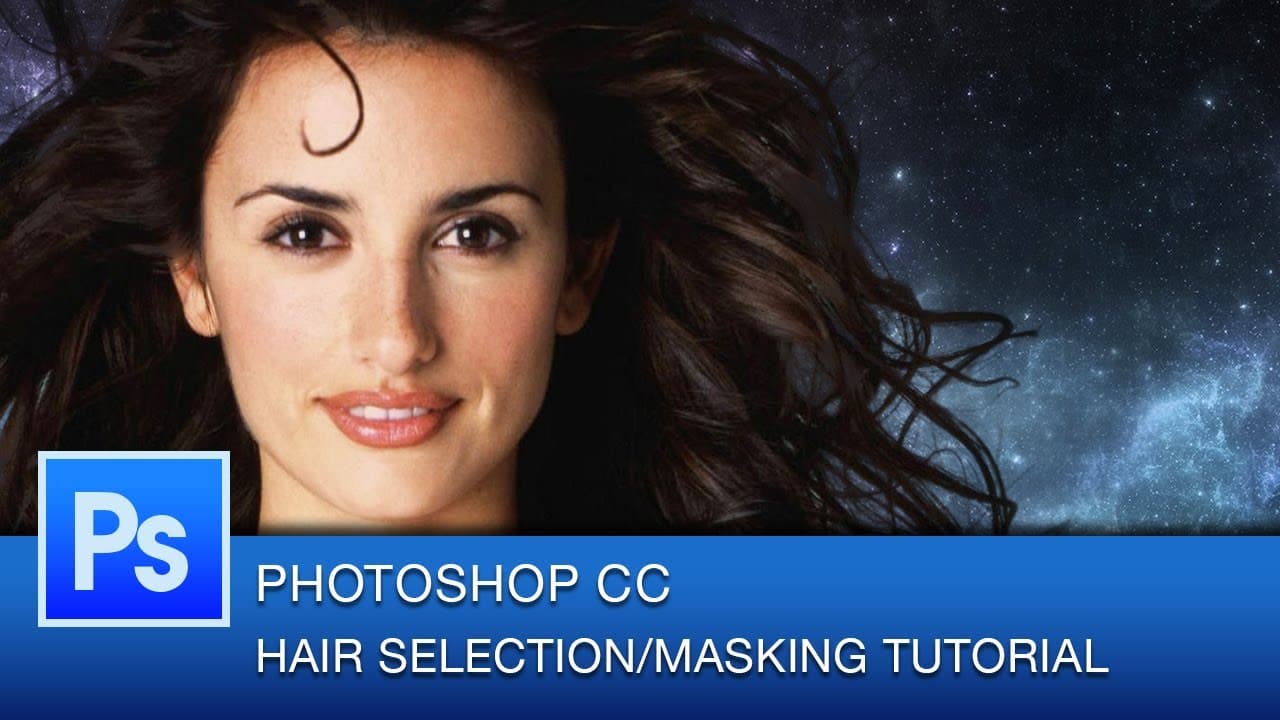
Photoshop Hair Masking Tutorial | Photoshop CC
TL;DR
Learn how to create complex hair masks in Photoshop using the color range selection tool for precise editing.
Transcript
hey everyone this is graphic design Roberto Blake and welcome to another Photoshop CC tutorial today's tutorial is going to be on complex masking and selection for hair we're actually going to be using a different tool rather than the quick selection tool to mask our hair so let's go ahead and reset our image and get started hit select in your menu... Read More
Key Insights
- 😷 Utilize the color range selection tool for intricate hair masking in Photoshop.
- 😷 Refine edge tool helps in fine-tuning hair masks by adjusting smart radius and decontaminating colors.
- 😷 Applying the refined mask as a new layer with a mask showcases the final result.
Install to Summarize YouTube Videos and Get Transcripts
Explore YouTube Video Summarizer or Get YouTube Transcript Extractor
Questions & Answers
Q: What tool does the tutorial recommend for masking hair in Photoshop?
The tutorial suggests using the color range selection tool for masking hair, allowing for precise selection of colors in the hair strands.
Q: How can you refine the hair mask after using the color range selection tool?
After selecting with the color range tool, utilize the refine edge tool to further fine-tune the hair mask by adjusting the smart radius and decontaminating colors for a cleaner selection.
Q: What should you do after refining the hair mask in Photoshop?
Once you are satisfied with the refined hair mask, apply it as a new layer with a mask to see the final result of the advanced hair masking process in Photoshop.
Q: How can you enhance the hair mask further after completing the advanced hair masking process?
To perfect the hair mask, consider using tools like levels or curves to adjust the colorization and eliminate any remaining unwanted colors in the masked image.
Summary & Key Takeaways
-
Tutorial on advanced hair masking in Photoshop.
-
Use color range selection tool for intricate hair selection.
-
Refine edge tool and decontaminate colors for detailed masking.
Read in Other Languages (beta)
Share This Summary 📚
Summarize YouTube Videos and Get Video Transcripts with 1-Click
Try YouTube Summary with ChatGPT & Claude or YouTube Transcript Generator
Explore More Summaries from Roberto Blake 📚






Summarize YouTube Videos and Get Video Transcripts with 1-Click
Try YouTube Summary with ChatGPT & Claude or YouTube Transcript Generator