Premiere Pro Color Correction and Color Grading Tutorial | Adobe Premiere Pro CC
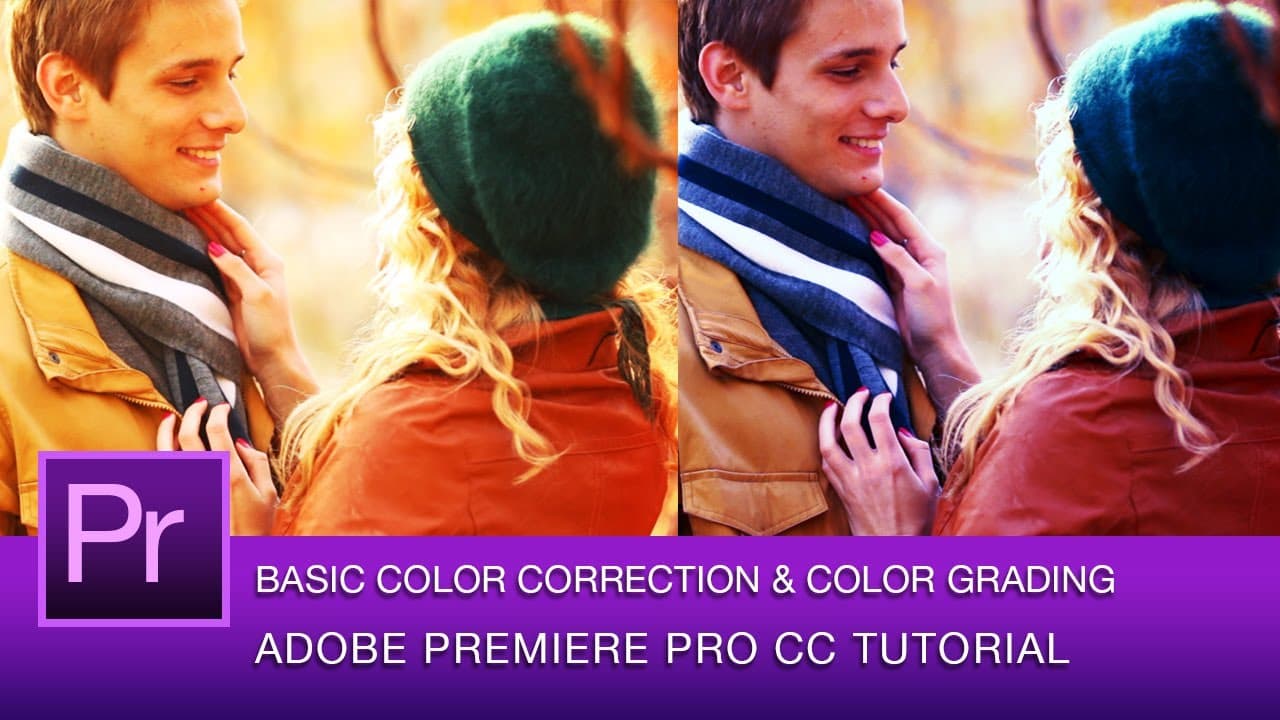
TL;DR
Learn basic color correction and grading using Adobe Premiere Pro CC for a cinematic look.
Transcript
(light music) - [Roberto] Hey, everyone. This is Roberto Blake and welcome to an Adobe Premiere Pro CC tutorial. In this tutorial, I'm actually going to be teaching you simple color correction and color grading. In this tutorial, we're going to be using the three way color corrector as well as the RGB curves tool and we're also going to learn how t... Read More
Key Insights
- 🔨 Three Way Color Corrector and RGB Curves are essential tools for color correction in Adobe Premiere Pro.
- 📋 Using adjustment layers ensures consistent color correction across multiple clips.
- 🎮 Saturation adjustments can impact the vibrancy of colors in a video clip.
- 🎮 Curves and lumetri tools offer more nuanced control over color values for precise color grading.
- 👋 Scrubbing through footage and renaming sequences are good editing habits in Adobe Premiere Pro.
- 😎 Creating a cool autumn feel through color correction can enhance the overall look of a video.
- 💨 Lumetri Looks engine in Premiere Pro CC offers fast color grading options.
Install to Summarize YouTube Videos and Get Transcripts
Explore YouTube Video Summarizer or Get YouTube Transcript Extractor
Questions & Answers
Q: What tools are used for color correction and grading in Adobe Premiere Pro CC?
The tutorial demonstrates the use of the Three Way Color Corrector and RGB Curves tool for adjusting colors in Adobe Premiere Pro CC.
Q: Why is it recommended to use adjustment layers for color correction?
Adjustment layers allow for consistent color correction across multiple clips in Adobe Premiere Pro, saving time and ensuring a uniform look.
Q: How does adjusting saturation impact the overall color of a video clip?
Increasing saturation can make colors appear stronger and more vibrant, while desaturation can mute colors for a different visual effect.
Q: What is the significance of using lumetri curves for color grading?
Lumetri curves offer a way to control brightness without affecting other color values, providing a finer level of adjustment in color grading.
Summary & Key Takeaways
-
Tutorial on color correction and grading in Adobe Premiere Pro CC.
-
Demonstrates using the Three Way Color Corrector and RGB Curves tool non-destructively.
-
Emphasizes creating adjustment layers for consistent color correction across multiple clips.
Read in Other Languages (beta)
Share This Summary 📚
Summarize YouTube Videos and Get Video Transcripts with 1-Click
Try YouTube Summary with ChatGPT & Claude or YouTube Transcript Generator
Explore More Summaries from Roberto Blake 📚






Summarize YouTube Videos and Get Video Transcripts with 1-Click
Try YouTube Summary with ChatGPT & Claude or YouTube Transcript Generator