How to Set Up a Twitter Ad Campaign Effectively
TL;DR
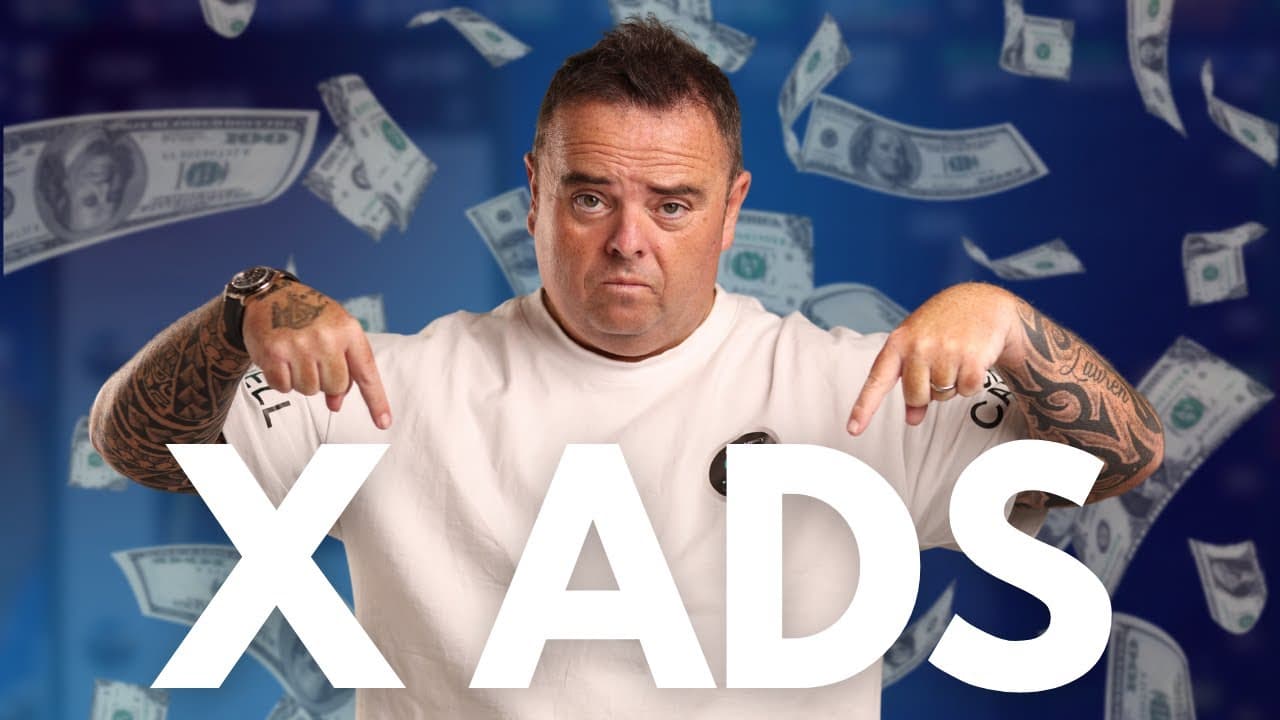
To set up an effective Twitter ad campaign, go to the 'Professional Tools' section, click 'Ads,' and choose your campaign objective, such as website traffic or sales. Customize your ad with engaging text, media, and demographics, then launch your campaign by setting a budget. Twitter recommends optimizing for impressions for better reach and allows for advanced targeting options like custom audiences.
Transcript
hey guys um so Twitter ads another place where you can do advertising um on a platform that gets a lot of people to go there go to the left hand side click in more go to professional tools and then clicking ads you can go in top right hand side and create ads very similar to Tik Tok you've got simple and advanced we'll go for simple first what is t... Read More
Key Insights
- Twitter Ads offer both simple and advanced options for campaign creation, catering to different marketing needs and objectives.
- The platform allows targeting based on demographics, locations, and even device specifications, enhancing the precision of ad campaigns.
- Advertisers can choose between paying for link clicks or impressions, with Twitter recommending payment by impressions.
- Custom audiences can be created using lookalikes, specific interests, and past engagement, allowing for highly targeted advertising.
- Twitter Ads support various media types, including images and videos, providing flexibility in how products or services are presented.
- Campaigns can be optimized for different goals, such as website traffic, app installs, and sales, with options for automatic bidding.
- The platform offers the ability to retarget users who have previously engaged with past posts, increasing conversion opportunities.
- Despite its potential, the speaker personally prefers not to use Twitter Ads, highlighting the importance of personal preference in platform selection.
Install to Summarize YouTube Videos and Get Transcripts
Explore YouTube Video Summarizer or Get YouTube Transcript Extractor
Questions & Answers
Q: What are the basic steps to set up a Twitter ad campaign?
To set up a Twitter ad campaign, navigate to the ads section via professional tools. Choose between simple or advanced campaign options, set your objective, such as website traffic or sales, and add your ad text and media. Define your budget, select targeting preferences, and launch the campaign.
Q: What targeting options are available for Twitter Ads?
Twitter Ads offer extensive targeting options, including demographics, specific locations, and device specifications. Advertisers can also target custom audiences based on interests, past engagement, or follower lookalikes. Additionally, targeting can be refined by operating systems and carrier usage, allowing for precise audience selection.
Q: How can advertisers pay for their Twitter ad campaigns?
Advertisers on Twitter can choose between paying for link clicks or impressions, with impressions being the recommended method. The platform also allows for automatic bidding, where Twitter optimizes bids for the best results. Users can set a target cost or maximum bid per link click to control expenses.
Q: What media types can be used in Twitter Ads?
Twitter Ads support various media types, including images and videos. Advertisers can use a single photo or video, or a carousel format with multiple images or videos. This flexibility allows for creative presentation of products or services, increasing engagement and effectiveness of the ad campaign.
Q: Can advertisers retarget users on Twitter Ads?
Yes, Twitter Ads offer retargeting capabilities, allowing advertisers to reach users who have previously engaged with their posts. This feature helps increase conversion opportunities by targeting users already familiar with the brand, thus improving the chances of successful ad outcomes.
Q: What are the benefits of using advanced campaign options on Twitter?
Advanced campaign options on Twitter allow for greater customization and optimization. Advertisers can set specific goals, such as app installs or sales, and utilize features like campaign budget optimization and tracking events. These options enable precise targeting and efficient use of advertising budgets, maximizing campaign effectiveness.
Q: Why does the speaker choose not to use Twitter Ads?
The speaker personally prefers not to use Twitter Ads, citing it as their least preferred platform. However, they acknowledge that Twitter Ads offer great potential for traffic and lead generation. This reflects the importance of personal preference and strategy alignment in choosing advertising platforms.
Q: What makes Twitter Ads a valuable tool for marketers?
Twitter Ads provide marketers with a versatile platform to reach a wide audience. With extensive targeting options, flexible media types, and multiple campaign objectives, it enables effective advertising strategies. Despite personal preferences, the platform's ability to drive traffic and generate leads makes it a valuable tool for marketers.
Summary & Key Takeaways
-
Twitter Ads provide a versatile platform for advertisers, offering both simple and advanced campaign creation options. Users can target specific demographics and interests, choose between different payment methods, and utilize various media types to effectively promote their products or services.
-
The platform supports campaign optimization for various objectives, such as increasing website traffic or boosting sales. Users can set up tracking events, automatic bidding, and create custom audiences to enhance the effectiveness of their campaigns.
-
Despite the speaker's personal preference against using Twitter Ads, the platform is acknowledged for its potential to drive traffic and generate leads. It remains a valuable tool for marketers looking to expand their reach and improve engagement.
Read in Other Languages (beta)
Share This Summary 📚
Summarize YouTube Videos and Get Video Transcripts with 1-Click
Try YouTube Summary with ChatGPT & Claude or YouTube Transcript Generator
Explore More Summaries from Craig Campbell SEO 📚
Summarize YouTube Videos and Get Video Transcripts with 1-Click
Try YouTube Summary with ChatGPT & Claude or YouTube Transcript Generator