11.5: Chrome Extensions: Pop-ups - Programming with Text
TL;DR
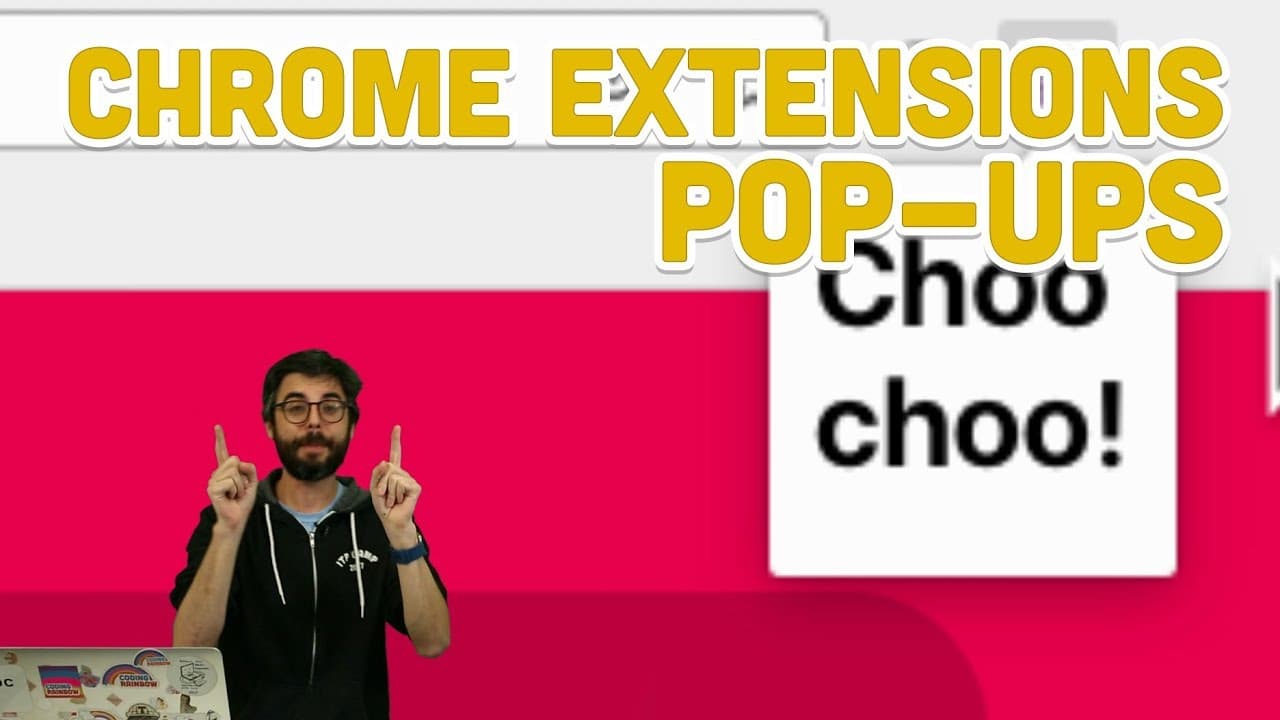
Learn how to create pop-ups in browser extensions for interactive browsing experiences.
Transcript
hello this is another video in my series about Chrome extensions which you know right now I just want to say at the beginning of this video I hope to actually turn this playlist into something that's instead of saying Chrome extensions just say browser extensions because that is something that is quite possible beyond simply the browser Chrome but ... Read More
Key Insights
- 👥 Pop-ups in browser extensions serve as interactive overlays for enhanced user experiences.
- 🦛 Browser actions trigger the launch of pop-up pages within the extension.
- 💳 Utilize background scripts for message passing between pop-up and content scripts.
- 🦛 Debugging pop-up interactions can be done through the browser's inspect tool.
- 🔠 Pop-ups can contain interactive content like APIs, maps, and more for versatile browsing experiences.
- 🙃 Sending messages from pop-ups to content scripts can enable dynamic interface changes.
- 🙃 Browser extensions can leverage pop-ups for a range of functionalities beyond traditional browsing.
Install to Summarize YouTube Videos and Get Transcripts
Explore YouTube Video Summarizer or Get YouTube Transcript Extractor
Questions & Answers
Q: What is a pop-up in the context of browser extensions?
A pop-up is a separate page overlay that can be launched via browser actions within a browser extension. It allows for interactive content and user interfaces to enhance browsing experiences.
Q: How can a pop-up be used to augment the browsing experience?
Pop-ups can provide interfaces to change colors, make selections, or perform tasks like looking up words, improving user interactions within the browser extension environment.
Q: What is the role of the background script in creating a pop-up?
While background scripts are not necessary for pop-ups, they can be useful for message passing, enabling communication between the pop-up page and content scripts to enhance functionality.
Q: How can developers debug interactions within a pop-up page?
Developers can use the browser's inspect tool to access the JavaScript console specifically for the pop-up page, allowing for debugging and monitoring of scripts and interactions within the pop-up environment.
Summary & Key Takeaways
-
Tutorial focuses on creating pop-up pages in Chrome extensions for interactive user interfaces.
-
Demonstrates adding pop-ups via browser actions, enhancing browsing experiences.
-
Shows how to debug and utilize pop-ups for interactive content in browser extensions.
Read in Other Languages (beta)
Share This Summary 📚
Summarize YouTube Videos and Get Video Transcripts with 1-Click
Try YouTube Summary with ChatGPT & Claude or YouTube Transcript Generator
Explore More Summaries from The Coding Train 📚






Summarize YouTube Videos and Get Video Transcripts with 1-Click
Try YouTube Summary with ChatGPT & Claude or YouTube Transcript Generator