How to Create Stunning 2D and 3D Maps in R with rayshader
TL;DR
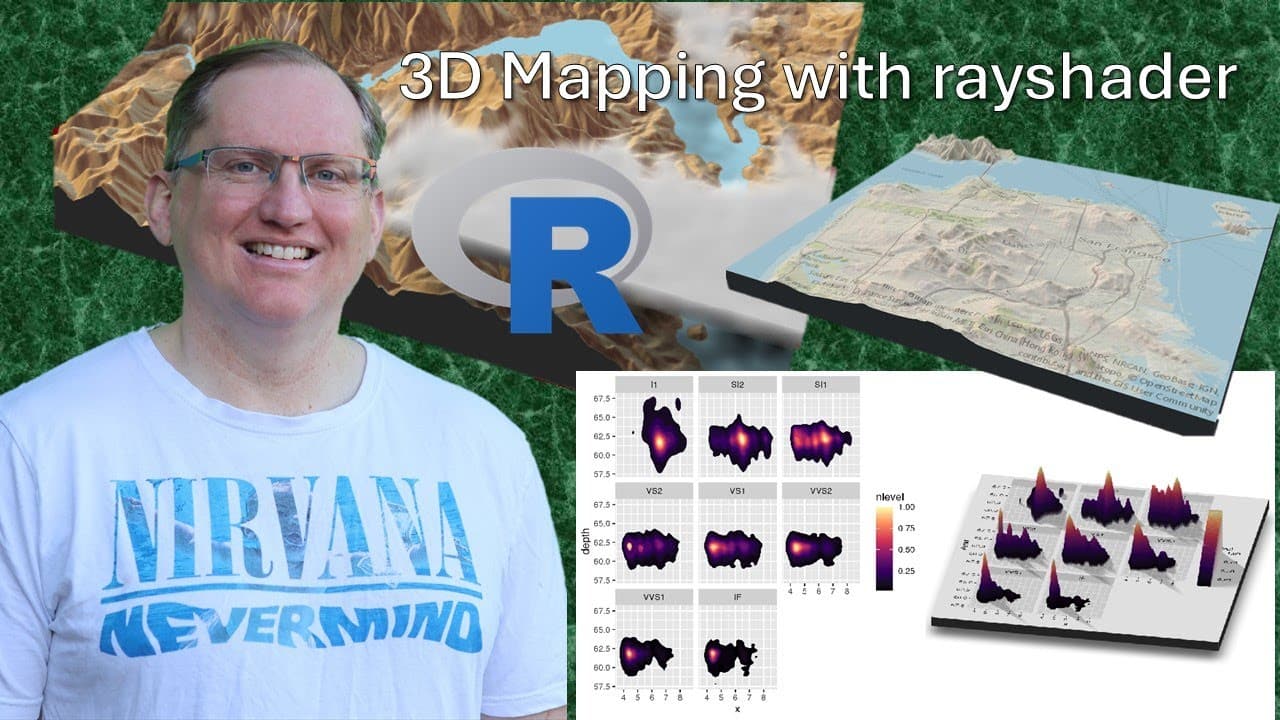
To create impressive 2D and 3D visualizations in R, use the rayshader package to transform basic maps into dynamic, detailed representations. You can achieve results like topographical views and animated depictions by following step-by-step tutorials, and the package is particularly useful for enhancing geographic and demographic data presentations.
Transcript
hi friends welcome back to the channel today we are looking at an r package called Ray Shader which can do some pretty amazing visualizations particularly when it comes to both 2D and 3D mapping so we are here on rayshader.com and we're going to have a look at this page it has some really great examples I'm going to take some of their code from thi... Read More
Key Insights
- 🥘 Ray Shader significantly enhances the capabilities of R's visualization tools, allowing for more creativity in data presentation.
- 👤 Users can produce dynamic visualizations that increase engagement and understanding of the data being represented, moving beyond static images.
- 💨 The integration of textures and 3D rendering in Ray Shader helps visualize data in ways that traditional methods do not.
- 🕴️ The package is suited for various applications, including geographic and demographic visualizations, as demonstrated by real-world examples.
- ⌛ Performance varies depending on system specifications and data complexity, but generally, Ray Shader operates efficiently, providing quick rendering times.
- 😥 Tutorials and example-driven resources provide a solid starting point for users interested in learning how to utilize Ray Shader’s capabilities fully.
- 🈸 Community contributions showcase a variety of innovative applications, encouraging others to explore and create unique visualizations.
Install to Summarize YouTube Videos and Get Transcripts
Explore YouTube Video Summarizer or Get YouTube Transcript Extractor
Questions & Answers
Q: What is Ray Shader and what are its primary features?
Ray Shader is an R package designed for creating high-quality visualizations, particularly in 2D and 3D formats. It allows users to enhance traditional mapping by adding depth, textures, and animations. The package supports topographical mapping, heat maps, and even 3D scatter plots, making it a versatile tool for data visualization in R.
Q: How can users get started with Ray Shader in R?
To get started with Ray Shader, users should install the package from CRAN or the official author's site. Basic usage involves loading the library and using sample code from rayshader.com. The provider demonstrates how to create simple maps and then progress to more complex 3D visualizations, allowing users to see their data in a whole new dimension.
Q: What kind of visualizations can be created using Ray Shader?
Ray Shader enables the creation of various visualizations such as topographical maps, heat maps, and elaborate 3D visualizations of datasets. Users can overlay animations, labels, and textures to enhance these visualizations, thereby providing a more intuitive understanding of complex data, particularly regarding demographics and geographical data.
Q: Are there any resources for learning more about Ray Shader?
Yes, numerous resources exist for learning Ray Shader, including the detailed tutorials available on rayshader.com. Additionally, users can find comprehensive YouTube tutorials that walk through the code and applications step-by-step, allowing for hands-on practice. Many community examples showcase unique uses of the package, inspiring new ideas.
Summary & Key Takeaways
-
Ray Shader is a powerful R package that excels in creating both 2D and 3D visualizations, enabling users to transform basic maps into extraordinary graphical representations.
-
Users are introduced to a variety of examples on rayshader.com, showcasing its capabilities including topographical maps and animated 3D visualizations, highlighting how traditional graphical approaches can be enhanced.
-
The content provides insights into how to start using Ray Shader with brief code examples and encourages exploration of various tutorials for deeper understanding and practical applications of the package.
Read in Other Languages (beta)
Share This Summary 📚
Summarize YouTube Videos and Get Video Transcripts with 1-Click
Try YouTube Summary with ChatGPT & Claude or YouTube Transcript Generator
Explore More Summaries from Dr Lyndon Walker 📚





Summarize YouTube Videos and Get Video Transcripts with 1-Click
Try YouTube Summary with ChatGPT & Claude or YouTube Transcript Generator