Mastering Sqlite: Learn How To Insert Data Like A Pro In Part 4!
TL;DR
Learn how to use the content values class to insert values into a database in Android development.
Transcript
hello viewers welcome back in our previous session we have discussed about how to create a database by extending subclass for the sqlite open helper class in this session we will see how to insert the data into the database and what is content values how does it helpful to insert the values into the database now the steps involved here is the class... Read More
Key Insights
- 🏛️ The content values class is used to insert data into a database in Android development.
- ❓ The insert values method should be created in the SQLiteOpenHelper subclass.
- ❓ The put method is used to specify the column and data when inserting values.
- ↩️ Checking the return value of the insert method can determine if the data is successfully inserted.
- 💨 The content values class provides a convenient way to insert data without writing raw SQL queries.
- 👤 Clearing the input fields after inserting the data improves user experience.
- 🏑 Proper validation of the input fields should be implemented to ensure data integrity.
Install to Summarize YouTube Videos and Get Transcripts
Explore YouTube Video Summarizer or Get YouTube Transcript Extractor
Questions & Answers
Q: What is the purpose of the content values class in Android development?
The content values class is used to pass a set of values to the database and insert data into specific columns. It provides a convenient way to insert data without writing raw SQL queries.
Q: How do you check if the data is successfully inserted into the database?
After using the insert method to insert the values, you can check the return value. If the return value is -1, it means no data is inserted. Otherwise, the data is successfully inserted.
Q: Where should the insert values method be created?
The insert values method should be created in the SQLiteOpenHelper subclass. This method will be responsible for inserting the values into the database.
Q: How can you clear the input fields after inserting the data?
After inserting the data, you can use the setText method to set the text of the input fields to an empty string. This will clear the fields and make them ready for new data entry.
Summary & Key Takeaways
-
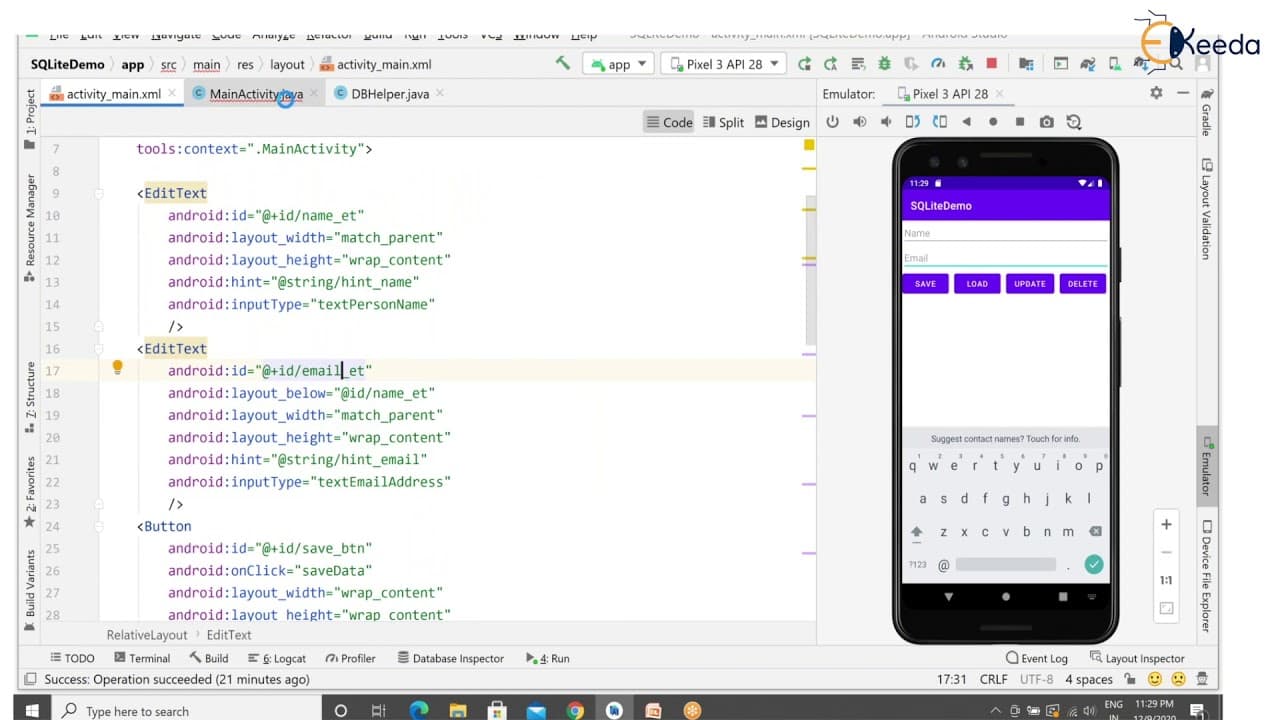
This content explains how to insert data into a database using the content values class in Android development.
-
The steps involved include creating a method in the SQLiteOpenHelper subclass to insert values, using the put method to specify the column and data, and checking if the data is successfully inserted.
-
The content also covers how to access the insert method from the main activity UI and clear the input fields after inserting the data.
Read in Other Languages (beta)
Share This Summary 📚
Summarize YouTube Videos and Get Video Transcripts with 1-Click
Try YouTube Summary with ChatGPT & Claude or YouTube Transcript Generator
Explore More Summaries from Ekeeda 📚






Summarize YouTube Videos and Get Video Transcripts with 1-Click
Try YouTube Summary with ChatGPT & Claude or YouTube Transcript Generator