What is CSS and how does it style web pages? | Web Demystified, Episode 2
TL;DR
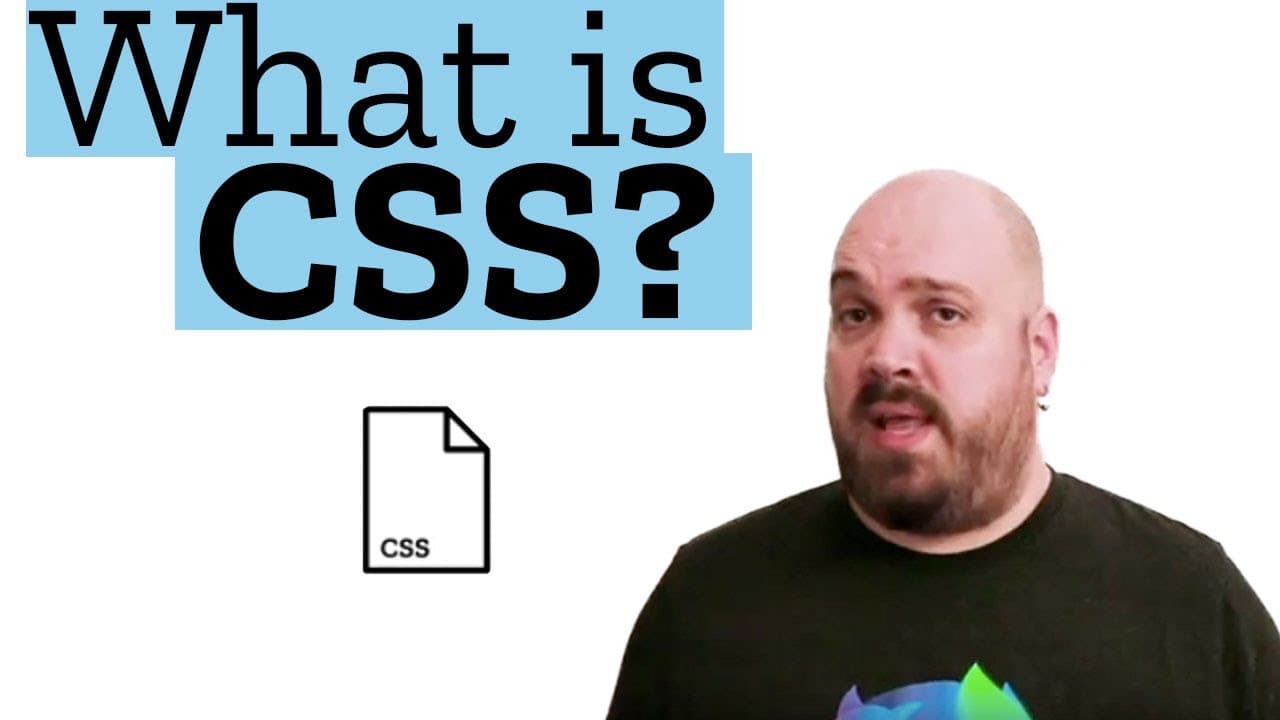
CSS is a technology that allows web developers to define the visual appearance of HTML elements by applying style rules.
Transcript
Hello! Welcome to this new episode of Web Demystified. Last time we talked about HTML, now it’s time to make it pretty so let’s talk about CSS. Like HTML, CSS is a descriptive language, but instead of defining a semantic for some text it defines the look and feel of each HTML element. In other words, CSS is like makeup for HTML. You mean, like that... Read More
Key Insights
- 💝 CSS is a technology introduced in the late 90s to separate the presentation and semantic aspects of web content.
- 👀 There are over 300 CSS properties available to customize the look and feel of HTML documents.
- 😷 CSS allows for complex visual effects, including transformations, filters, and masking.
- ❓ Understanding how different CSS properties interact with each other is crucial for mastering CSS.
- 🪈 The cascade in CSS determines the order in which styles are applied, considering various sources and selector specificity.
- 🎯 Selector specificity rules define the priority order when multiple styles target the same element.
- 😈 CSS dev tools display styles in the order they are applied to elements, helping understand the cascade.
Install to Summarize YouTube Videos and Get Transcripts
Explore YouTube Video Summarizer or Get YouTube Transcript Extractor
Questions & Answers
Q: What is the purpose of CSS?
CSS allows web developers to style HTML elements by defining their visual appearance, such as colors, fonts, layout, and more.
Q: Why is using the style attribute on opening HTML tags not recommended?
Using the style attribute lacks flexibility and makes maintaining styles across multiple HTML documents difficult.
Q: How can CSS be applied to multiple HTML documents?
By creating a CSS file, web developers can link it to multiple HTML documents, ensuring consistent styling throughout the website.
Q: What is the cascade in CSS?
The cascade refers to the set of rules that determine the order in which styles from various sources (e.g., user-defined style sheets, default browser style sheets) are applied to HTML elements.
Key Insights:
- CSS is a technology introduced in the late 90s to separate the presentation and semantic aspects of web content.
- There are over 300 CSS properties available to customize the look and feel of HTML documents.
- CSS allows for complex visual effects, including transformations, filters, and masking.
- Understanding how different CSS properties interact with each other is crucial for mastering CSS.
- The cascade in CSS determines the order in which styles are applied, considering various sources and selector specificity.
- Selector specificity rules define the priority order when multiple styles target the same element.
- CSS dev tools display styles in the order they are applied to elements, helping understand the cascade.
- Experimentation and reading documentation, such as on MDN, are important for learning and understanding CSS.
Summary & Key Takeaways
-
CSS is a descriptive language that defines the look and feel of HTML elements.
-
Three ways to apply CSS to an HTML document: using the style attribute, adding CSS declarations within an HTML style element, or creating a CSS file and linking it to the HTML document.
-
CSS rules consist of selectors, rule blocks, and declarations, which define the properties and values to style HTML elements.
Read in Other Languages (beta)
Share This Summary 📚
Summarize YouTube Videos and Get Video Transcripts with 1-Click
Try YouTube Summary with ChatGPT & Claude or YouTube Transcript Generator
Explore More Summaries from Mozilla Hacks 📚




Summarize YouTube Videos and Get Video Transcripts with 1-Click
Try YouTube Summary with ChatGPT & Claude or YouTube Transcript Generator