What Is the Web and How Does It Function?
TL;DR
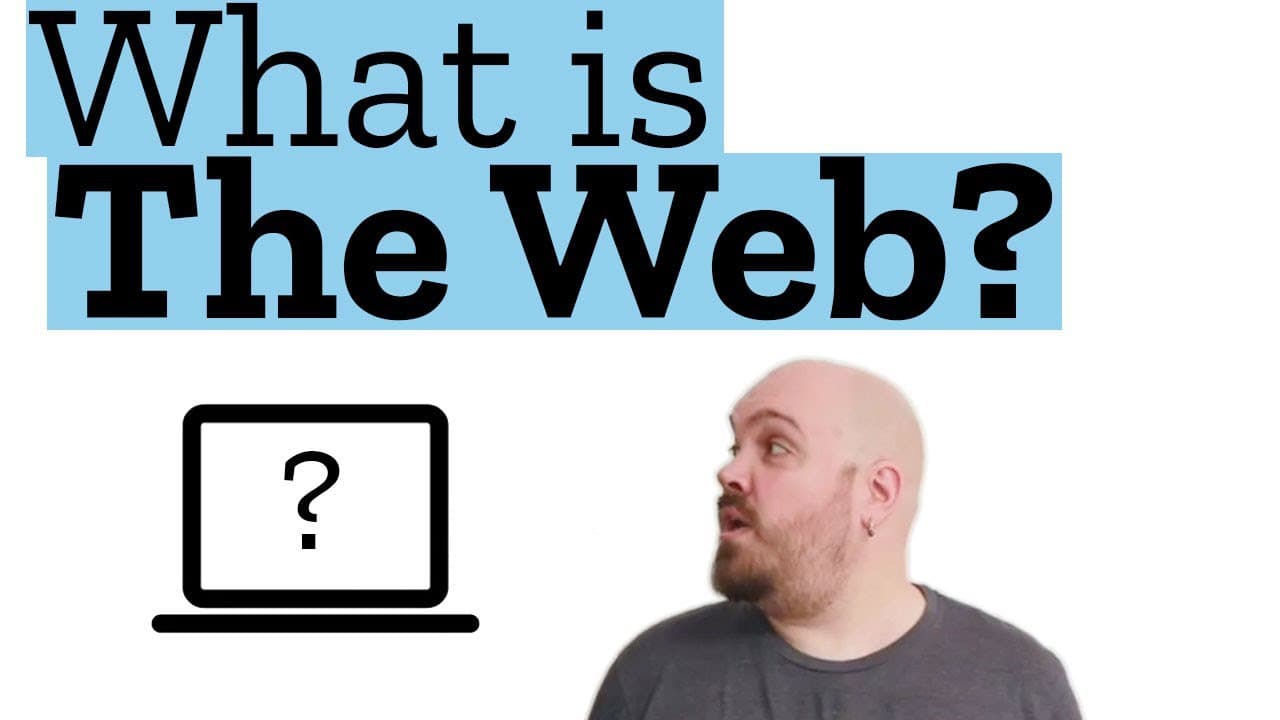
The web is a collection of documents accessed via web addresses (URLs). To view a website, you enter a web address in a browser, which sends a request to the server hosting that site. The server responds with an HTML document, and the browser retrieves additional resources to display the complete web page.
Transcript
Hello!. Welcome to Web Demystified. I’m Jeremie and in this series of videos we are gonna try to make the web easy. So today, in this special episode, I’m gonna give you a quick overview of what the web is and how it works. Lame! Yeah! Maybe there will be stuff you already know, but you could be surprised. And if you’re not, show this video to some... Read More
Key Insights
- 🕸️ The web is a collection of documents accessible through web addresses (URLs).
- 🅰️ Typing a web address or clicking on a link initiates a request to the server hosting the website.
- 📝 The server processes the request and sends back an HTML document.
- 📄 The browser retrieves the HTML document and requests additional resources to render the full web page.
- 📄 The browser combines the HTML document and the additional resources to display the expected web page.
- 🚒 Search engines like Google are also websites with their own web addresses.
- 🧑🏭 The web works based on a client-server model, with the browser acting as the client and the server hosting the web content.
Install to Summarize YouTube Videos and Get Transcripts
Explore YouTube Video Summarizer or Get YouTube Transcript Extractor
Questions & Answers
Q: What is the first step in accessing a website?
The first step is typing a web address in a browser or clicking on a link from a search page.
Q: What is the technical name for a web address?
The technical name for a web address is a URL (Uniform Resource Locator).
Q: What happens when the browser sends a request to the server?
The server processes the request and sends back an HTML document to the browser.
Q: What does the browser do after retrieving the HTML document?
The browser reads the HTML document and requests additional resources like stylesheets, images, or scripts to render the full page.
Q: What is the purpose of mixing all the necessary documents?
Mixing all the necessary documents allows the browser to combine the HTML document and the additional resources to display the web page.
Key Insights:
- The web is a collection of documents accessible through web addresses (URLs).
- Typing a web address or clicking on a link initiates a request to the server hosting the website.
- The server processes the request and sends back an HTML document.
- The browser retrieves the HTML document and requests additional resources to render the full web page.
- The browser combines the HTML document and the additional resources to display the expected web page.
- Search engines like Google are also websites with their own web addresses.
- The web works based on a client-server model, with the browser acting as the client and the server hosting the web content.
- This video provides a simple overview, but many more details and concepts will be covered in future videos.
Summary & Key Takeaways
-
The web starts with typing a web address in a browser or clicking on a search result link.
-
The browser communicates with the server hosting the website and requests an HTML document.
-
The browser retrieves the HTML document, requests additional resources, and displays the web page.
Read in Other Languages (beta)
Share This Summary 📚
Summarize YouTube Videos and Get Video Transcripts with 1-Click
Try YouTube Summary with ChatGPT & Claude or YouTube Transcript Generator
Explore More Summaries from Mozilla Hacks 📚
Summarize YouTube Videos and Get Video Transcripts with 1-Click
Try YouTube Summary with ChatGPT & Claude or YouTube Transcript Generator