Playing around with yt-download to create WPM calculator
TL;DR
A live stream focused on building a YouTube transcript downloader and calculating words per minute.
Transcript
all right um so what i plan to do on this stream is i wanted to try to build some type of api with like a little ui maybe to download the the transcript from a youtube video and calculate the words per minute of that video so hopefully it's not too hard to build but i've been trying to kind of google around to figure out how to do that and the firs... Read More
Key Insights
- 🏛️ The streaming session involves a practical project where the presenter builds an API for downloading and analyzing YouTube transcripts.
- 😀 The challenges faced demonstrate the importance of understanding library documentation when integrating external code.
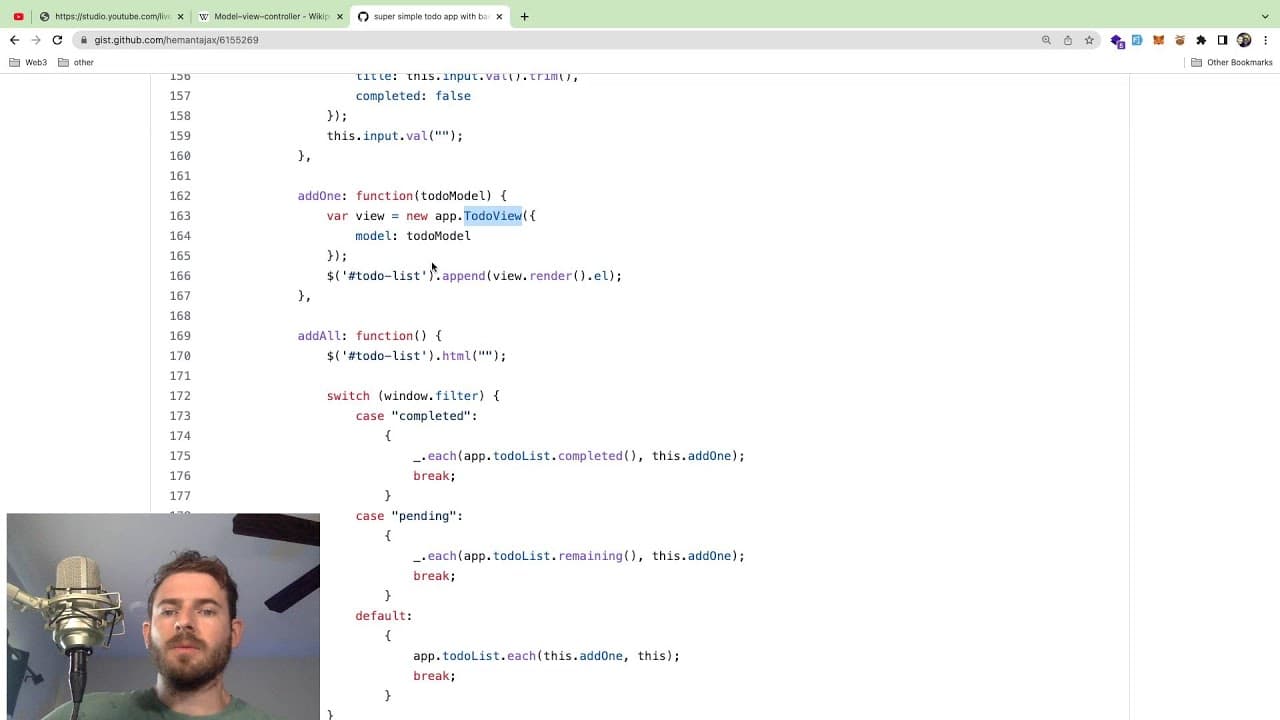
- 👋 The discussion of the MVC pattern provides valuable insights into application architecture and encourages best practices in coding.
- 💁 Technical difficulties with file formats and subtitle parsing highlight the complexities of processing data correctly.
- 👾 The presenter indicates a strong self-awareness of their speaking pace and its impact on audience comprehension.
- 👨💻 Implementing systematic debugging techniques is essential for identifying and resolving code issues efficiently.
- 🫵 Clear communication about coding concepts can aid viewers, which reinforces the significance of teaching as a part of programming.
Install to Summarize YouTube Videos and Get Transcripts
Explore YouTube Video Summarizer or Get YouTube Transcript Extractor
Questions & Answers
Q: What is the purpose of the 'youtube-download' library mentioned in the stream?
The 'youtube-download' library is used to fetch subtitles from YouTube videos. By using specific commands in this library, the presenter aims to retrieve subtitle files that can be further processed to calculate metrics like words per minute, helping to analyze video content more effectively.
Q: How does the presenter plan to calculate words per minute for the videos?
To calculate words per minute, the presenter intends to download the subtitle file and read its contents. The script will split the subtitle text into individual words, count them, and then divide by the video's duration in minutes to derive the words per minute metric.
Q: What is the Model-View-Controller (MVC) pattern discussed during the stream?
The Model-View-Controller pattern is an architectural design that separates an application into three interconnected components. The Model holds data logic, the View manages the user interface, and the Controller processes input to update the Model and View, ensuring a clean separation of concerns.
Q: What challenges did the presenter face while building the API?
Throughout the stream, the presenter encountered difficulties with the initial setup of the 'youtube-download' library, and also faced challenges in parsing the data accurately. Issues with identifying the correct file extensions and determining the duration of videos added complexity to the implementation process.
Q: How does the presenter suggest handling multiple subtitle files in a directory?
The presenter suggests implementing a file filtering mechanism to specifically find and handle subtitle files with the '.vtt' extension. This approach aims to avoid conflicts or misreads when multiple subtitle files are present in the same directory.
Q: Why is the presenter interested in calculating words per minute for videos?
The presenter expresses an interest in understanding the speaking pace in their and others' videos. By calculating words per minute, they aim to identify if they speak too fast, which could hinder comprehension, especially for non-native speakers.
Q: What tools or programming languages are used in this project?
The project primarily utilizes JavaScript with Node.js, employing libraries such as 'youtube-download' for fetching video subtitles. The presenter also discusses using child processes to handle command execution within Node.js effectively.
Q: What lessons does the presenter learn about optimizing coding practices during the stream?
The presenter highlights the importance of error handling, code organization, and using regex for cleaning up text data. They emphasize the value of step-by-step coding and testing to refine the script and ensure accurate calculations for the desired metrics.
Summary & Key Takeaways
-
The content revolves around creating an API to download and process YouTube video transcripts, aiming to calculate words per minute (WPM).
-
The presenter uses the 'youtube-download' library for fetching subtitles and struggles with initial setup details and method commands.
-
A comprehensive explanation of the Model-View-Controller (MVC) architecture is provided, illustrating the separation of concerns in software applications.
Read in Other Languages (beta)
Share This Summary 📚
Summarize YouTube Videos and Get Video Transcripts with 1-Click
Try YouTube Summary with ChatGPT & Claude or YouTube Transcript Generator
Explore More Summaries from Web Dev Cody 📚





Summarize YouTube Videos and Get Video Transcripts with 1-Click
Try YouTube Summary with ChatGPT & Claude or YouTube Transcript Generator