How to Code a Sliding Dropdown Button using Javascript, HTML, and CSS
TL;DR
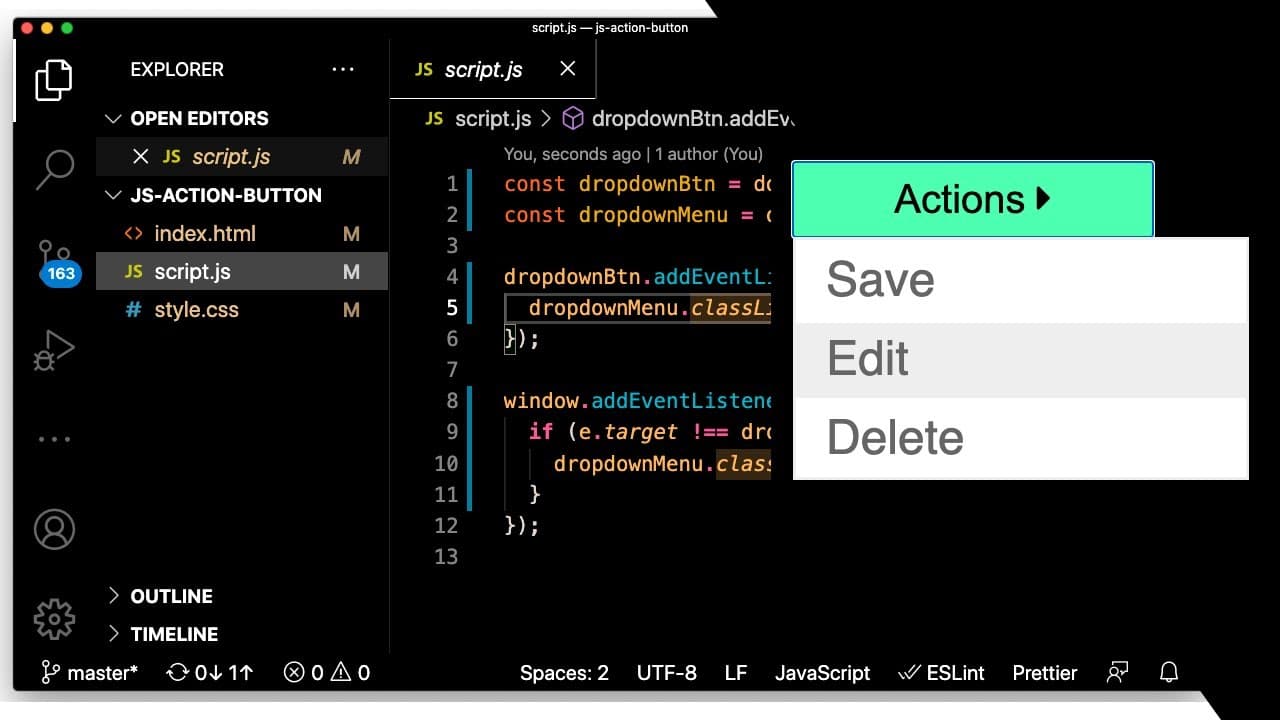
Learn how to build a dropdown menu using JavaScript and CSS.
Transcript
how's it going everyone hope you guys are having a great day welcome back to another web dev junkie video so if you're new to programming or new to javascript i think building out smaller components is a great way to learn javascript and how to manipulate the dom and just do simple stuff so in this video it's kind of important to know how to build ... Read More
Key Insights
- 🏛️ Building smaller components like dropdown menus helps beginners understand JavaScript and DOM manipulation.
- 👨💻 Utilizing BEM (Block Element Modifier) methodology improves code readability and maintainability for styling.
- 👻 Event listeners are crucial for interactive web elements, allowing developers to enhance user interactivity within their applications.
- 💅 Proper organization of CSS for hover states adds polish to UI components, improving the overall user experience.
- 🕸️ Utilizing external libraries like Font Awesome simplifies adding icons to enhance the visual appeal of web elements.
- 💦 The importance of testing and debugging while developing ensures that interactions work as intended across different scenarios.
- ❓ Learning to apply transitions in CSS can create a more engaging and visually appealing frontend experience.
Install to Summarize YouTube Videos and Get Transcripts
Explore YouTube Video Summarizer or Get YouTube Transcript Extractor
Questions & Answers
Q: What are the initial steps to create a dropdown menu in this tutorial?
First, you'll need to create an index file, script.js, and style.css. The tutorial suggests linking these files in the <head> of your HTML document to begin developing the dropdown functionality, utilizing both CSS for styling and JavaScript for interactive behavior.
Q: How can you ensure the dropdown menu is hidden when the page loads?
To ensure the dropdown menu starts hidden, a ‘hide’ class is added to the menu element in the HTML, with CSS styling setting display: none. This keeps the menu concealed until the user interacts with the dropdown button to reveal it.
Q: What method is used to toggle the visibility of the dropdown menu?
The tutorial explains that the dropdown menu's visibility can be toggled by using the classList.toggle method in JavaScript. This method allows you to add or remove the 'hide' class from the dropdown menu based on user interaction, specifically when the dropdown button is clicked.
Q: How is styling applied to the dropdown menu for better aesthetics?
Various CSS styles are applied, such as setting the width, border, padding, and background colors. The tutorial emphasizes the importance of using display: block for vertical links, as well as a hover effect that changes the background color, enhancing user experience.
Q: How can transitions be implemented for the dropdown menu?
Transitions can be added by defining CSS properties like transition and max-height combined with opacity. When the dropdown toggles, you can smoothly transition between visibility states, making the menu appear to slide in and out instead of just appearing or disappearing abruptly.
Q: What are the challenges mentioned in creating multiple dropdowns?
The tutorial notes that the current code may not effectively handle multiple dropdown menus simultaneously, as event listeners and class manipulations may conflict if the same classes are used for different elements. Proper coding practices would entail creating unique identifiers or using arrays to manage multiple instances effectively.
Summary & Key Takeaways
-
The tutorial focuses on creating a dropdown menu with HTML, CSS, and JavaScript, emphasizing the process of manipulating the DOM for interaction.
-
Step-by-step guidance is provided for setting up files, writing event listeners, and styling the dropdown menu to ensure it is user-friendly and aesthetically pleasing.
-
Additional tips are included for improving the dropdown's functionality, such as adding transitions and ensuring that clicking outside the menu closes it correctly.
Read in Other Languages (beta)
Share This Summary 📚
Summarize YouTube Videos and Get Video Transcripts with 1-Click
Try YouTube Summary with ChatGPT & Claude or YouTube Transcript Generator
Explore More Summaries from Web Dev Cody 📚





Summarize YouTube Videos and Get Video Transcripts with 1-Click
Try YouTube Summary with ChatGPT & Claude or YouTube Transcript Generator