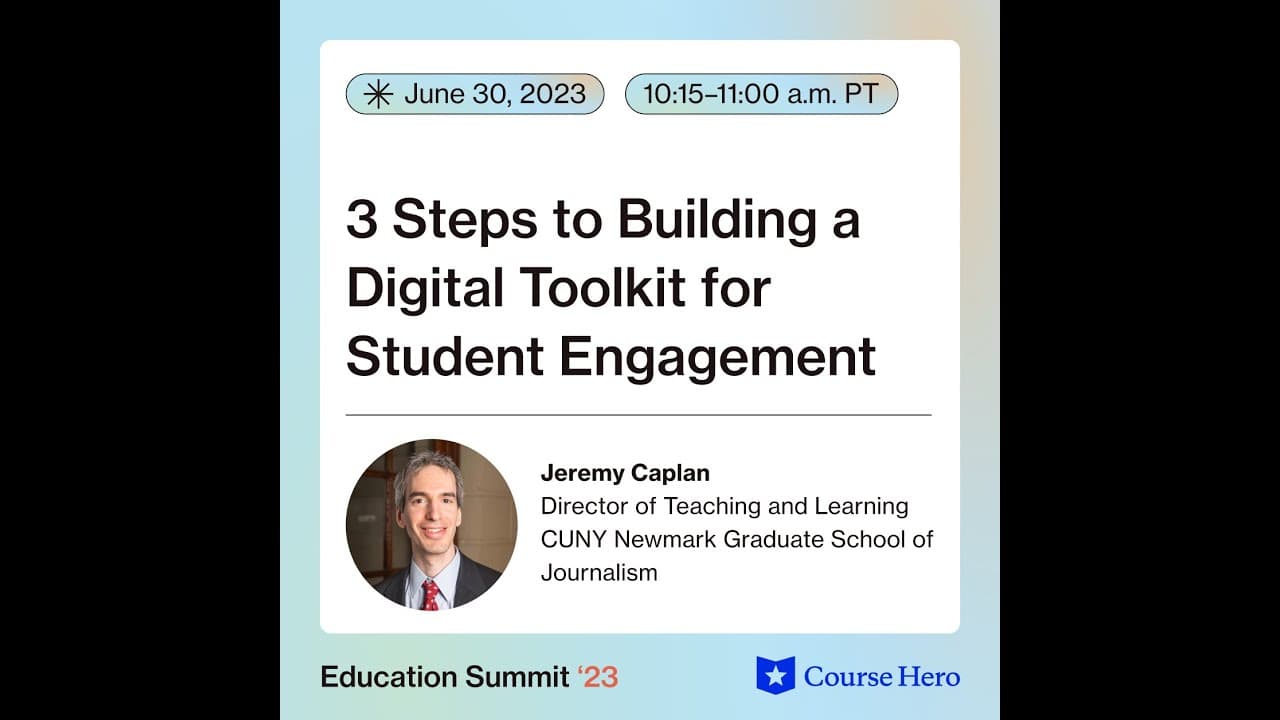
3 Steps to Building a Digital Toolkit for Student Engagement
TL;DR
Engage students with digital tools for enhanced learning in a dynamic classroom environment.
Transcript
[Applause] welcome welcome everyone thanks for joining hello and everyone my name is lale and I I am a community community educator Partnerships manager at course hero I welcome you to the session three steps to building a digital toolkit for student engagement uh there's lots of sessions today dedicated to technology and education and this session... Read More
Key Insights
- ❓ Slido, Socrative, and Jamboard enhance engagement through polls, quizzes, and interactive whiteboards.
- 🤔 Activities like Padlet, GooseChase, and Crazy Eights promote creativity, collaboration, and critical thinking.
- 🫒 Asynchronous classes benefit from digital tools, providing flexibility and interaction outside live sessions.
- ♿ Accessibility and inclusivity considerations are crucial when integrating technologies for equitable learning experiences.
- 🤩 Exit polls and synthesis activities aid in summarizing key takeaways and promoting reflection in the learning process.
- 🔨 Collaborative content creation tools like Coda and Lucidspark enhance participation and offer diverse engagement opportunities.
- 😤 Utilizing immersive activities like scavenger hunts and team challenges diversify teaching methods and encourage active student involvement.
Install to Summarize YouTube Videos and Get Transcripts
Explore YouTube Video Summarizer or Get YouTube Transcript Extractor
Questions & Answers
Q: How does Slido contribute to student engagement in the classroom?
Slido allows for interactive polls, quizzes, and word clouds to encourage participation and gauge student understanding effectively. The tool fosters a sense of community engagement and learning.
Q: How can teachers integrate immersive activities like GooseChase into the learning process?
GooseChase offers a platform for creative scavenger hunts and team challenges, promoting collaboration, problem-solving, and fun learning experiences tailored to suit individual classroom needs.
Q: Are there any considerations for using digital tools in asynchronous classes?
Digital tools like Padlet, Jamboard, and Kahoot can be utilized in asynchronous classes by providing clear instructions, sharing links for students to participate independently, and allowing for collaborative content creation even outside real-time sessions.
Q: How can teachers ensure inclusivity and accessibility when utilizing these tools?
Teachers can assess tools for accessibility features, provide alternative methods of participation for students with disabilities, offer clear instructions for all learners, and adapt activities to accommodate diverse needs and preferences in order to create an inclusive learning environment.
Summary & Key Takeaways
-
Jeremy Kaplan, a teaching expert, shares insights on leveraging technology for student engagement.
-
Tools like Slido, Socrative, and Jamboard facilitate interactive learning experiences.
-
Engaging activities like Padlet, GooseChase, and Crazy Eights enhance participation and creativity.
Read in Other Languages (beta)
Share This Summary 📚
Summarize YouTube Videos and Get Video Transcripts with 1-Click
Try YouTube Summary with ChatGPT & Claude or YouTube Transcript Generator
Explore More Summaries from Course Hero 📚



Summarize YouTube Videos and Get Video Transcripts with 1-Click
Try YouTube Summary with ChatGPT & Claude or YouTube Transcript Generator