How to Use Controllers in the Falcon Framework
TL;DR
To use controllers in the Falcon framework, define a controller class that handles user requests, interacts with models to retrieve data, and passes that data to views for presentation. Understanding routing, controller actions, and utilizing namespaces is essential for organizing your application and avoiding naming conflicts.
Transcript
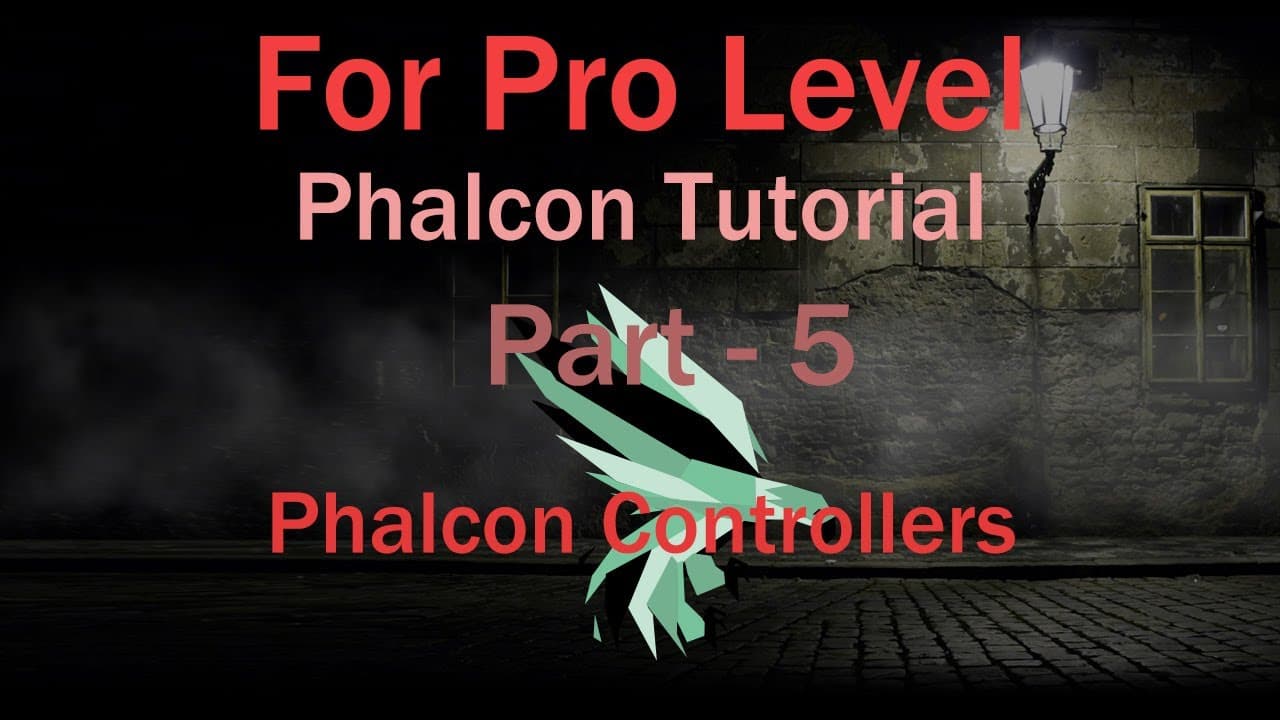
welcome back this is Falcon PSP framework part pipe today I'll talk about Falcon framework controllers this topic is related to welcome PSP firmware part 1 and part 4. if you not view part 1 and part 4 please visit first these two content and then start again this welcome framework part pipe Falcon MBC software architectural pattern what is MBC MBC... Read More
Key Insights
- 🐎 The Falcon framework effectively employs the MBC model to modularize application structure, enhancing development speed and clarity.
- 🫵 Controllers not only manage requests but also navigate the relationship between models and views, centralizing logic and interaction.
- 👤 URL routing patterns dictate how user inputs are translated into actions, providing dynamic behavior that can be tailored to user needs.
- 👥 Namespaces help manage complexity in larger applications by grouping related functionality, thereby preventing naming conflicts and facilitating collaboration.
- 👤 Proper error management and validation of parameters are essential in ensuring a smooth user experience and avoiding runtime issues.
- 👻 The framework allows for customization of output processes, enabling developers to dictate precisely how data and views are presented.
- 🤩 Understanding the intricacies of the controller classes and actions is key to leveraging the full potential of the Falcon PSP framework.
Install to Summarize YouTube Videos and Get Transcripts
Explore YouTube Video Summarizer or Get YouTube Transcript Extractor
Questions & Answers
Q: What is the Falcon PSP framework, and how does it utilize the MBC pattern?
The Falcon PSP framework is a web development framework that follows the Model-View-Controller (MBC) architectural pattern. This pattern separates application logic into three components: models (which manage data), views (which handle presentation), and controllers (which process incoming requests and manage interactions between models and views). This separation allows for better organization, scalability, and maintainability of web applications.
Q: How do controllers function within the Falcon framework?
In the Falcon framework, controllers act as intermediaries between views and models. They are responsible for interpreting incoming requests from users, fetching the relevant data from models, and then passing that data to views for rendering. Controllers follow a specific naming convention and have associated action methods that correspond to user commands, facilitating organized request handling and response generation.
Q: What role do namespaces play in Falcon PSP framework?
Namespaces in the Falcon PSP framework prevent class name collisions by allowing developers to define unique scopes for classes. This is particularly useful when two classes might share the same name but serve different purposes within an application. By organizing classes into namespaces, developers can avoid confusion and improve code organization, making it easier to manage and understand large applications.
Q: Can you explain the routing system utilized in the Falcon framework?
The routing system in the Falcon framework defines how URL parameters are mapped to specific controllers and actions. Each URL corresponds to a structured format that includes the module name, controller, and action. Routing allows for dynamic web page generation by matching user inputs to appropriate controller methods, leading to flexible application navigation and content management.
Q: What are controller actions, and how are they implemented?
Controller actions in the Falcon framework are methods defined within a controller class that handle specific tasks or functions of the application. These actions typically correspond to user interactions, such as displaying a page or processing form submissions. Implemented as public methods, they receive parameters through the URL and can respond with data or rendered views, depending on the action's purpose.
Q: What is meant by disabling the view action, and how does it affect output?
Disabling the view action in the Falcon framework means that the standard operation of rendering a view with HTML output is turned off. This is useful for debugging or for cases where the output needs to be programmatically controlled. When the view is disabled, instead of generating a full HTML page, the controller can directly return plain text or other formats as needed, leading to streamlined and focused responses.
Q: How can parameters be effectively managed in interactions?
Parameters in the Falcon framework are managed by specifying them within the controller actions. Each action can accept parameters that are passed through the URL. It is crucial to validate these parameters to ensure they meet expected data types before processing them; otherwise, errors such as 404 can occur. Using default values and careful routing can further streamline the handling of parameters.
Summary & Key Takeaways
-
The Falcon PSP framework utilizes the Model-View-Controller (MBC) pattern to organize application logic, separating data handling, user interface, and request processing efficiently.
-
Controllers in the Falcon framework manage incoming requests, interact with models to fetch data, and pass data to views, which generate the HTML presentation for users.
-
The tutorial emphasizes critical components such as routing, controller actions, and the importance of namespaces to prevent class name collisions and organize functionality effectively.
Read in Other Languages (beta)
Share This Summary 📚
Summarize YouTube Videos and Get Video Transcripts with 1-Click
Try YouTube Summary with ChatGPT & Claude or YouTube Transcript Generator
Explore More Summaries from script spark 📚
Summarize YouTube Videos and Get Video Transcripts with 1-Click
Try YouTube Summary with ChatGPT & Claude or YouTube Transcript Generator