Obsidian Plugins — My top plugins in the Obsidian app
TL;DR
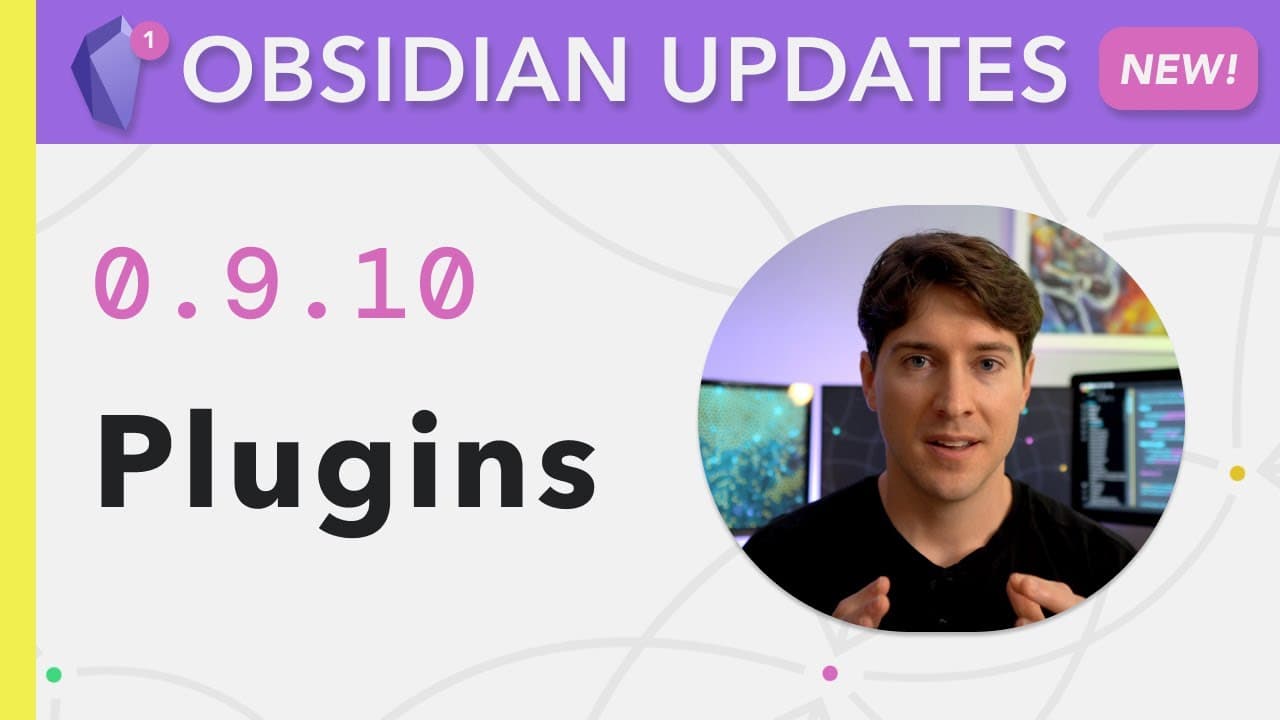
Obsidian's latest update introduces a wide range of community-created plugins that enhance note-making and organization, with the video showcasing the top plugins and their uses.
Transcript
hi i'm nick milo and welcome to linking your thinking where we talk about the how and why of making meaningful notes here we are with another obsidian update 0.9.10 it's all about plugins what are plugins plugins are these things that imagine there's just something very specific you want to do in obsidian but that feature doesn't exist yet so peopl... Read More
Key Insights
- 👤 Plugins in Obsidian are community-created features that enhance the functionality and customization options for users.
- 💄 Sliding Panes, Hotkeys++, and Better Word Count are three popular and highly useful plugins that can significantly improve the note-making experience in Obsidian.
- 🎵 The smart random note plugin provides a serendipitous way of discovering and revisiting notes that users might have overlooked.
Install to Summarize YouTube Videos and Get Transcripts
Explore YouTube Video Summarizer or Get YouTube Transcript Extractor
Questions & Answers
Q: What are plugins in Obsidian?
Plugins in Obsidian are community-created features that users can install to enhance the functionality of the software, addressing specific needs or improving existing features.
Q: Are the plugins available in Obsidian safe to use?
While Obsidian stresses the safety of third-party plugins, it's important to exercise caution when using them. Users are required to turn off the safe mode and read the disclaimers to make an informed decision about their usage.
Q: How can users access and navigate the plugins in Obsidian?
To access the plugins, users need to go to the settings and enable third-party plugins by turning off safe mode. They can then browse and install plugins through the community plugins section in the settings.
Q: What is the significance of the sliding panes plugin?
The sliding panes plugin allows users to mimic the experience of working with index cards on a workbench. It enables sliding and rearranging notes within the Obsidian workspace, offering a visually appealing and efficient way to organize and view notes.
Q: How does the hotkeys++ plugin enhance note-making in Obsidian?
Hotkeys++ adds various useful hotkeys to Obsidian, offering shortcut functionalities that streamline note-making processes. For example, it provides a hotkey to toggle through different list types, making it easier to convert text into bullet or numbered lists.
Q: How does the better word count plugin improve the writing experience in Obsidian?
Better Word Count provides a more dynamic and intuitive word count and character count feature than the default option in Obsidian. Users can quickly see the updated word and character counts as they type or edit their notes.
Q: What is the purpose of the smart random note plugin?
The smart random note plugin adds a level of serendipity to note-taking by allowing users to open random notes that are tagged with specific keywords. It helps users discover and revisit notes they might have forgotten about, fostering a dynamic and engaging knowledge management experience.
Q: How does the note refactor plugin enhance note organization in Obsidian?
The note refactor plugin allows users to easily extract and convert specific sections or headings in a note into separate notes while automatically creating links between the original note and the extracted notes. It helps in keeping notes more focused and making connections between related ideas more accessible.
Key Insights:
- Plugins in Obsidian are community-created features that enhance the functionality and customization options for users.
- Sliding Panes, Hotkeys++, and Better Word Count are three popular and highly useful plugins that can significantly improve the note-making experience in Obsidian.
- The smart random note plugin provides a serendipitous way of discovering and revisiting notes that users might have overlooked.
- The note refactor plugin allows users to extract and organize specific sections or headings from notes, enhancing note organization and making connections between related ideas more accessible.
Summary & Key Takeaways
-
The video introduces the concept of plugins in Obsidian, explaining that they are community-created features that fulfill specific needs not yet available in the software.
-
The content explores the top 10 plugins chosen by the presenter, divided into three categories: everyday plugins, occasional plugins, and the unofficial daily note plugin pack.
-
The presenter demonstrates the use of three favorite plugins: Sliding Panes, Hotkeys++, and Better Word Count, showcasing their functionalities and benefits.
Read in Other Languages (beta)
Share This Summary 📚
Summarize YouTube Videos and Get Video Transcripts with 1-Click
Try YouTube Summary with ChatGPT & Claude or YouTube Transcript Generator
Explore More Summaries from Linking Your Thinking with Nick Milo 📚




Summarize YouTube Videos and Get Video Transcripts with 1-Click
Try YouTube Summary with ChatGPT & Claude or YouTube Transcript Generator