My Favorite & Cheapest Way to Deploy Next.js (and how to do it yourself)
TL;DR
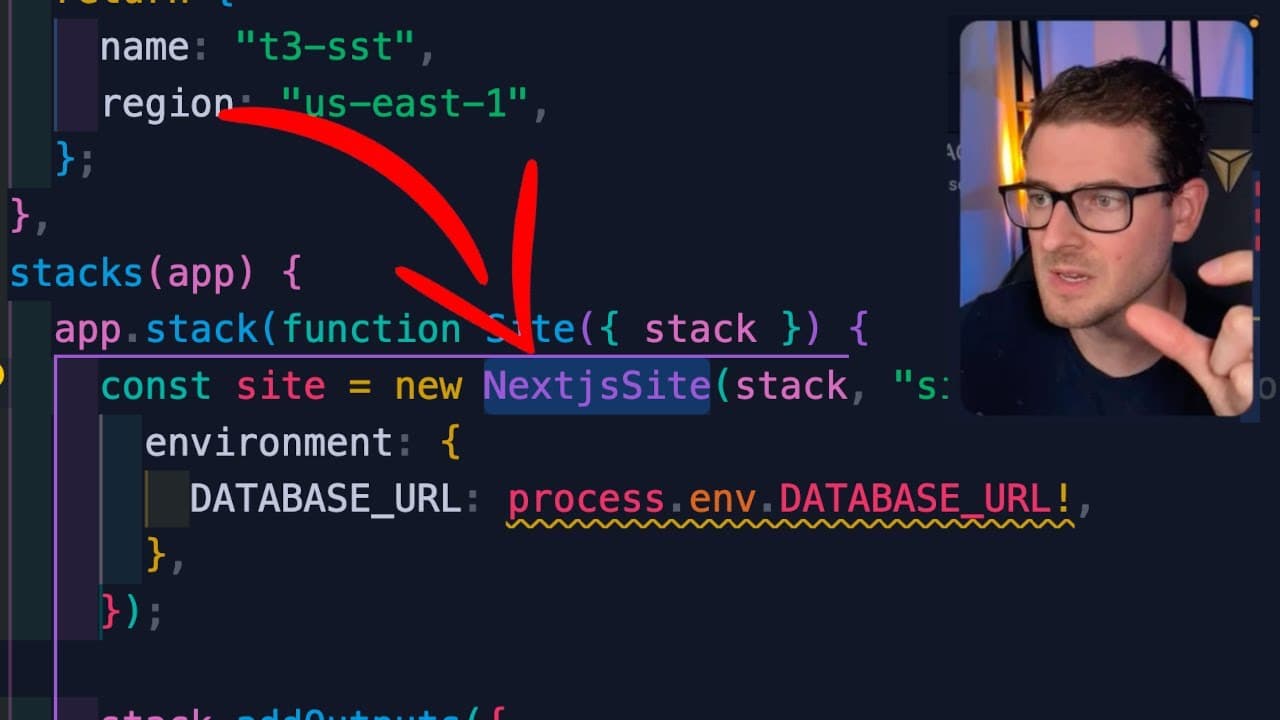
This video teaches how to deploy a T3 stack app using SST.
Transcript
how's it going everyone so I made a course where I showed you how to build a it's kind of like a minimal SAS product using the T3 stack and I deployed my application to amplify but a lot of people have asked me how do you deploy this to SST because a lot of people are interested in it so this is what this video is going to teach you I have a basic ... Read More
Key Insights
- 😫 Understanding how to set up IAM permissions and AWS accounts is crucial for using SST effectively.
- 👻 Switching from SQLite to a managed database like Postgres hosted on Supabase is necessary for production readiness.
- 👻 Utilizing GitHub Actions allows for effective CI/CD workflows, automating deployment processes to enhance productivity.
- 😭 Configuring environment variables correctly in a deployment script is vital for integrating services like databases and AWS computing resources.
- 😶🌫️ Security best practices, such as not committing AWS secrets to public repositories, protect against malicious exploitation of cloud resources.
- 😭 SST enables developers to easily customize AWS resources, including setting memory size and log retention for Lambda functions.
- 💨 The first deployment of an SST application may be slower due to resource provisioning, but subsequent deployments are typically faster.
Install to Summarize YouTube Videos and Get Transcripts
Explore YouTube Video Summarizer or Get YouTube Transcript Extractor
Questions & Answers
Q: What is the T3 stack, and why is it beneficial?
The T3 stack is a technology stack that integrates TypeScript, Tailwind CSS, and Next.js along with a focus on serverless architecture. It is beneficial because it allows developers to build efficient, modern web applications with responsive design and optimal performance, leveraging serverless functions to reduce server management.
Q: Why is using SST advantageous for deploying applications?
SST, or Serverless Stack, provides a simple way to deploy serverless applications on AWS. Its advantages include seamless integration with AWS services, ease of use, a focus on optimizing serverless resources, and the ability to customize deployment configurations, which significantly enhances the deployment process for developers.
Q: What challenges might arise when deploying from a local machine?
Deploying from a local machine can present challenges such as compatibility issues with OS-specific binaries for services like Prisma, which requires running on a Linux environment like AWS Lambda. Additionally, network issues, incorrect environment variable setups, or local development discrepancies can complicate successful deployment.
Q: How can environment variables be securely handled in GitHub Actions?
Environment variables can be managed securely in GitHub Actions by creating repository secrets. This allows sensitive data like database URLs and AWS credentials to be stored safely without exposing them in the codebase. The secrets can then be referenced in workflow files to access these variables during CI/CD processes.
Summary & Key Takeaways
-
The tutorial demonstrates the deployment of a T3 stack application to AWS using the Serverless Stack (SST) framework, emphasizing necessary prerequisites like AWS accounts and IAM permissions.
-
Key steps include configuring the application to connect to a Postgres database hosted on Supabase, updating environment variables, and setting up a CI/CD pipeline using GitHub Actions for automated deployments.
-
It highlights troubleshooting deployment issues, optimizing configurations, and important security practices to protect AWS keys, ensuring a smooth setup and better application management.
Read in Other Languages (beta)
Share This Summary 📚
Summarize YouTube Videos and Get Video Transcripts with 1-Click
Try YouTube Summary with ChatGPT & Claude or YouTube Transcript Generator
Explore More Summaries from Web Dev Cody 📚





Summarize YouTube Videos and Get Video Transcripts with 1-Click
Try YouTube Summary with ChatGPT & Claude or YouTube Transcript Generator