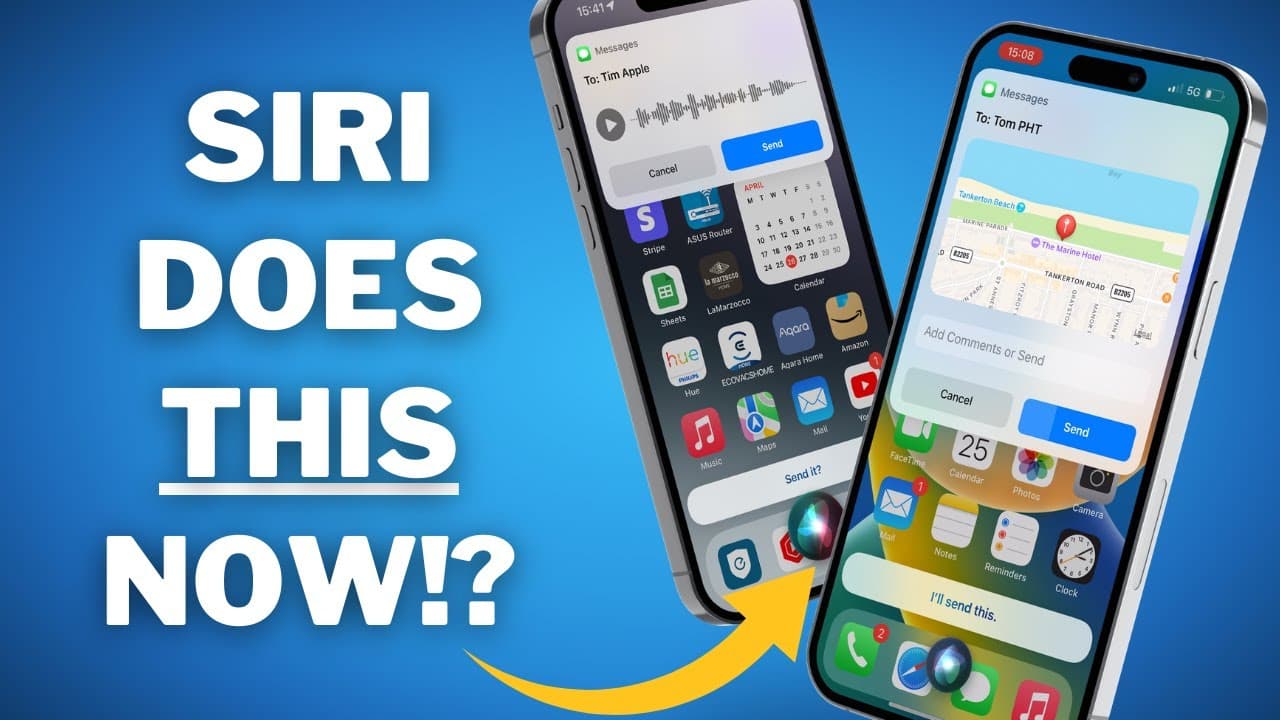
12 GENUINELY USEFUL Siri Commands You Probably Didn’t Know (2023)
TL;DR
Learn 12 useful Siri commands to maximize your experience with Apple's voice assistant.
Transcript
I've made quite a bit of content about Siri here on the channel and I'm very aware that it lags behind a lot of The Voice Assistant competition especially as AI is starting to become more widely adopted but For Better or Worse Siri is the tool that over 1.3 billion of us have access to so we might as well try and get the most out of it and that's w... Read More
Key Insights
- 💌 Siri commands offer various functionalities, including sending voice notes, locating emails, and viewing passwords.
- 🌱 Using Siri's detailed hourly weather feature can be helpful for planning activities.
- 👻 Siri can act as a translation tool, allowing users to communicate effectively in different languages.
- 🤙 Siri can initiate hands-free calls and route them directly to the speaker for convenient use.
- 😀 The Find My app, with the addition of AirTags, allows users to locate various items easily.
- 👪 Siri offers location sharing capabilities, simplifying rendezvous with friends or family.
- ⌛ Quickly take and send screenshots using a simple Siri command, saving time and effort.
- 💁 Siri can perform quick calculations for tips, making it convenient when dining out.
Install to Summarize YouTube Videos and Get Transcripts
Explore YouTube Video Summarizer or Get YouTube Transcript Extractor
Questions & Answers
Q: How can I send a voice note using Siri?
To send a voice note through iMessage, activate Siri and say, "Send a voice note to [contact name]." Siri will record your message, and you can listen or send it without touching your phone.
Q: How can Siri help me locate emails?
Siri can help you locate emails. For example, say, "Show me emails by [contact name]," or "Show me all the emails I received yesterday." You can also ask Siri to show unread emails or emails from specific dates, making it easier to find important messages.
Q: How can I view passwords stored on my iPhone using Siri?
You can use Siri to view specific passwords stored on your iPhone. Simply ask Siri, "Show me my [specific app] password." Siri will verify your identity and display the password. If you have multiple passwords, Siri will show you all options, and you can choose the desired one.
Q: How can I protect my data while using Siri?
To protect your data while using Siri, it's recommended to use a VPN like Private Internet Access. A VPN encrypts your data and ensures your browsing activity remains private, especially when using public Wi-Fi networks.
Key Insights:
- Siri commands offer various functionalities, including sending voice notes, locating emails, and viewing passwords.
- Using Siri's detailed hourly weather feature can be helpful for planning activities.
- Siri can act as a translation tool, allowing users to communicate effectively in different languages.
- Siri can initiate hands-free calls and route them directly to the speaker for convenient use.
- The Find My app, with the addition of AirTags, allows users to locate various items easily.
- Siri offers location sharing capabilities, simplifying rendezvous with friends or family.
- Quickly take and send screenshots using a simple Siri command, saving time and effort.
- Siri can perform quick calculations for tips, making it convenient when dining out.
- Time-related queries, such as determining the time remaining until a certain day or event, can be easily answered by Siri.
Summary & Key Takeaways
-
Send voice notes through iMessage using Siri.
-
Use Siri to quickly locate emails and show unread or specific dated emails.
-
Ask Siri to show passwords stored on your phone.
-
Use a VPN like Private Internet Access to protect your data while using Siri.
-
Get detailed hourly weather updates with Siri.
-
Translate phrases with Siri for effective communication.
-
Manage hands-free calls with Siri.
-
Use Siri and Find My app to locate items, including AirTags.
-
Share your location easily with Siri.
-
Ask Siri to take and send a screenshot.
-
Quickly calculate tips using Siri.
-
Ask Siri to determine the time remaining until a certain day or event.
Read in Other Languages (beta)
Share This Summary 📚
Summarize YouTube Videos and Get Video Transcripts with 1-Click
Try YouTube Summary with ChatGPT & Claude or YouTube Transcript Generator
Explore More Summaries from Proper Honest Tech 📚



Summarize YouTube Videos and Get Video Transcripts with 1-Click
Try YouTube Summary with ChatGPT & Claude or YouTube Transcript Generator