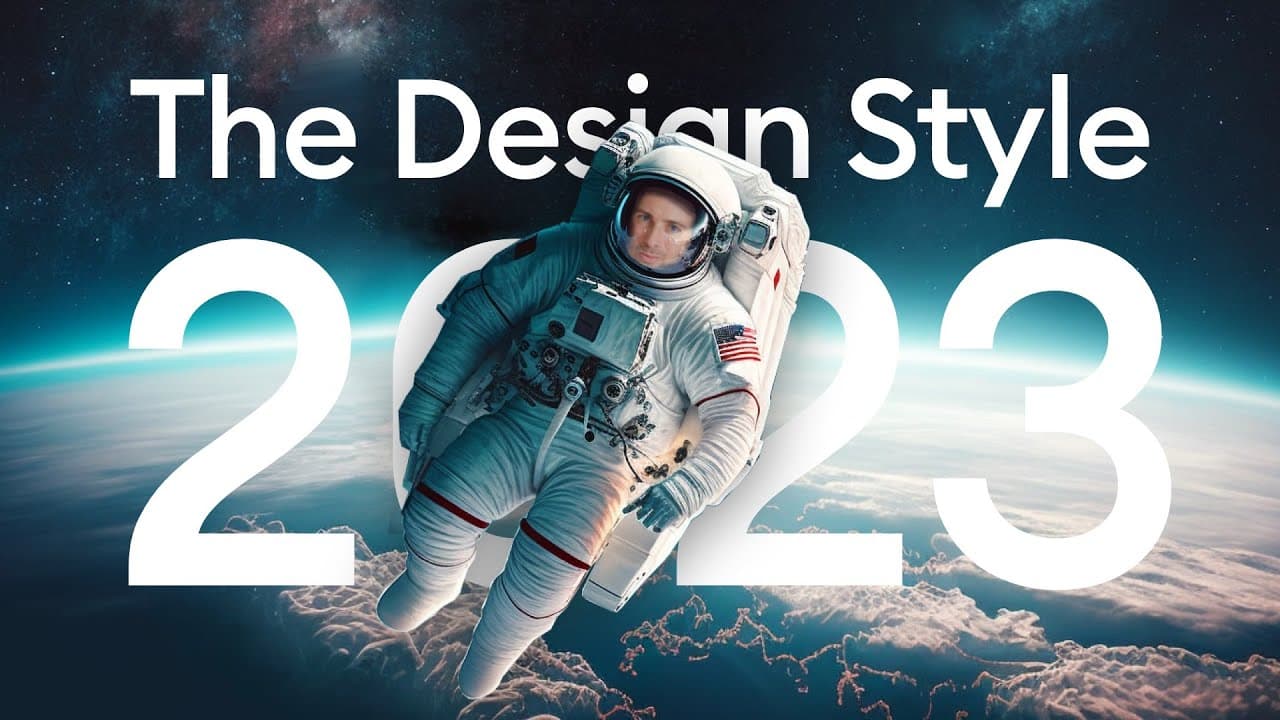
ONE ui design style to learn in 2023.
TL;DR
The new flat design combines elements of flat design with contrast, big typography, sharp corners, and delicate shadows to create a modern and clean aesthetic.
Transcript
how can you define flat because you know what this looks pretty flat to me I think we need a bit more of a perspective sometimes you really need to take a step back to appreciate how things look from a distance the Earth obviously isn't flat because it's organic nice and friendly but does design have to be that way [Applause] okay now I think I und... Read More
Key Insights
- 👶 The new flat design combines flat design principles with elements of new brutalism, big typography, sharp corners, glass morphism, and subtle shadows and gradients.
- ✋ Higher contrasts and vibrant colors are used to create a punchy and impactful visual experience.
- 🛝 Typography plays a significant role, with bigger headings and the choice between round corners (friendly) or sharp corners (serious).
- 🙂 Delicate shadows can be added to light elements on light backgrounds for a punchy effect.
- 🎨 Gradients are used sparingly to add an organic and natural balance to the design.
- 🫓 Solid colors and flat surfaces should be avoided, with depth being represented through the lightness of layers instead of shadows.
- 👶 The new flat design offers a clean, clear, readable, and modern aesthetic.
Install to Summarize YouTube Videos and Get Transcripts
Explore YouTube Video Summarizer or Get YouTube Transcript Extractor
Questions & Answers
Q: How does the new flat design differ from traditional flat design?
The new flat design absorbs other design trends such as new brutalism, big typography, sharp corners, glass morphism, and delicate shadows and gradients. It combines these elements with the principles of flat design to create a more modernized version.
Q: What role does contrast play in the new flat design?
Contrast is a key aspect of the new flat design, with higher contrasts and vibrant colors being encouraged. It adds punch and impact to the design, making it visually appealing and attention-grabbing.
Q: What are the typography recommendations for the new flat design?
Typography in the new flat design should be big and bold, with larger headings being preferred. The use of sharp corners for a serious look or round corners for a friendly look is also recommended. The thickness of the type can be regular for a clean minimal look without sacrificing readability.
Q: Can shadows and gradients be used in the new flat design?
Shadows and gradients are used subtly in the new flat design. Delicate and soft shadows can be applied to light elements on light backgrounds to create a punchy effect. Gradients are used sparingly, primarily to add an organic and natural balance to the overall minimal design.
Key Insights:
- The new flat design combines flat design principles with elements of new brutalism, big typography, sharp corners, glass morphism, and subtle shadows and gradients.
- Higher contrasts and vibrant colors are used to create a punchy and impactful visual experience.
- Typography plays a significant role, with bigger headings and the choice between round corners (friendly) or sharp corners (serious).
- Delicate shadows can be added to light elements on light backgrounds for a punchy effect.
- Gradients are used sparingly to add an organic and natural balance to the design.
- Solid colors and flat surfaces should be avoided, with depth being represented through the lightness of layers instead of shadows.
- The new flat design offers a clean, clear, readable, and modern aesthetic.
- There is still room for brutalist ideas and old-school soft shadows and colorful gradient stripe designs within the new flat design.
Summary & Key Takeaways
-
The new flat design combines flat design with elements of new brutalism, big typography, sharp corners, glass morphism, and subtle shadows and gradients.
-
It emphasizes higher contrasts and vibrant colors, allowing for a more punchy and impactful visual experience.
-
Typography plays a key role, with larger headings and the use of round corners for a friendly look or sharp corners for a more serious feel.
Read in Other Languages (beta)
Share This Summary 📚
Summarize YouTube Videos and Get Video Transcripts with 1-Click
Try YouTube Summary with ChatGPT & Claude or YouTube Transcript Generator
Explore More Summaries from Malewicz 📚




Summarize YouTube Videos and Get Video Transcripts with 1-Click
Try YouTube Summary with ChatGPT & Claude or YouTube Transcript Generator