How To Design Better AI Apps
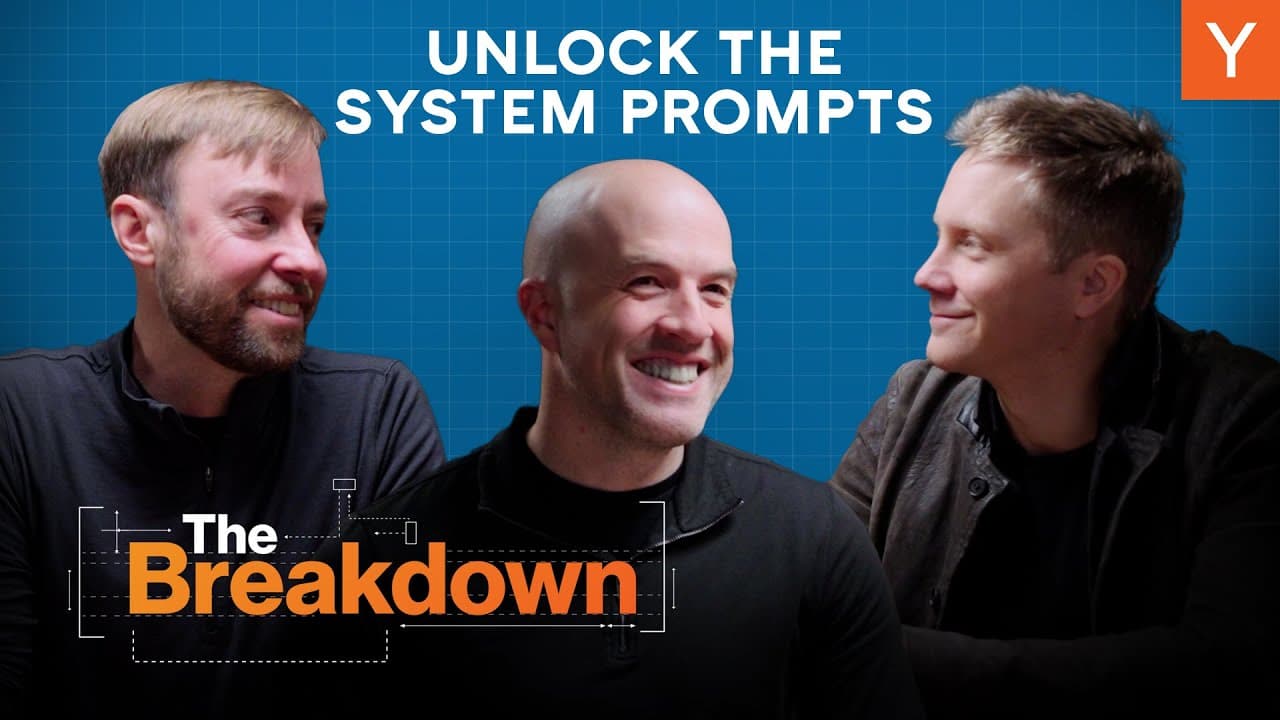
TL;DR
AI apps should empower users, not just add chatbots.
Transcript
we're using old software development techniques to build these features and we're not actually taking full advantage of what AI can do i think the promise of AI for many of us is that it allows us to build software that the user can program to do whatever they want using only natural language steve Jobs describes software as a sort of as a bicycle ... Read More
Key Insights
- AI should be used to create customizable tools that help users offload repetitive tasks, rather than just integrating chatbots into existing software.
- Editable system prompts can allow AI to sound more like the user, enhancing personalization and efficiency.
- The traditional developer-user divide in software design limits the potential of AI; users should have more control over AI behavior.
- The 'AI horseless carriage' metaphor highlights the need to rethink AI app design from the ground up, rather than just replacing old parts with AI.
- Allowing users to edit system prompts can make AI tools more intuitive and aligned with individual needs, much like teaching a human assistant.
- AI models excel in processing text, making them particularly effective in coding applications, but this potential can extend to other domains with the right tools.
- Developers should focus on creating tools that enable AI to automate tasks, turning it from a simple Q&A tool into a powerful assistant.
- The future of AI lies in building applications that allow users to program AI with natural language, making it accessible to everyone.
Install to Summarize YouTube Videos and Get Transcripts
Explore YouTube Video Summarizer or Get YouTube Transcript Extractor
Questions & Answers
Q: What is the main problem with current AI apps according to Pete Koomen?
Pete Koomen argues that current AI apps often integrate chatbots into existing software without fully utilizing AI's potential. This approach limits AI's ability to empower users by automating repetitive tasks and providing personalized assistance. Instead, AI should be designed to allow users to offload work they don't want to do, making it more effective and user-friendly.
Q: How can editable system prompts improve AI applications?
Editable system prompts can significantly enhance AI applications by allowing users to customize AI behavior to match their personal style and preferences. This can make AI interactions more natural and efficient, as the AI can better mimic the user's tone and decision-making processes. By giving users control over system prompts, AI tools become more intuitive and aligned with individual needs.
Q: What is the 'AI horseless carriage' metaphor?
The 'AI horseless carriage' metaphor refers to the tendency to design AI applications that simply replace existing components with AI, without rethinking the overall design. This approach limits AI's potential by not fully leveraging its capabilities. Instead, AI apps should be redesigned from the ground up to take full advantage of AI's ability to automate tasks and provide personalized assistance.
Q: Why are coding agents considered more advanced than other AI applications?
Coding agents are considered more advanced because they can effectively process text-based instructions and generate code, making them highly effective for developers. These agents allow users to describe what they want in natural language, and the AI can translate this into functional code. This capability demonstrates AI's potential to automate complex tasks and highlights the need for similar advancements in other domains.
Q: How does Pete Koomen suggest AI should be integrated into software development?
Pete Koomen suggests that AI should be integrated into software development by creating tools that allow users to program AI with natural language. This approach empowers users to customize AI behavior and automate tasks, making AI more accessible and effective. By focusing on creating tools that enable AI to perform useful work, developers can unlock AI's full potential.
Q: What role do tools play in enhancing AI applications?
Tools play a crucial role in enhancing AI applications by providing the necessary functionalities for AI to automate tasks on behalf of users. By equipping AI with tools like labeling, archiving, and drafting, developers can enable AI to handle repetitive tasks, making it more powerful and useful. The development of such tools is essential for transforming AI from a simple Q&A tool into a comprehensive assistant.
Q: What is Pete Koomen's vision for the future of AI applications?
Pete Koomen envisions a future where AI applications are designed to empower users by allowing them to offload repetitive tasks and customize AI behavior through natural language programming. This approach would make AI more accessible and effective, enabling users to focus on more important tasks. By rethinking AI app design, developers can create AI-native software that fully utilizes AI's potential.
Q: How can developers approach AI app design differently?
Developers can approach AI app design differently by focusing on creating tools that enable AI to automate tasks and provide personalized assistance. Instead of simply embedding chatbots into existing software, developers should rethink app design from the ground up to leverage AI's capabilities. This involves allowing users to customize AI behavior through editable system prompts and creating tools that enhance AI's functionality.
Summary & Key Takeaways
-
AI apps should be redesigned to empower users by automating repetitive tasks and allowing for customization through editable system prompts. This approach can make AI tools more intuitive and aligned with individual needs, enhancing user experience.
-
The traditional software development model limits AI's potential. By rethinking AI app design from the ground up, developers can create applications that allow users to program AI with natural language, making it more accessible and powerful.
-
AI's true promise lies in automating work on behalf of users, not just adding chatbots to existing software. By focusing on creating tools that enable AI to automate tasks, developers can unlock AI's full potential.
Read in Other Languages (beta)
Share This Summary 📚
Summarize YouTube Videos and Get Video Transcripts with 1-Click
Try YouTube Summary with ChatGPT & Claude or YouTube Transcript Generator
Explore More Summaries from Y Combinator 📚






Summarize YouTube Videos and Get Video Transcripts with 1-Click
Try YouTube Summary with ChatGPT & Claude or YouTube Transcript Generator