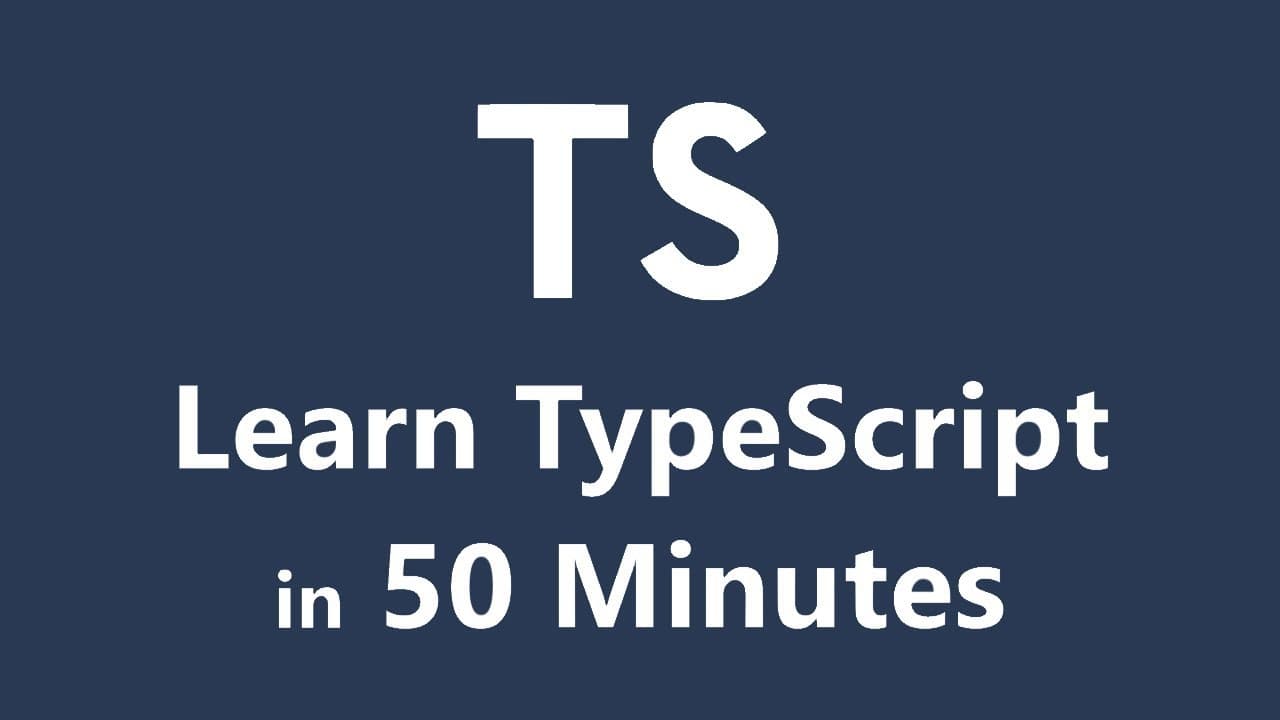
Learn TypeScript in 50 Minutes - Tutorial for Beginners
TL;DR
Learn TypeScript fundamentals including variables, functions, and classes.
Transcript
hey guys my name is vishwas and today we are going to master the basics of typescript we will begin by understanding what is typescript and why we should learn it we will then set up our development environment after that we are going to dive into the concepts of typescript we have variable declarations variable types functions interfaces classes a... Read More
Key Insights
- TypeScript is an open-source language by Microsoft, extending JavaScript with optional static typing.
- TypeScript compiles to plain JavaScript, making it compatible with all browsers.
- Using TypeScript enhances code reliability through static type checking and improved error detection.
- TypeScript supports advanced IDE features like IntelliSense, aiding in code refactoring and debugging.
- The language is widely used in frameworks like Angular, React, and Vue, indicating its growing popularity.
- TypeScript introduces classes and inheritance, aligning with object-oriented programming principles.
- Interfaces in TypeScript provide a structured way to define object shapes, improving code maintainability.
- Access modifiers in TypeScript control the visibility of class properties, enhancing encapsulation.
Install to Summarize YouTube Videos and Get Transcripts
Explore YouTube Video Summarizer or Get YouTube Transcript Extractor
Questions & Answers
Q: What is TypeScript and why should you learn it?
TypeScript is an open-source programming language developed by Microsoft. It is a typed superset of JavaScript that compiles to plain JavaScript. Learning TypeScript is beneficial because it enhances JavaScript with static typing, improving code reliability and error detection. It also provides advanced features like classes and interfaces, making it ideal for large-scale applications.
Q: How does TypeScript improve code reliability?
TypeScript improves code reliability through static type checking, which catches errors during development rather than at runtime. By specifying types for variables and function parameters, developers can prevent type-related errors. TypeScript's type inference and optional static typing also help in detecting potential issues early, reducing the likelihood of runtime errors.
Q: What are the benefits of using TypeScript with IDEs?
Using TypeScript with IDEs offers several benefits, including enhanced IntelliSense support, which provides code suggestions and auto-completion based on types. It also allows for easier code refactoring and debugging, as TypeScript's static typing highlights errors and provides detailed descriptions. This integration helps developers write cleaner and more efficient code.
Q: How does TypeScript handle variable declarations differently than JavaScript?
TypeScript encourages the use of 'let' and 'const' for variable declarations, supporting block-level scoping and preventing redeclaration errors. Unlike JavaScript, where variables can be dynamically typed, TypeScript allows developers to specify types explicitly, providing static type checking and reducing errors related to variable misuse or incorrect data types.
Q: What role do interfaces play in TypeScript?
Interfaces in TypeScript define the structure of objects by specifying the properties and their types. They provide a way to enforce consistency across different parts of the codebase, making it easier to maintain and refactor. Interfaces can also include optional properties, allowing for flexibility in object definitions while ensuring type safety.
Q: How does TypeScript support object-oriented programming?
TypeScript supports object-oriented programming through classes, which allow developers to define blueprints for objects. Classes in TypeScript can include properties, constructors, and methods, similar to languages like Java and C#. TypeScript also supports inheritance, enabling the creation of derived classes that extend the functionality of base classes.
Q: What are access modifiers in TypeScript, and how are they used?
Access modifiers in TypeScript, such as 'public', 'private', and 'protected', control the visibility of class properties and methods. 'Public' allows access from anywhere, 'private' restricts access to within the class, and 'protected' allows access within the class and its subclasses. These modifiers help in encapsulating and securing class data.
Q: Why is TypeScript becoming popular in modern web development?
TypeScript is becoming popular in modern web development due to its ability to enhance JavaScript with static typing, error checking, and advanced features like classes and interfaces. It is widely adopted in frameworks like Angular, React, and Vue, offering developers a robust and scalable solution for building large-scale applications with improved maintainability and reliability.
Summary & Key Takeaways
-
TypeScript is a typed superset of JavaScript, providing optional static typing and enhanced IDE support. It compiles to JavaScript, enabling browser compatibility. This tutorial covers TypeScript fundamentals, including variable declarations, types, functions, interfaces, classes, and access modifiers.
-
TypeScript's static typing improves code reliability by catching errors during development rather than runtime. It supports modern JavaScript features and includes additional capabilities like classes and interfaces, making it suitable for large-scale applications.
-
The tutorial demonstrates setting up a TypeScript environment, writing a simple program, and exploring key concepts such as variable types, function parameters, and class inheritance. It emphasizes TypeScript's advantages over plain JavaScript in terms of error checking and code structure.
Read in Other Languages (beta)
Share This Summary 📚
Summarize YouTube Videos and Get Video Transcripts with 1-Click
Try YouTube Summary with ChatGPT & Claude or YouTube Transcript Generator
Explore More Summaries from Codevolution 📚

Summarize YouTube Videos and Get Video Transcripts with 1-Click
Try YouTube Summary with ChatGPT & Claude or YouTube Transcript Generator