Live Coding a Simon Game: HTML, CSS, Javascript
TL;DR
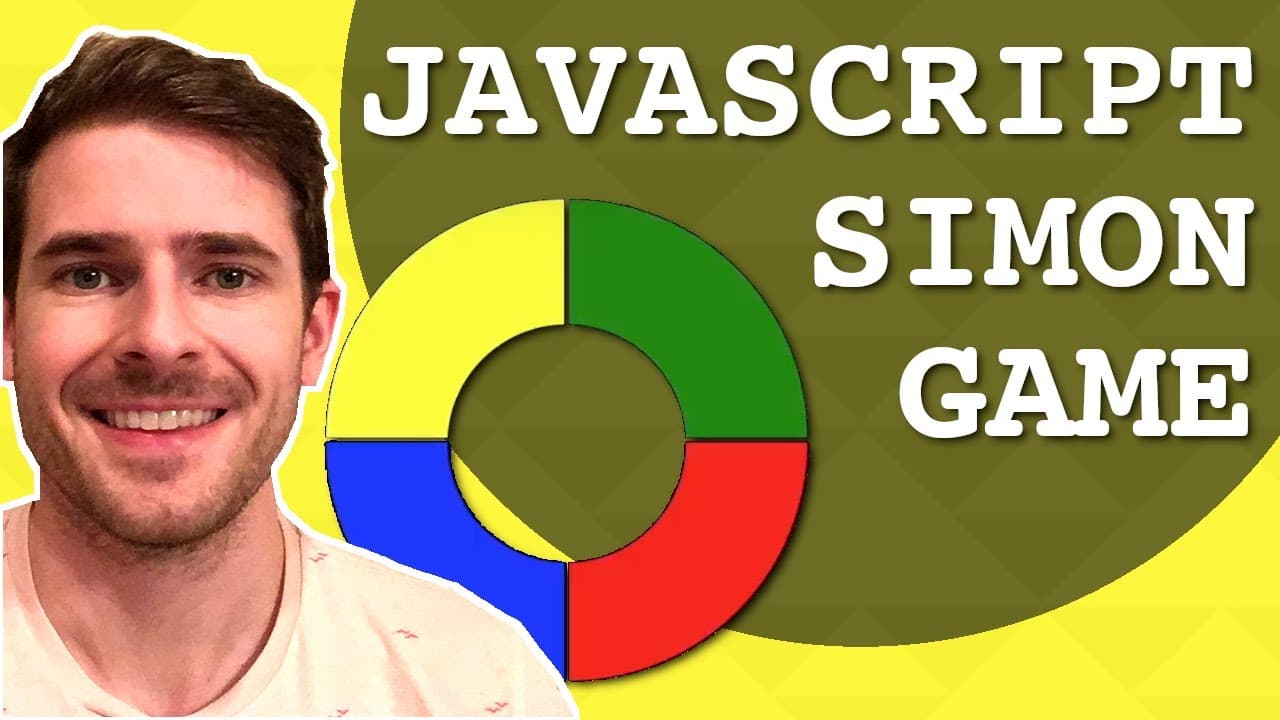
This video tutorial demonstrates how to code a Simon game using HTML, CSS, and JavaScript.
Transcript
hey everyone welcome back to another live coding session where I'm going to be building an html5 Simon game you know what Simon is basically a game we have like more colors on the board and they flash with different sequences and your job is to your goal in the game is to click the sequences back in the order of which they played so let me just typ... Read More
Key Insights
- 🤗 The tutorial emphasizes hands-on learning by demonstrating live coding, allowing viewers to follow along step by step.
- 👾 Designing the game interface with responsive CSS is crucial for a playable and attractive layout.
- 🎮 JavaScript plays a pivotal role in managing the game state, including the flashing sequence and user interactions.
- 🍵 The significance of promises and asynchronous JavaScript is highlighted when handling timed events like flashing panels.
- 🤩 Creating a random sequence is a key element of the game, enhancing its replayability and challenge.
- 👤 The understanding of event listeners is fundamental in capturing user interactions during gameplay.
- 👾 The presenter encourages viewers to experiment further by adding features such as sound effects and improved game feedback.
Install to Summarize YouTube Videos and Get Transcripts
Explore YouTube Video Summarizer or Get YouTube Transcript Extractor
Questions & Answers
Q: What is the main goal of the Simon game?
The main goal of the Simon game is to remember and replicate a sequence of colors that are flashed on the screen by clicking the corresponding colored panels in the same order they appeared. This requires concentration and memory skills as the game progresses by increasing the sequence length.
Q: How did the presenter create the colored panels in HTML?
The presenter created the colored panels by defining a div for each quarter-circle and applying CSS properties such as border-radius to create the shapes. Different background colors were assigned to each panel class to visually differentiate them and represent the game’s colors.
Q: What role does JavaScript play in this game?
JavaScript is responsible for the interactive elements of the game. It manages the sequences of colors, executes the flashing functionality by manipulating class names to indicate active states, and handles user clicks to verify if the player correctly matches the sequence.
Q: Why is CSS positioning important for the game design?
CSS positioning is important for the game design because it ensures that the colored panels appear correctly on the screen, creating a visually appealing layout. Using properties like display: inline-block and margin allows for better alignment and centering of the game’s interface.
Q: What does the presenter mention about adding polish to the game?
The presenter notes that after implementing the basic game functionality, one could add "polish" by enhancing the user experience. This could include implementing sound effects when colors flash or are clicked, improving visual design, and adding user-friendly text prompts to guide players.
Q: How does the game manage to check if the user's clicks match the color sequence?
The game manages this by keeping track of the sequence the user needs to guess. When a panel is clicked, it checks if the clicked panel matches the sequence. If it does, the game progresses; if not, a game-over message is displayed.
Summary & Key Takeaways
-
The tutorial starts with an overview of the Simon game concept, explaining how players interact with the game by clicking colored panels that flash in specific sequences.
-
The presenter outlines the coding process in HTML and CSS to create the game's interface, including the design of color panels and their arrangement on the screen.
-
JavaScript is then used to add functionality, including the game logic for flashing colors and user interaction, managing game sequences, and game state updates.
Read in Other Languages (beta)
Share This Summary 📚
Summarize YouTube Videos and Get Video Transcripts with 1-Click
Try YouTube Summary with ChatGPT & Claude or YouTube Transcript Generator
Explore More Summaries from Web Dev Cody 📚





Summarize YouTube Videos and Get Video Transcripts with 1-Click
Try YouTube Summary with ChatGPT & Claude or YouTube Transcript Generator