Does PageRank take into account cross-browser compatibility?
TL;DR
PageRank ignores cross-browser compatibility; it focuses on link reputation.
Transcript
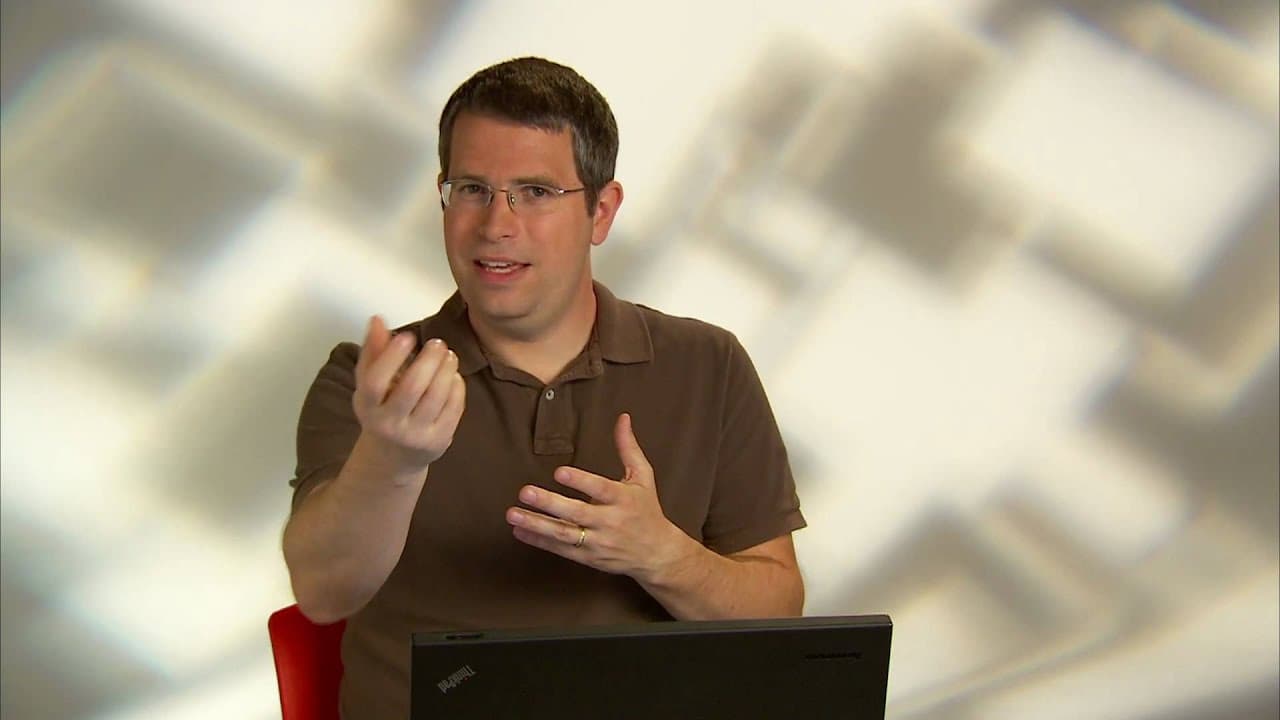
Matt Cutts: Today's question comes from Land Lubber in Colorado who asks: "Does PageRank take into account cross-browser compatibility? If a site isn't compatible with certain browsers, does that make a difference for Googlebot? The answer is no on both counts. So I've mentioned this in another video but let me just reiterate: PageRank is based o... Read More
Key Insights
- PageRank is concerned solely with the quantity and reputation of links to a site, not the site's content or compatibility with different browsers.
- Googlebot does not consider how a site renders across different browsers but focuses on indexing the textual content present on the page.
- Googlebot typically identifies itself when crawling, except during spam checks or cloaking verification, ensuring transparency in its operations.
- Web developers should ensure the same content is served to Googlebot as to regular users to avoid cloaking issues and potential penalties.
- Google is forgiving of HTML errors, recognizing that a significant portion of the web contains syntactic errors, which doesn't necessarily reflect on content quality.
- There is no penalty for sites with non-validating HTML or those that do not adhere to strict syntactic rules, as Google aims to capture a comprehensive view of web content.
- Google's approach to indexing is inclusive, aiming to accommodate even somewhat broken HTML to ensure valuable content isn't overlooked.
- Cross-browser compatibility does not affect a site's ranking or indexing by Google, as the focus remains on link quality and content accessibility.
Install to Summarize YouTube Videos and Get Transcripts
Explore YouTube Video Summarizer or Get YouTube Transcript Extractor
Questions & Answers
Q: Does PageRank consider cross-browser compatibility?
No, PageRank does not take cross-browser compatibility into account. It is focused on the number and reputation of links to a site, not how a site renders in different browsers. The essence of PageRank is to evaluate the site's reputation based on incoming links, independent of its content or technical specifications.
Q: How does Googlebot handle sites with cross-browser issues?
Googlebot does not consider cross-browser issues when indexing a site. It focuses on the textual content available on the page, regardless of how it renders across different browsers. As long as the content is accessible and consistent for both users and Googlebot, cross-browser compatibility is irrelevant in the indexing process.
Q: What should web developers avoid to prevent cloaking issues?
Web developers should ensure that the content served to Googlebot is the same as what regular users receive. Avoid using special code that checks if the visitor is Googlebot or using Google-specific user agents or IP addresses. Consistency in content delivery is crucial to avoid cloaking penalties and maintain a good standing with Google.
Q: Does Google penalize sites with HTML errors?
No, Google does not penalize sites for HTML errors or non-validating HTML. Understanding that a significant portion of web pages contain such errors, Google's approach is to accommodate these issues and focus on the quality and accessibility of the content rather than technical perfection, ensuring valuable content isn't overlooked.
Q: How does Googlebot identify itself when crawling sites?
Googlebot typically identifies itself clearly when crawling sites, except in situations like spam checks or cloaking verification. This transparency allows site owners to recognize when Google is visiting their site, ensuring that the content is indexed appropriately without any special treatment that could lead to cloaking issues.
Q: Why does Google accommodate non-validating HTML?
Google accommodates non-validating HTML because a significant portion of the web contains such errors, and dismissing these pages would mean losing access to potentially valuable content. Google's inclusive approach ensures a comprehensive indexing strategy, capturing a wide array of content regardless of technical imperfections.
Q: What is the primary focus of Googlebot when indexing a page?
The primary focus of Googlebot when indexing a page is to extract and index the textual content available. It does not concern itself with how the page renders in different browsers, ensuring that the content's accessibility and consistency are prioritized over technical aspects like cross-browser compatibility.
Q: How does Google's approach to indexing ensure comprehensive web coverage?
Google's approach to indexing ensures comprehensive web coverage by accommodating HTML errors and non-validation, recognizing that a large portion of the web contains such issues. This inclusive strategy focuses on capturing valuable content regardless of technical imperfections, relying on link quality and content accessibility as primary ranking factors.
Summary & Key Takeaways
-
PageRank does not consider cross-browser compatibility; it evaluates sites based on the number and reputation of links they receive. Googlebot focuses on indexing textual content and does not differentiate based on browser rendering. Ensuring consistent content delivery to both users and Googlebot is crucial to avoid cloaking issues.
-
Googlebot typically identifies itself when visiting sites, except during specific checks like spam or cloaking verification. The bot's primary role is to index the textual content of pages, regardless of how they render across different browsers, thus ensuring comprehensive coverage of available web content.
-
Google accommodates HTML errors and non-validation, recognizing that a significant portion of web pages contain such issues. This approach ensures that potentially valuable content isn't dismissed due to technical imperfections, maintaining a broad and inclusive indexing strategy focused on content accessibility and link quality.
Read in Other Languages (beta)
Share This Summary 📚
Summarize YouTube Videos and Get Video Transcripts with 1-Click
Try YouTube Summary with ChatGPT & Claude or YouTube Transcript Generator
Explore More Summaries from Google Search Central 📚






Summarize YouTube Videos and Get Video Transcripts with 1-Click
Try YouTube Summary with ChatGPT & Claude or YouTube Transcript Generator