When to Use React useState vs Normal Variables?
TL;DR
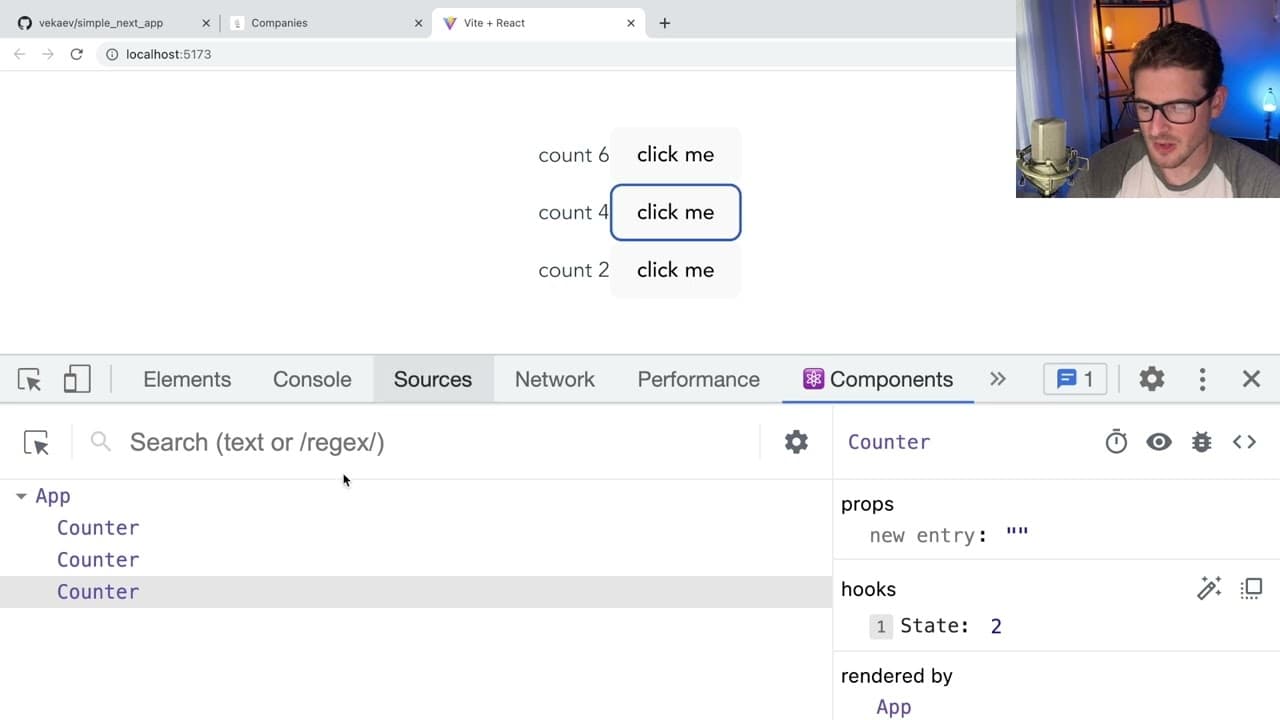
In React, useState should be used for any variables that need to trigger a re-render when changed. Unlike normal JavaScript variables, which don’t notify React about updates, useState ensures that the UI reflects the latest state. Use normal variables for static values or when the variable doesn't influence the UI.
Transcript
all right so someone in my discord asked me if i could explain like when do you use the just a normal javascript variable when you're dealing with react applications versus when do you use like the usaid hook and i think in order to answer that question you have to kind of understand like how does state work and react how does re-rendering work and... Read More
Key Insights
- 🪝 React's re-rendering is contingent upon its internal state management through hooks rather than regular variable updates.
- 💝 By utilizing useState, developers inform React when changes occur, ensuring UI reflects the latest state correctly.
- 👶 Immutability is crucial in React, requiring the creation of new references for state updates to notify React of changes.
- 🆘 Understanding closures helps developers manage variables effectively within functional components.
- 😚 Asynchronous nature of state setters necessitates careful handling through callback functions to avoid losing previous state references.
- 🌐 Utilizing global variables can create inconsistencies across components, highlighting the importance of local state management.
- 🪡 Derived state and computational logic can enhance components’ performance if managed correctly, but caution is needed to avoid inefficiencies.
Install to Summarize YouTube Videos and Get Transcripts
Explore YouTube Video Summarizer or Get YouTube Transcript Extractor
Questions & Answers
Q: What is the primary function of the useState hook in React?
The useState hook allows components to manage local state, facilitating updates and dynamic re-rendering of the UI when state changes. Unlike standard JavaScript variables, useState notifies React to trigger a re-render, ensuring that the UI reflects the current state.
Q: Why doesn’t React re-render components when regular JavaScript variables change?
React doesn't automatically know when regular JavaScript variables change, as it relies on its internal state management. Standard variables are outside its tracking mechanism, meaning even if the variable updates, the React components using it won’t refresh unless the state is managed through hooks like useState.
Q: Can you explain how React handles immutability in state updates?
React enforces immutability to maintain performance when determining when to re-render components. This means that when updating state collections like arrays, a new copy must be created. For instance, using spread operators to create a new array ensures React recognizes that a change has occurred.
Q: What happens if state setters are called multiple times sequentially in React?
State setters in React are asynchronous, meaning if called multiple times in quick succession, they may not accumulate the intended changes. React captures only the final state unless a callback function is used, allowing you to base the new state on the previous state, thus ensuring the expected outcome.
Q: What is the issue with using global variables in React, as explained in the video?
Using global variables can lead to unintended shared state across components. If multiple components reference the same variable, updating one component will affect all, leading to inconsistencies. Properly leveraging hooks like useState ensures each component maintains its own isolated state.
Q: How does React determine which components need to re-render?
React uses a reconciliation process based on state changes. When state changes via hooks such as useState, React re-evaluates the component tree, re-rendering only those components with state that has changed. This efficient handling avoids unnecessary updates and improves performance.
Q: What is a derived state and how does React handle it?
A derived state in React is a value computed from other state variables. React updates derived state automatically on changes to its dependencies through hooks. However, it requires careful management to ensure that performance isn't degraded by unnecessary re-calculations for static data elements.
Q: Why is using destructuring beneficial in React component functions?
Destructuring in React enhances code readability and conciseness by allowing easy extraction of props and state variables. This practice helps to avoid repetitive code and clarifies the components’ internal logic without cluttering, making the codebase easier to maintain.
Summary & Key Takeaways
-
The video explains the differences between using normal JavaScript variables and React's useState hook for managing component state.
-
It demonstrates how React automatically re-renders components when state changes using hooks, contrasting this with manually updating variables.
-
Key concepts include closures, immutability of state, and asynchronous behavior of state updates in React applications.
Read in Other Languages (beta)
Share This Summary 📚
Summarize YouTube Videos and Get Video Transcripts with 1-Click
Try YouTube Summary with ChatGPT & Claude or YouTube Transcript Generator
Explore More Summaries from Web Dev Cody 📚





Summarize YouTube Videos and Get Video Transcripts with 1-Click
Try YouTube Summary with ChatGPT & Claude or YouTube Transcript Generator