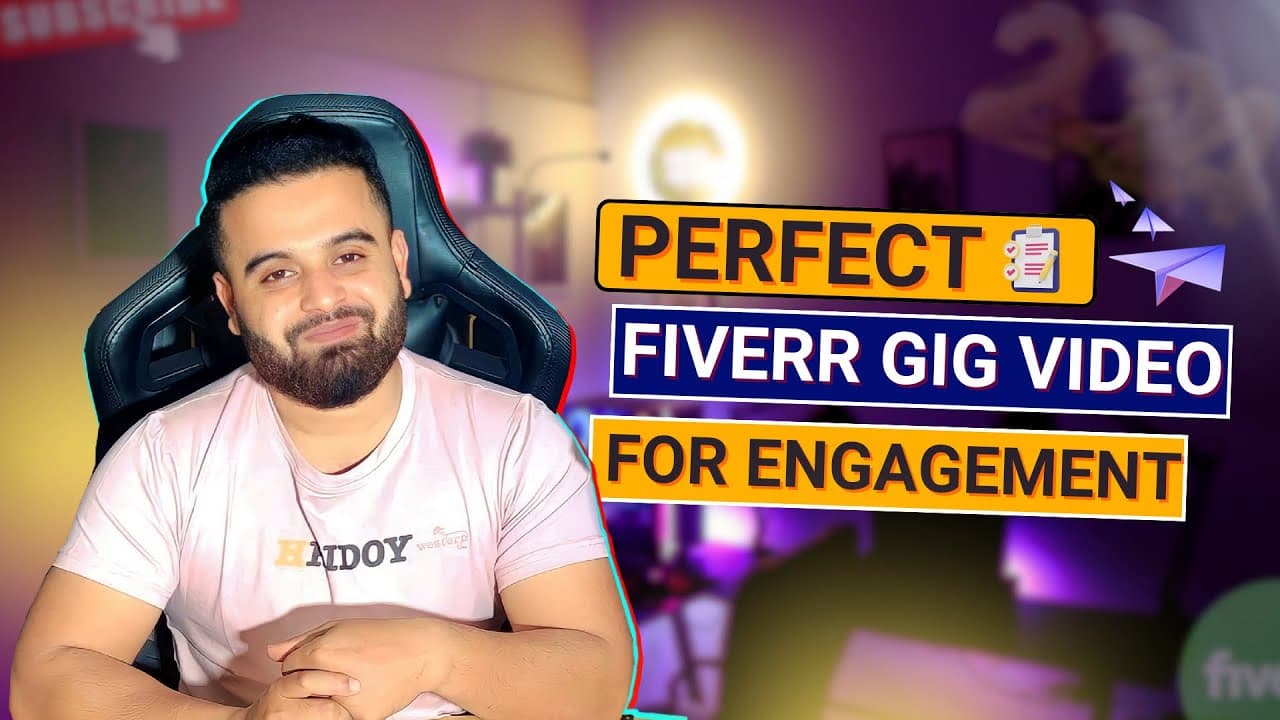
How to Create a Perfect Fiverr Gig Video | Fiverr Success Course in 2024 | Part 08
TL;DR
Learn to create impactful Fiverr gig videos to boost engagement.
Transcript
Drop Shipping Store create Shopify Drop Shipping Store which means minimum 75 second upim 30 to 4 someone I doing something to requirs Google ads marke up to 75 alhamdulillah but as a beginner just focusing okay my name is I an SE expert I'm doing SE over six years this G is all about local SEO service I am offering a perfect search engine optimiza... Read More
Key Insights
- A gig video on Fiverr significantly increases engagement and conversion rates, making it essential for freelancers to stand out.
- Videos allow freelancers to showcase their skills dynamically, building trust and reliability with potential clients.
- Scriptwriting is crucial; keep it concise and focused on key messages to effectively communicate your unique selling points.
- Storyboarding helps in visualizing and planning the shots, ensuring that the video remains engaging and coherent.
- Even basic equipment like a smartphone with a good camera suffices for filming, provided the setting is quiet and well-lit.
- Editing is vital; use software to trim mistakes, add text overlays, and include background music to enhance appeal.
- SEO optimization of the video title and description is necessary for better visibility on Fiverr’s search engine.
- Feedback from peers can provide valuable insights, helping to refine and polish the video before publishing.
Install to Summarize YouTube Videos and Get Transcripts
Explore YouTube Video Summarizer or Get YouTube Transcript Extractor
Questions & Answers
Q: Why is a gig video important on Fiverr?
A gig video is important on Fiverr because it significantly increases engagement and conversion rates. It allows freelancers to showcase their skills dynamically and build trust with potential clients. Videos are more engaging than text alone, helping freelancers stand out in a competitive marketplace and effectively communicate their unique selling points.
Q: What are the key elements of a successful gig video?
Key elements of a successful gig video include a concise script that highlights key messages, effective storyboarding to plan visuals, and the use of basic equipment like a smartphone with a good camera. Proper lighting, clear audio, and professional presentation also contribute, along with editing to refine the video and add engaging elements like text overlays and music.
Q: How can freelancers plan their gig video effectively?
Freelancers can plan their gig video effectively by starting with scriptwriting to focus on key messages and unique selling points. Storyboarding helps visualize and plan the shots, ensuring the video remains engaging. Choosing a quiet, well-lit location and preparing the necessary equipment, like a smartphone and tripod, are also crucial steps in the planning process.
Q: What role does editing play in creating a gig video?
Editing plays a crucial role in creating a gig video by allowing freelancers to remove mistakes and unnecessary parts, ensuring the message is clear and concise. It also involves adding text overlays to highlight key points and including background music to enhance the video's appeal. Editing software, whether free or paid, caters to different skill levels and is essential for producing a polished final product.
Q: How can freelancers optimize their gig video for better visibility?
Freelancers can optimize their gig video for better visibility by including relevant keywords in the video's title and description to improve SEO. Creating an eye-catching thumbnail that accurately represents the gig is also important, as it's the first thing potential clients see. Additionally, seeking feedback from peers can provide valuable insights to further refine the video before publishing.
Q: What equipment is necessary for filming a gig video?
For filming a gig video, freelancers don't need high-end equipment. A smartphone with a good camera and a tripod can suffice. It's important to choose a quiet, well-lit location without distractions. Using a decent microphone ensures clear audio, and natural light is preferable, though soft artificial lighting can be used if necessary.
Q: Why is feedback important before publishing a gig video?
Feedback is important before publishing a gig video because it provides fresh perspectives and valuable insights that can help refine and polish the video. Peers or fellow freelancers can offer constructive criticism, ensuring the video effectively communicates the intended message and resonates with the target audience. This process helps in creating a video that accurately reflects the freelancer's brand.
Q: What should freelancers avoid in their gig videos?
Freelancers should avoid including contact information, URLs, or seller ratings in their gig videos, as these elements are against Fiverr's guidelines. Additionally, they should not use the same video for multiple gigs or include copyrighted audio. Ensuring the video is original and adheres to platform rules is crucial for maintaining professionalism and compliance.
Summary & Key Takeaways
-
Creating a gig video on Fiverr is a powerful way to increase engagement and conversion rates. It allows freelancers to showcase their skills and build trust with clients. By focusing on scriptwriting, storyboarding, and using adequate equipment, freelancers can create compelling videos that stand out.
-
Effective gig videos require planning and editing to convey the message clearly. Using basic equipment in a well-lit setting, freelancers can produce professional-looking videos. Editing software helps in enhancing the video with text overlays and music, making it more appealing to viewers.
-
Optimizing the gig video for SEO is crucial for visibility. Including relevant keywords in the title and description can improve search rankings. Seeking feedback from peers can provide fresh perspectives, ensuring the video resonates with the target audience and reflects the freelancer's brand effectively.
Read in Other Languages (beta)
Share This Summary 📚
Summarize YouTube Videos and Get Video Transcripts with 1-Click
Try YouTube Summary with ChatGPT & Claude or YouTube Transcript Generator
Explore More Summaries from Learn From Top Rated Freelancer 📚




Summarize YouTube Videos and Get Video Transcripts with 1-Click
Try YouTube Summary with ChatGPT & Claude or YouTube Transcript Generator