How to Optimize Technical SEO for WordPress
TL;DR
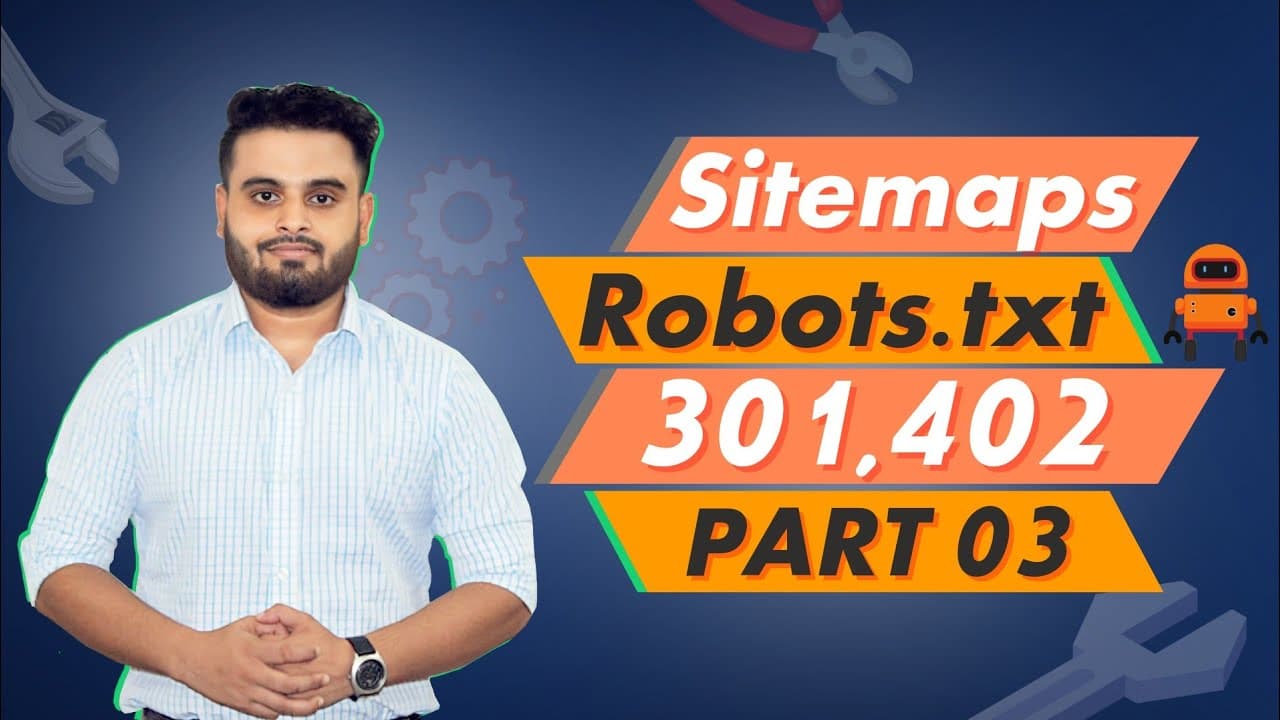
To optimize technical SEO for WordPress, focus on creating an XML sitemap, configuring the robots.txt file, and setting up 301 redirects. Ensuring your website is mobile-friendly and has a valid SSL certificate is crucial. These steps help search engines index your site effectively, improving search visibility.
Transcript
come on plus just market foreign used better content click the burban at on page quarterback energy and have a fully optimized wordpress site using this used seo plugin so please just install the other event normally install the wordpress interactive oops m development foreign foreign dashboard um um is foreign foreign consulate has is website fore... Read More
Key Insights
- A sitemap is essential for helping search engines find and index website content.
- The robots.txt file directs search engines on which pages to crawl or avoid.
- 301 redirects are used to permanently redirect URLs, passing link equity.
- Mobile-friendliness is critical, with 90% of sites needing optimization.
- An SSL certificate is necessary for securing data and improving SEO rankings.
- Technical SEO includes optimizing site structure and navigation.
- WordPress plugins like Yoast SEO can assist in technical SEO improvements.
- Regularly checking for dead links and fixing errors is vital for SEO health.
Install to Summarize YouTube Videos and Get Transcripts
Explore YouTube Video Summarizer or Get YouTube Transcript Extractor
Questions & Answers
Q: How to create an XML sitemap for WordPress?
To create an XML sitemap for WordPress, you can use plugins like Yoast SEO or Google XML Sitemaps. These plugins automatically generate a sitemap for your site, which you can submit to search engines like Google through their respective webmaster tools. This helps improve the indexing and visibility of your website's content.
Q: What is the purpose of a robots.txt file?
The robots.txt file serves as a guide for search engine crawlers, instructing them on which pages of your website to crawl and which to ignore. This file helps manage crawler traffic, preventing overloading of server resources, and ensures that sensitive or non-essential pages are not indexed, optimizing the site's SEO performance.
Q: How do 301 redirects affect SEO?
301 redirects are crucial for SEO as they permanently redirect traffic from an old URL to a new one, passing full link equity and ranking power to the redirected page. This ensures that any SEO benefits, such as backlinks and search engine rankings, are retained, preventing loss of traffic and maintaining the site's visibility.
Q: Why is mobile-friendliness important for SEO?
Mobile-friendliness is essential for SEO because search engines prioritize mobile-friendly websites in their rankings due to the increasing number of users accessing the internet via mobile devices. A mobile-friendly site ensures a better user experience, faster loading times, and improved accessibility, all of which contribute to higher search engine rankings.
Q: What role does an SSL certificate play in SEO?
An SSL certificate is vital for SEO as it encrypts data between the user's browser and the server, ensuring secure data transmission. Search engines like Google favor HTTPS websites, often ranking them higher than non-secure sites. An SSL certificate also builds trust with users, potentially increasing site traffic and engagement.
Q: How can Yoast SEO plugin help in technical SEO?
The Yoast SEO plugin aids in technical SEO by providing tools to optimize site structure, meta tags, and content readability. It generates XML sitemaps, helps configure robots.txt files, and offers insights on keyword usage. Additionally, it provides on-page SEO suggestions, helping improve the overall search engine visibility of a WordPress site.
Q: What is the importance of checking for dead links?
Checking for dead links is crucial as they can lead to a poor user experience and negatively impact SEO. Dead links result in 404 errors, which can cause search engines to lower a site's ranking. Regularly auditing and fixing these links ensures that users and search engines can navigate the site effectively, maintaining its SEO health.
Q: How does site structure influence SEO?
Site structure significantly influences SEO by affecting how search engines crawl and index a website. A clear, logical structure helps search engines understand the hierarchy and relationship between pages, improving crawl efficiency. A well-organized site structure also enhances user experience, leading to longer visit durations and better SEO performance.
Summary & Key Takeaways
-
Creating an XML sitemap is the first step in optimizing technical SEO, as it helps search engines crawl and index your website's content efficiently. Configuring the robots.txt file is also crucial, as it guides search engines on which pages to crawl and which to ignore, improving overall site visibility.
-
Implementing 301 redirects is essential for maintaining link equity when URLs change, ensuring that search engines pass ranking power to the new pages. Additionally, making sure your website is mobile-friendly is vital, as it affects user experience and search rankings, with 90% of websites requiring this optimization.
-
An SSL certificate is a must-have for any website to secure data transmission and boost SEO rankings. Technical SEO also involves using tools like Yoast SEO to improve site structure, navigation, and on-page elements, as well as regularly checking for dead links and other errors that can negatively impact SEO performance.
Read in Other Languages (beta)
Share This Summary 📚
Summarize YouTube Videos and Get Video Transcripts with 1-Click
Try YouTube Summary with ChatGPT & Claude or YouTube Transcript Generator
Explore More Summaries from Learn From Top Rated Freelancer 📚






Summarize YouTube Videos and Get Video Transcripts with 1-Click
Try YouTube Summary with ChatGPT & Claude or YouTube Transcript Generator