What Is Google's NotebookLM and How Can It Enhance Research?
TL;DR
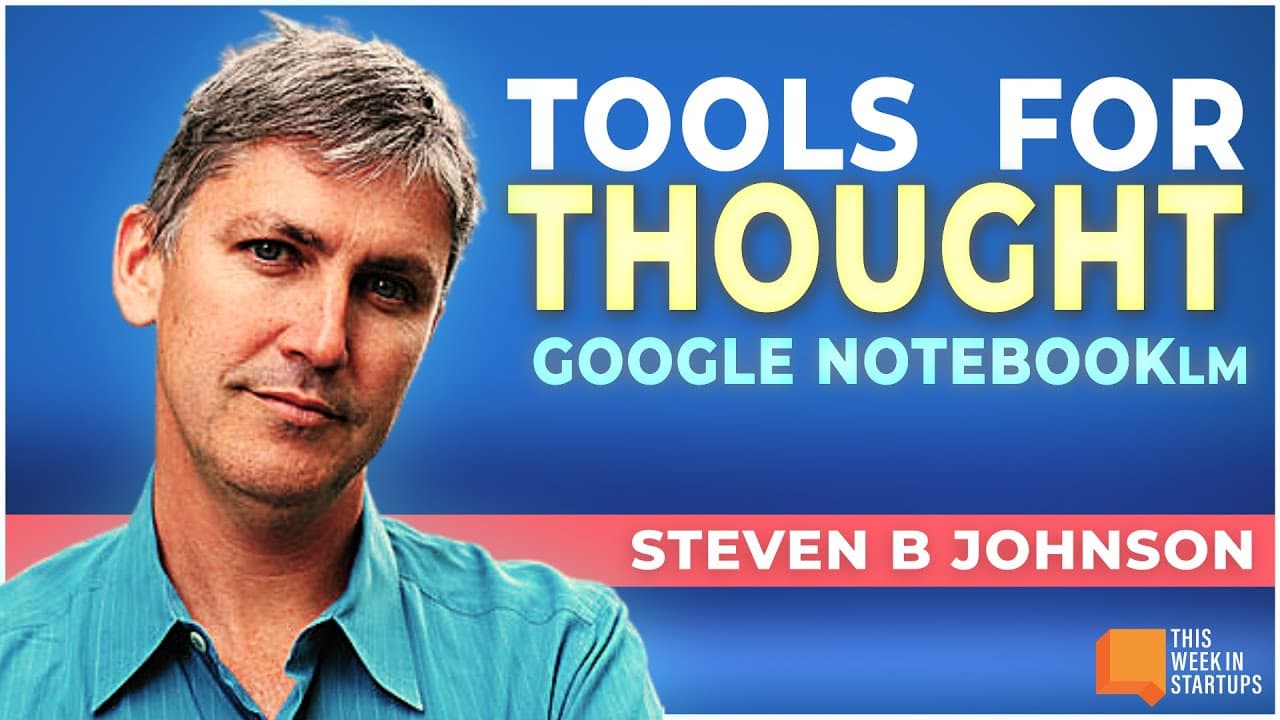
Google's NotebookLM allows users to organize and synthesize information from multiple documents, enabling complex inquiries and streamlined research processes. It offers summarized answers, citations for original sources, and suggested questions for exploration, making it an invaluable tool for academics, writers, and knowledge workers. Collaboration features, like shared notebooks, further enhance productivity and knowledge sharing.
Transcript
so I wrote this book called The Ghost map and so I would often start off just to figure out where Bard was today I be like hey let's talk about Stephen Johnson's book The Ghost map and so one time I did it and vard came back and was like oh I would love to talk about that that's a thrilling medical mystery set in 1854 London uh about the Dr Jon Sno... Read More
Key Insights
- 💁 Language models like Notebook LM have the potential to revolutionize how we organize and synthesize information, making them highly valuable tools for knowledge workers in various fields.
- 😷 The ability to ask complex questions and receive summarized answers from a large corpus of documents enhances productivity and efficiency in research and creative endeavors.
- 😤 Collaboration features, such as shared notebooks and suggested questions, facilitate teamwork and knowledge sharing, benefiting teams and organizations.
- 💁 Privacy and security measures ensure the protection of sensitive data, assuring users that their information remains confidential.
- 💨 Continuous improvements and expanding multimodal capabilities pave the way for future advancements and developments in the field of language models.
Install to Summarize YouTube Videos and Get Transcripts
Explore YouTube Video Summarizer or Get YouTube Transcript Extractor
Questions & Answers
Q: How does Google's Notebook LM help users organize and access information?
Notebook LM enables users to upload, store, and organize documents, offering easy access to information and the ability to ask sophisticated questions. It provides summarized answers, citations, and suggestions, making it highly beneficial for research and brainstorming purposes.
Q: Can multiple users collaborate on a shared notebook?
Yes, shared notebooks allow users to collaborate and share information. They can ask questions, provide input, and explore sources together, fostering knowledge sharing and collaboration among teams or groups.
Q: How does Notebook LM ensure privacy and security for sensitive information?
Notebook LM does not use the uploaded information for training the model. Users can rest assured that their private and corporate documents are not being used to train the AI. It maintains privacy and security while providing powerful capabilities for information synthesis.
Q: What future developments can we expect from Notebook LM?
The future of Notebook LM holds possibilities for advanced image processing, enhanced formatting options, and expanding source compatibility. Google aims to refine and expand the capabilities, making it a versatile tool for various industries and use cases.
Summary & Key Takeaways
-
Google's Notebook LM allows users to store and organize a large corpus of documents, enabling easy access to information and the ability to ask complex questions.
-
The tool provides summarized answers, citations, and suggestions for further exploration, making it useful for various purposes, from academic research to creative brainstorming.
-
Shared notebooks and suggested questions enhance collaboration and facilitate knowledge sharing among users.
-
Privacy and security measures ensure the protection of sensitive data, while continuous improvements and multimodal capabilities open possibilities for further development.
Read in Other Languages (beta)
Share This Summary 📚
Summarize YouTube Videos and Get Video Transcripts with 1-Click
Try YouTube Summary with ChatGPT & Claude or YouTube Transcript Generator
Explore More Summaries from This Week in Startups 📚






Summarize YouTube Videos and Get Video Transcripts with 1-Click
Try YouTube Summary with ChatGPT & Claude or YouTube Transcript Generator