Products
Features
YouTube Video Summarizer
Summarize YouTube videos
Web & PDF Highlighter
Highlight web pages & PDFs
Chat with PDF
Ask any PDF questions with AI
Ask AI Clone
Chat with your highlights & memories
Audio Transcriber
Transcribe audio files to text
Glasp Reader
Read and highlight articles
Kindle Highlight Export
Export your Kindle highlights
Idea Hatch
Hatch ideas from your highlights
Integrations
Obsidian Plugin
Notion Integration
Pocket Integration
Instapaper Integration
Medium Integration
Readwise Integration
Snipd Integration
Hypothesis Integration
Apps & Extensions
Chrome Extension
Safari Extension
Edge Add-ons
Firefox Add-ons
iOS App
Android App
Discover
Discover
Ideas
Discover new ideas and insights
Articles
Curated articles and insights
Books
Book recommendations by great minds
Posts
Essays and notes from readers
Quotes
Inspiring quotes collection
Videos
Curated videos and summaries
Explore Glasp
Glasp Newsletter
Weekly insights and updates
Glasp Talk
Interview series with great minds
Glasp Blog
Latest news and articles
Glasp Use Cases
Learn how others use Glasp
Build & Support
Glasp API
Access Glasp's API for developers
MCP Connector
Connect Glasp to Claude & ChatGPT
Community
Glasp Reddit Community
Students
Student discount and benefits
FAQs
Frequently Asked Questions
AboutPricing
DashboardLog inSign up

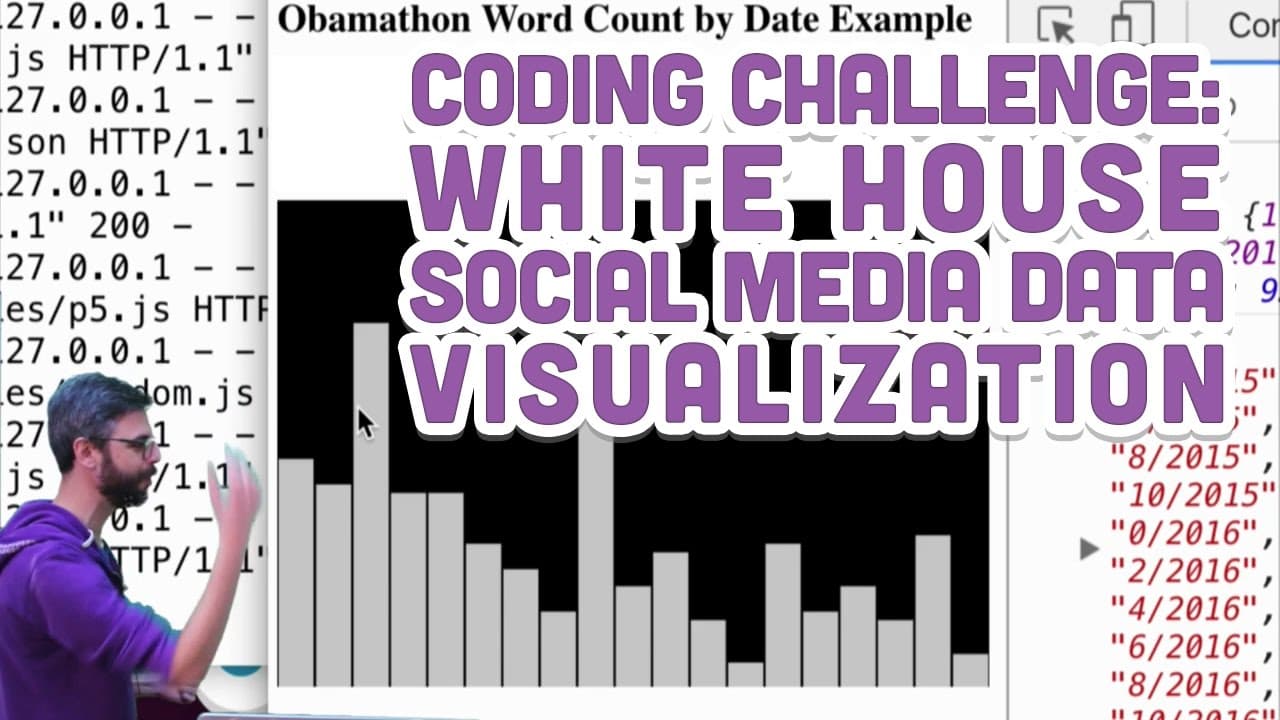
Coding Challenge #48: White House Social Media Data Visualization
40.2K views
•
January 6, 2017
by
The Coding Train
YouTube video player
Coding Challenge #48: White House Social Media Data Visualization

TL;DR

Tutorial on accessing, analyzing, and visualizing White House social media data in JavaScript using p5.js.

Transcript

hello welcome to another coding challenge in this coding challenge I'm going to do a tutorial and look at how to work with the recently released social media data released by the White House the White House made an announcement today saying hey we are inviting artists designers researchers scientists people of anybody to work with and make projects... Read More

Key Insights

  • 🔉 Tutorial showcases accessing and processing White House social media data for creative projects.
  • 📁 Demonstrates loading CSV files, converting them to JSON, and visualizing data using p5.js.
  • ❓ Emphasized the importance of data cleanup, filtering, and visualizing for meaningful analysis.
  • 🛀 Showed potential for further exploration using APIs and advanced data analysis techniques.
  • 😫 Encouraged creative projects, critical analysis, and exploring different data sets in conjunction with White House data.
  • 🤩 Highlighted the need for thoughtful design, approach, and identifying key questions while working with data.
  • 👤 Demonstrated a basic example of counting words, visualizing data, and encouraging user interaction with the visualization.

Install to Summarize YouTube Videos and Get Transcripts

Explore YouTube Video Summarizer or Get YouTube Transcript Extractor

Questions & Answers

Q: How can you access the White House social media data mentioned in the tutorial?

The data is available for download via links provided in the White House press release, including CSV files converted to JSON files for POTUS and FLOTUS accounts.

Q: What software and libraries were used in the tutorial?

The tutorial utilized JavaScript, HTML, CSS, and p5.js for loading, parsing, and visualizing the social media data, providing a simple example of working with the data.

Q: What kind of visualization was created in the tutorial?

A bar graph was generated to represent the frequency of tweets by month, visualizing the data in a simplistic manner using p5.js canvas capabilities.

Q: How was the word count feature implemented in the tutorial?

The tutorial demonstrated counting the frequency of words in the tweets by month, creating a nested data structure to store words and their counts, filtering out common words and non-meaningful characters.

Summary & Key Takeaways

  • White House released social media data for artists and developers.

  • Tutorial demonstrates loading, parsing, and visualizing POTUS and FLOTUS data.

  • Used JavaScript and p5.js to create a simple word count and bar graph visualization.


Read in Other Languages (beta)

English

Share This Summary 📚

Summarize YouTube Videos and Get Video Transcripts with 1-Click

Download browser extensions on:

Try YouTube Summary with ChatGPT & Claude or YouTube Transcript Generator

Explore More Summaries from The Coding Train 📚

Coding Challenge #126: Toothpicks thumbnail
Coding Challenge #126: Toothpicks
The Coding Train
Coding Challenge #116: Lissajous Curve Table thumbnail
Coding Challenge #116: Lissajous Curve Table
The Coding Train
Classifying Poses with ml5.js Part 2 thumbnail
Classifying Poses with ml5.js Part 2
The Coding Train
9.4: Genetic Algorithm: Looking at Code - The Nature of Code thumbnail
9.4: Genetic Algorithm: Looking at Code - The Nature of Code
The Coding Train
ITP/IMA Winter Show 2018 thumbnail
ITP/IMA Winter Show 2018
The Coding Train
Computer Mouse Conference Demos! (node.js + tensorflow.js) thumbnail
Computer Mouse Conference Demos! (node.js + tensorflow.js)
The Coding Train

Summarize YouTube Videos and Get Video Transcripts with 1-Click

Download browser extensions on:

Try YouTube Summary with ChatGPT & Claude or YouTube Transcript Generator

Apps & Extensions

  • Chrome Extension
  • Safari Extension
  • Edge Add-ons
  • Firefox Add-ons
  • iOS App
  • Android App

Key Features

  • YouTube Video Summarizer
  • Web & PDF Summarizer
  • Web & PDF Highlighter
  • Chat with PDF
  • Ask AI Clone
  • Audio Transcriber
  • Glasp Reader
  • Kindle Highlight Export
  • Idea Hatch

Integrations

  • Obsidian Plugin
  • Notion Integration
  • Pocket Integration
  • Instapaper Integration
  • Medium Integration
  • Readwise Integration
  • Snipd Integration
  • Hypothesis Integration

More Features

  • APIs
  • MCP Connector
  • Blog & Post
  • Embed Links
  • Image Highlight
  • Personality Test
  • Quote Shots

Company

  • About us
  • Blog
  • Community
  • FAQs
  • Job Board
  • Newsletter
  • Pricing
Terms

•

Privacy

•

Guidelines

© 2026 Glasp Inc. All rights reserved.




