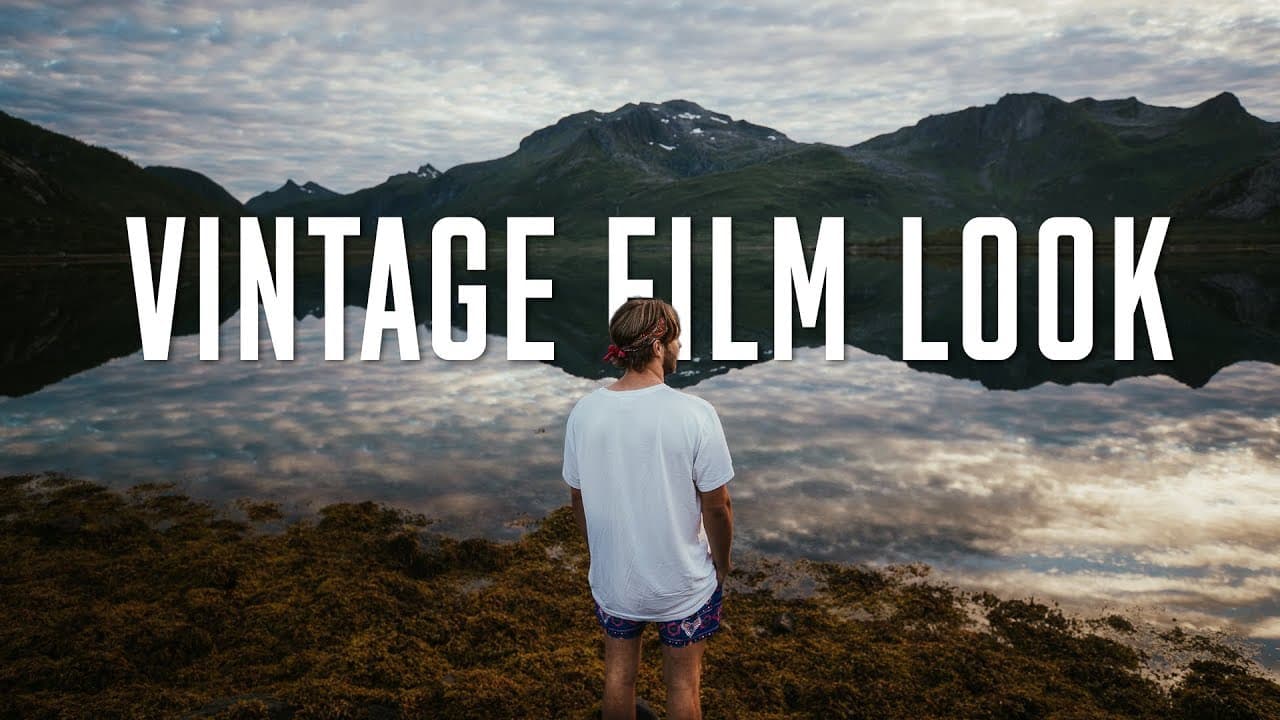
VINTAGE FILM LOOK!
TL;DR
Learn how to create a vintage film look in Premiere Pro using color grading techniques and video assets.
Transcript
- This doesn't fit very well. It's Matti's hat. Hey guys, welcome. Oh here, here it is. Hey guys, welcome to travel... Oh it's not even called Travel Feels anymore, is it? I should just let Matti do the intro. (upbeat music) ♪ In times of heroes ♪ ♪ In times like these I wish ♪ ♪ I could fly ♪ - Thanks Peter for that awkward intro. You just forgot ... Read More
Key Insights
- 🎥 Utilize color grading techniques such as adjusting shadows and highlights to create a vintage film aesthetic.
- 🎥 Incorporate video assets like grain, lens flares, and film burns to enhance the authenticity of the vintage look.
- 🤪 Maintain a balance between applying the vintage film effect and not going overboard to ensure visual appeal.
- 😒 Strategically use film burns for seamless transitions and to evoke a sense of nostalgia.
- 👀 Experiment with different blending modes and opacity settings to achieve the desired vintage film look.
- 🎮 Consider the narrative context of the video before applying the vintage effect to ensure relevance and effectiveness.
- 👀 Understanding the history and aesthetics of vintage film can inform and enhance the creation of the desired look.
Install to Summarize YouTube Videos and Get Transcripts
Explore YouTube Video Summarizer or Get YouTube Transcript Extractor
Questions & Answers
Q: What software is used to achieve the vintage film look?
The tutorial demonstrates how to create the vintage film look using Adobe Premiere Pro, showcasing various color grading techniques and video assets within the software.
Q: Why is it essential to use the vintage film look sparingly?
Using the vintage film look sparingly ensures that it enhances the video's narrative or specific scenes without overwhelming the overall visual aesthetic, maintaining viewer engagement and interest.
Q: How can adding grain and lens flares contribute to the vintage film look?
Adding grain and lens flares can enhance the organic and authentic feel of the vintage film look, creating a visually appealing and immersive viewing experience reminiscent of classic film aesthetics.
Q: What is the significance of incorporating film burns in creating the vintage film look?
Film burns can be used strategically to seamlessly transition between clips, adding a touch of nostalgia and authenticity to the overall visual presentation, further enhancing the vintage film look.
Summary & Key Takeaways
-
The tutorial focuses on creating a vintage film look using color grading techniques and video assets in Premiere Pro.
-
Key steps include adjusting colors, raising shadows, adding grain, incorporating lens flares, and using film burns strategically.
-
It emphasizes the importance of not going overboard with the vintage effect and using it only when it suits the video's narrative.
Read in Other Languages (beta)
Share This Summary 📚
Summarize YouTube Videos and Get Video Transcripts with 1-Click
Try YouTube Summary with ChatGPT & Claude or YouTube Transcript Generator
Explore More Summaries from Matti Haapoja 📚
Summarize YouTube Videos and Get Video Transcripts with 1-Click
Try YouTube Summary with ChatGPT & Claude or YouTube Transcript Generator