Apple ][ Coding Challenge: Fractal Tree
TL;DR
Programming the snake game in BASIC on Apple II Plus, exploring graphics mode, and creating a bouncing ball animation.
Transcript
Hello, YouTube. Welcome to Coding Together. In the previous episode, I programmed the snake game in Applesoft BASIC on this Apple II Plus computer by printing text to the screen. Today, I am so excited because guess what we're going to do today? Computer graphics. (SINGING) Coding together. We'll always be best friends forever. I'll be there whenev... Read More
Key Insights
- 👣 Demonstrates basic programming concepts in Applesoft BASIC, showcasing printing text and drawing graphics on the Apple II Plus.
- 🫥 Explores the transition to graphics mode, setting colors, plotting points, and drawing lines to create visual elements.
- ✋ Introduces high-resolution graphics mode, showcasing increased detail and limited color options for graphics rendering.
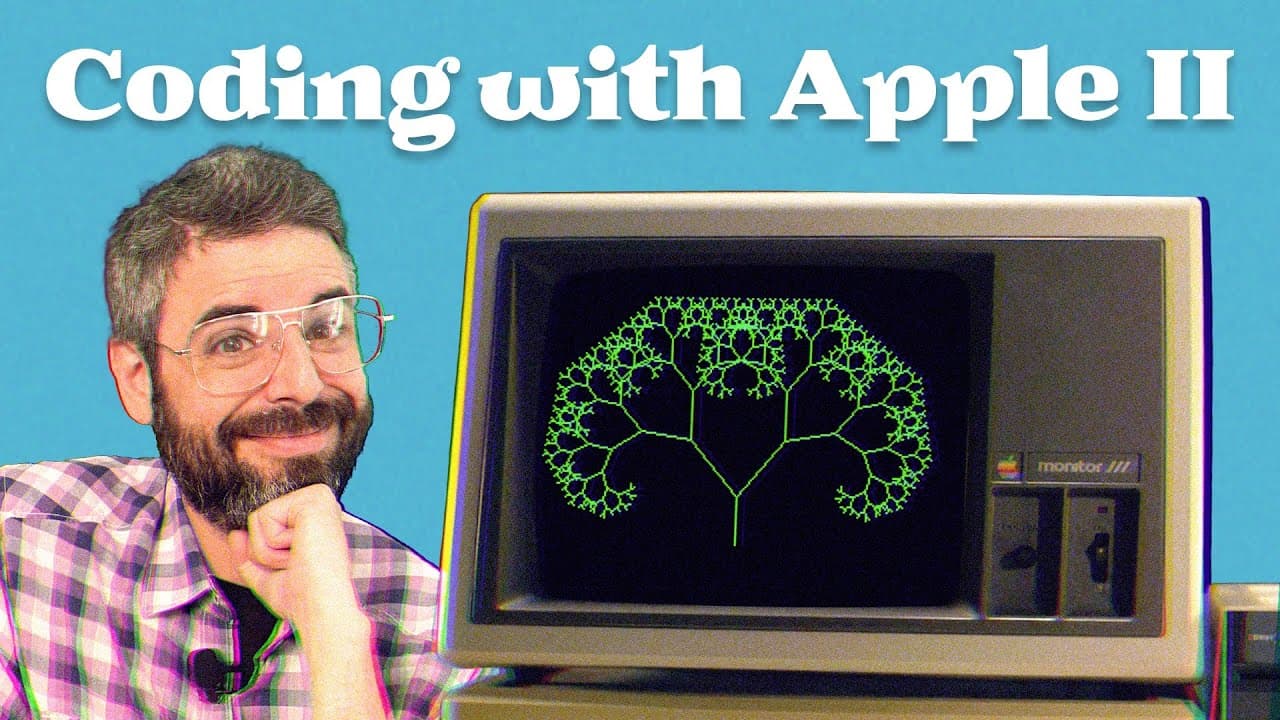
- 🌲 Utilizes trigonometry and recursion to create a fractal tree pattern, showcasing algorithmic shape generation.
- 👤 Highlights user input functionality for dynamic customization of program parameters.
- 👤 Encourages experimentation and creativity in programming by offering opportunities for user interaction and exploration.
- 🫵 Teases potential future topics for Coding Together content, inviting viewer feedback and suggestions for upcoming videos.
Install to Summarize YouTube Videos and Get Transcripts
Explore YouTube Video Summarizer or Get YouTube Transcript Extractor
Questions & Answers
Q: What programming language is used in the video?
The programming language used in the video is Applesoft BASIC on the Apple II Plus computer.
Q: How is high-resolution graphics mode different from standard graphics mode?
High-resolution graphics mode offers a higher pixel density and limited color palette compared to standard graphics mode, providing finer detail in drawings.
Q: How is recursion used in creating the fractal tree?
Recursion is utilized in creating the fractal tree by recursively branching off from each line segment to generate additional segments, resulting in a self-replicating tree structure.
Q: What are some potential enhancements or features that can be added to the program?
Additional features could include color customization for the graphics, interactive user controls for angle and branch generation, and implementing advanced animation techniques like double-buffered animation.
Summary & Key Takeaways
-
Demonstrates programming in Applesoft BASIC on the Apple II Plus, showcasing text printing, entering graphics mode, setting colors, plotting points, and drawing lines.
-
Explores high-resolution graphics mode, drawing lines, calculating offsets for branching, and using recursion to create a fractal tree.
-
Incorporates user input for angle selection, encouraging experimentation and customization in programming.
Read in Other Languages (beta)
Share This Summary 📚
Summarize YouTube Videos and Get Video Transcripts with 1-Click
Try YouTube Summary with ChatGPT & Claude or YouTube Transcript Generator
Explore More Summaries from The Coding Train 📚






Summarize YouTube Videos and Get Video Transcripts with 1-Click
Try YouTube Summary with ChatGPT & Claude or YouTube Transcript Generator