How to Make a Processing (Java) Library Part 2
TL;DR
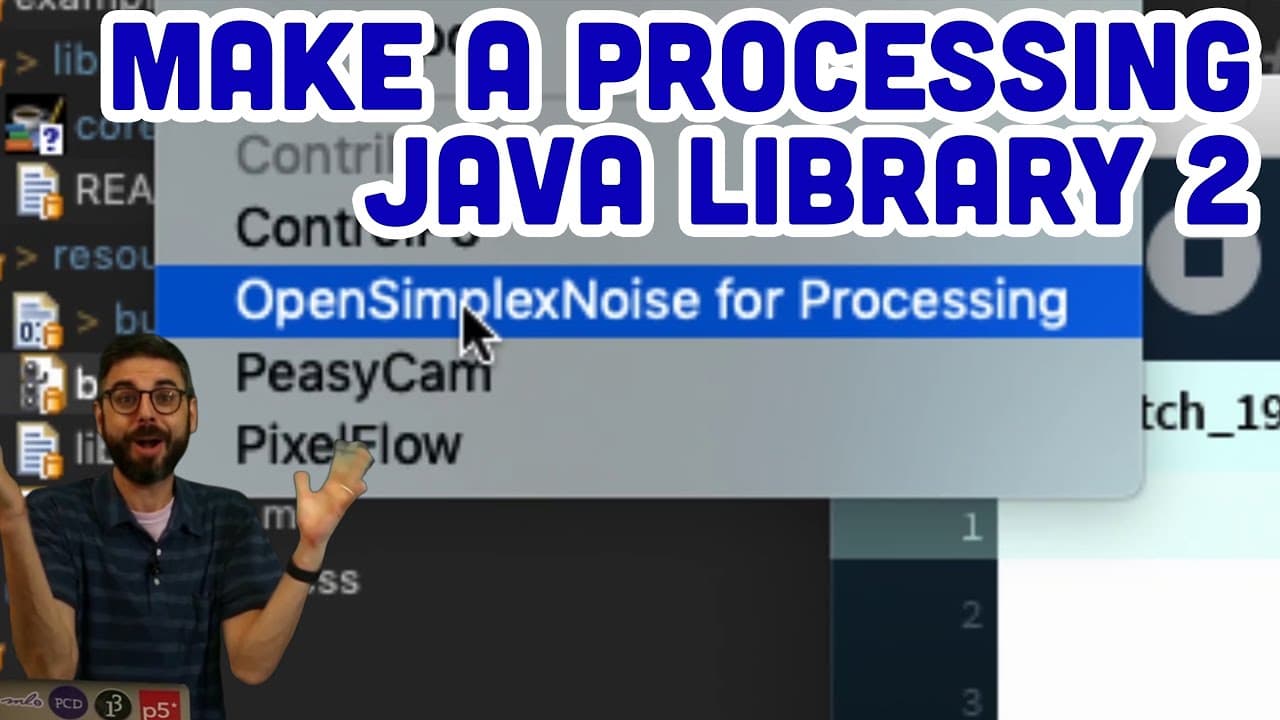
Building a custom Java library for Processing using Eclipse, implementing OpenSimplexNoise for creative coding projects.
Transcript
[BELL RINGING] Hello, and welcome back to part 2 of building your own Processing library in Java. Look, I'm working with Eclipse! I love eclipse! All of you will complain that I'm using Eclipse, and I don't care. I love Eclipse. It's one of the first places I learned to program, so it has a special place in my heart. So what I did in the previous p... Read More
Key Insights
- 🙃 Eclipse is the preferred IDE for the presenter due to familiarity and personal history with programming.
- 🤗 Building an open-source library involves considerations of API design, user testing, and documentation.
- 👨💻 Refactoring code and optimizing functionality are ongoing processes in library development.
- 🖐️ Community involvement and contributions play a crucial role in enhancing and expanding the library's capabilities.
- 👤 Publishing a library involves creating documentation, packaging files, and making it accessible for users.
- 📚 Testing and debugging are essential steps in ensuring the functionality and usability of the library.
- 🏛️ Integrating external algorithms or classes into a custom library requires careful design decisions for compatibility and performance.
Install to Summarize YouTube Videos and Get Transcripts
Explore YouTube Video Summarizer or Get YouTube Transcript Extractor
Questions & Answers
Q: What is the primary focus of the video tutorial?
The video tutorial focuses on building an open-source Java library in Eclipse for Processing, implementing the OpenSimplexNoise algorithm, and creating examples to showcase its functionality.
Q: How does the presenter approach the design of the library API?
The presenter emphasizes being thoughtful about the design of the library API, making naming and functionality decisions to ensure ease of use for end-users while focusing on technical implementation details.
Q: What steps are involved in renaming the package and classes in Eclipse?
Renaming the package and classes in Eclipse involves using the Refactor option, selecting the appropriate new names, and ensuring that all references are updated to reflect the changes made.
Q: How does the presenter address errors related to data types and constructor definitions in the Java classes?
The presenter troubleshoots errors related to data type conversions by updating the code to use compatible types, such as converting between double and float, and adjusting constructor parameters to match the class requirements.
Summary & Key Takeaways
-
Setting up the development environment in Eclipse and Processing, configuring paths and build paths.
-
Creating the OpenSimplexNoise library, coding examples for 1D, 2D, 3D, and 4D noise.
-
Refactoring code, adding functionality, discussing API design decisions, and inviting community contribution.
Read in Other Languages (beta)
Share This Summary 📚
Summarize YouTube Videos and Get Video Transcripts with 1-Click
Try YouTube Summary with ChatGPT & Claude or YouTube Transcript Generator
Explore More Summaries from The Coding Train 📚






Summarize YouTube Videos and Get Video Transcripts with 1-Click
Try YouTube Summary with ChatGPT & Claude or YouTube Transcript Generator