Photoshop Color Splash Effect Tutorial | Photoshop CC
TL;DR
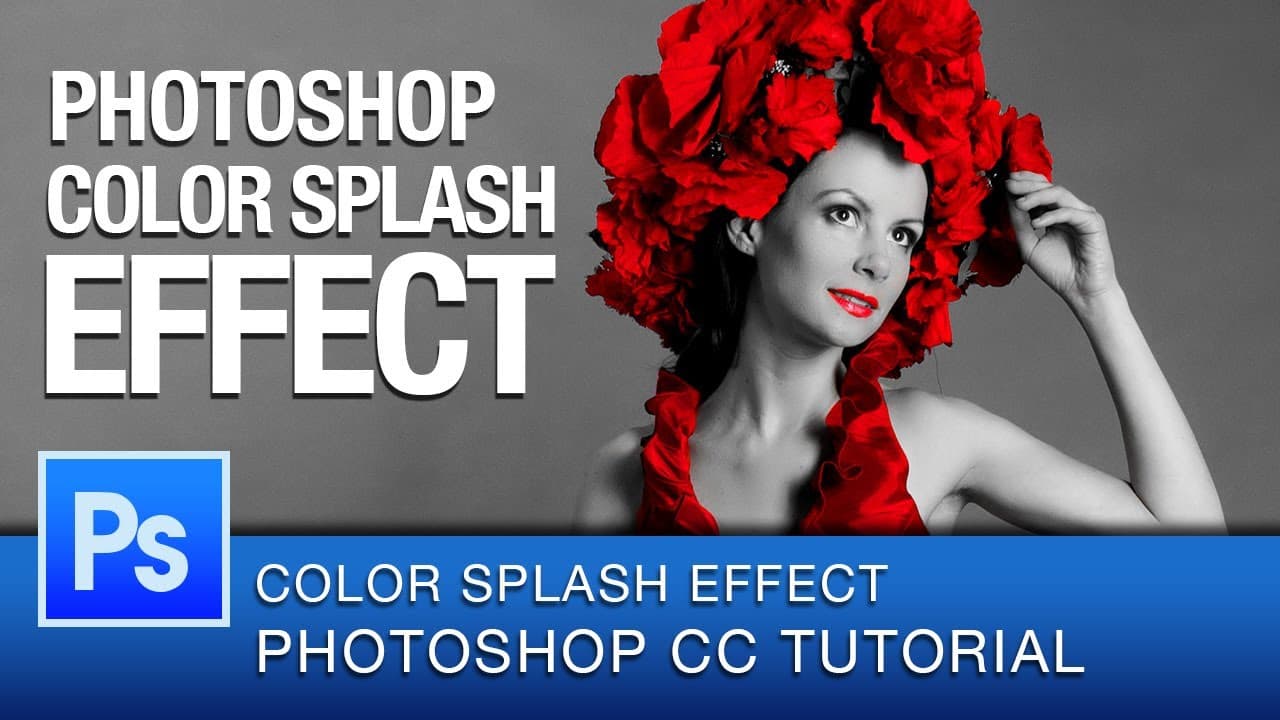
Learn how to create a Color Splash effect in Photoshop using adjustment layers and masking techniques.
Transcript
everyone this is graphic designer Roberto Blake and welcome to another Photoshop CC tutorial video if you're just finding my channel for the first time I'll do new Photoshop CC tutorial videos on Thursdays and graphic design videos on Mondays so in this Photoshop CC tutorial I'm going to be using what's called the Color Splash effect you may have s... Read More
Key Insights
- 🖤 Color Splash effect highlights a single color amidst black and white in an image.
- 😷 Adjustment layers and masking techniques are crucial for non-destructive editing in Photoshop.
- 😒 Use Color Range tool for precise color selection in the Color Splash effect.
- 😷 Utilizing a Wacom tablet with pressure sensitivity can enhance masking accuracy.
- 🎚️ Refine selections with tools like brush and sliders for optimal results.
- 🥠 Experiment with saturation, brightness, and contrast adjustments to fine-tune the effect.
- 💯 Consider personalization and refinement to perfect the Color Splash effect.
Install to Summarize YouTube Videos and Get Transcripts
Explore YouTube Video Summarizer or Get YouTube Transcript Extractor
Questions & Answers
Q: What is the Color Splash effect in Photoshop?
The Color Splash effect involves highlighting a specific color in an image while desaturating the rest to black and white, creating a striking visual impact.
Q: How can Color Range help in selecting colors for the effect?
Color Range in Photoshop allows for easy selection of colors, enabling precise targeting of the desired color for the Color Splash effect.
Q: Why is it important to use adjustment layers for non-destructive editing?
Adjustment layers in Photoshop allow for making changes without altering the original image, ensuring flexibility and preserving the integrity of the pixels.
Q: How can a Wacom tablet enhance the masking process?
Utilizing a Wacom tablet with pressure sensitivity can aid in accurate masking, offering control and precision in editing tasks like refining selections for the Color Splash effect.
Summary & Key Takeaways
-
Roberto Blake demonstrates creating a Color Splash effect in Photoshop.
-
Uses adjustment layers and masking to highlight one color in an image.
-
Provides tips for refining selections and enhancing the final result.
Read in Other Languages (beta)
Share This Summary 📚
Summarize YouTube Videos and Get Video Transcripts with 1-Click
Try YouTube Summary with ChatGPT & Claude or YouTube Transcript Generator
Explore More Summaries from Roberto Blake 📚






Summarize YouTube Videos and Get Video Transcripts with 1-Click
Try YouTube Summary with ChatGPT & Claude or YouTube Transcript Generator