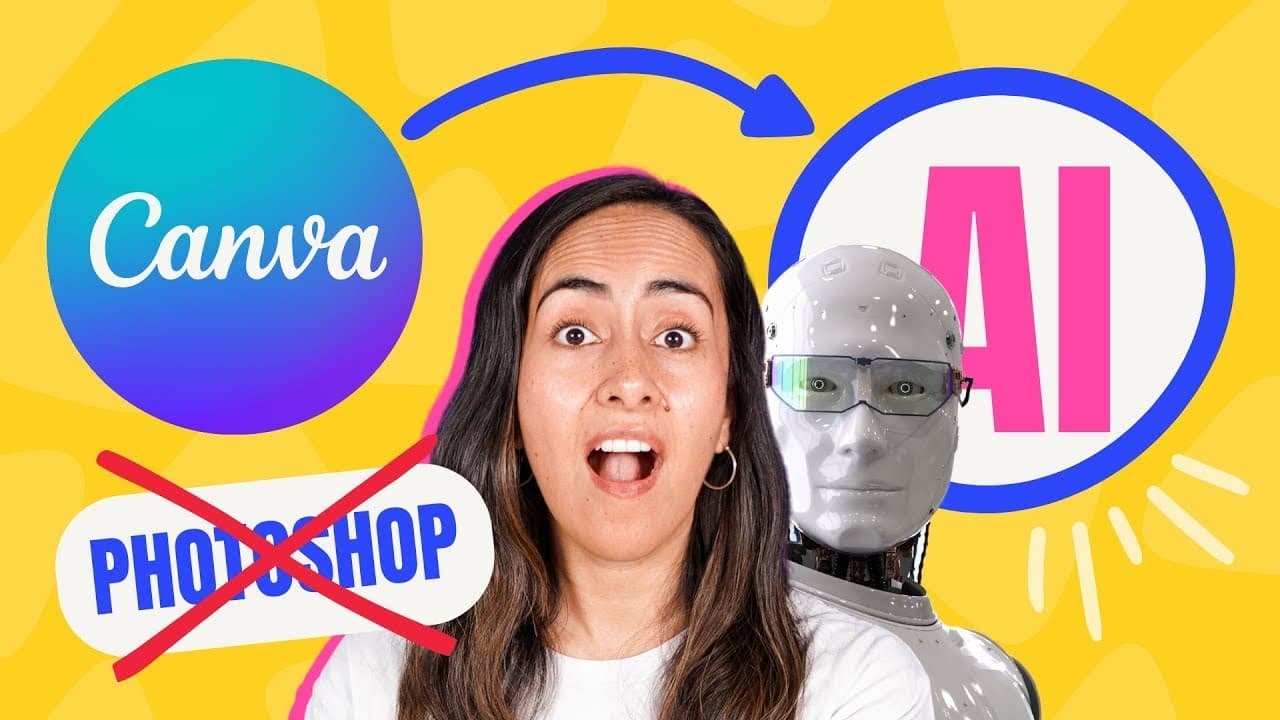
Photo Editing is now Ridiculously EASY with Canva AI
TL;DR
Learn how to effortlessly edit photos using Canva's AI features for beginners and pros alike.
Transcript
wait that means we don't need to use Photoshop anymore and that I can edit photos with just a couple of clicks saving money and time I like that I was able to change my hairstyle change objects change locations and remove people from my photos using the new canva AI tools it is insane how easy it is to edit photos nowadays by the end of this video ... Read More
Key Insights
- 📷 Canva's Magic Edit and Magic Eraser features offer advanced photo editing capabilities with just a few clicks.
- 👯 Users can easily change hairstyles, objects, locations, and remove people from photos using Canva's AI tools.
- 🥶 The beta version of Canva's Magic Edit feature has limitations but provides a free and intuitive editing experience.
- 👤 Canva's AI tools cater to both beginners and professionals, offering a user-friendly interface for seamless photo editing.
- 📷 Enhance photos by adding elements, changing locations, and adjusting colors with Canva's intuitive editing tools.
- 😒 Canva's AI tools provide practical solutions for editing photos and enhancing aesthetics for social media posts or professional use.
- 👀 Utilize Canva's features to clean up photos, remove unwanted elements, and create professional-looking images effortlessly.
Install to Summarize YouTube Videos and Get Transcripts
Explore YouTube Video Summarizer or Get YouTube Transcript Extractor
Questions & Answers
Q: What are the key features of Canva's AI tools for photo editing?
Canva's Magic Edit and Magic Eraser features allow users to effortlessly change hairstyles, objects, locations, and remove unwanted elements from photos with just a few clicks.
Q: What are the limitations of Canva's Magic Edit feature?
The beta version of Canva's Magic Edit has limitations such as only being able to use it up to 25 times per day, ensuring users are aware of the usage restrictions.
Q: How can Canva's AI tools benefit both beginners and professionals in photo editing?
Canva's AI tools offer a user-friendly interface that caters to both beginners and professionals, allowing for easy and efficient photo editing without the need for advanced skills.
Q: What are some practical uses for Canva's AI photo editing tools?
Canva's AI tools can be used to change hairstyles, objects, locations, and enhance photos by adding elements, adjusting colors, and removing unwanted elements, making photo editing a seamless process for users.
Summary & Key Takeaways
-
Utilize Canva's Magic Edit and Magic Eraser features to easily change hairstyles, objects, locations, and remove people from photos.
-
Canva's AI tools offer a beta version with limitations but provide seamless photo editing options for users.
-
Enhance photos by adding elements, changing locations, and adjusting colors with Canva's intuitive editing tools.
Read in Other Languages (beta)
Share This Summary 📚
Summarize YouTube Videos and Get Video Transcripts with 1-Click
Try YouTube Summary with ChatGPT & Claude or YouTube Transcript Generator
Explore More Summaries from Design with Canva 📚






Summarize YouTube Videos and Get Video Transcripts with 1-Click
Try YouTube Summary with ChatGPT & Claude or YouTube Transcript Generator