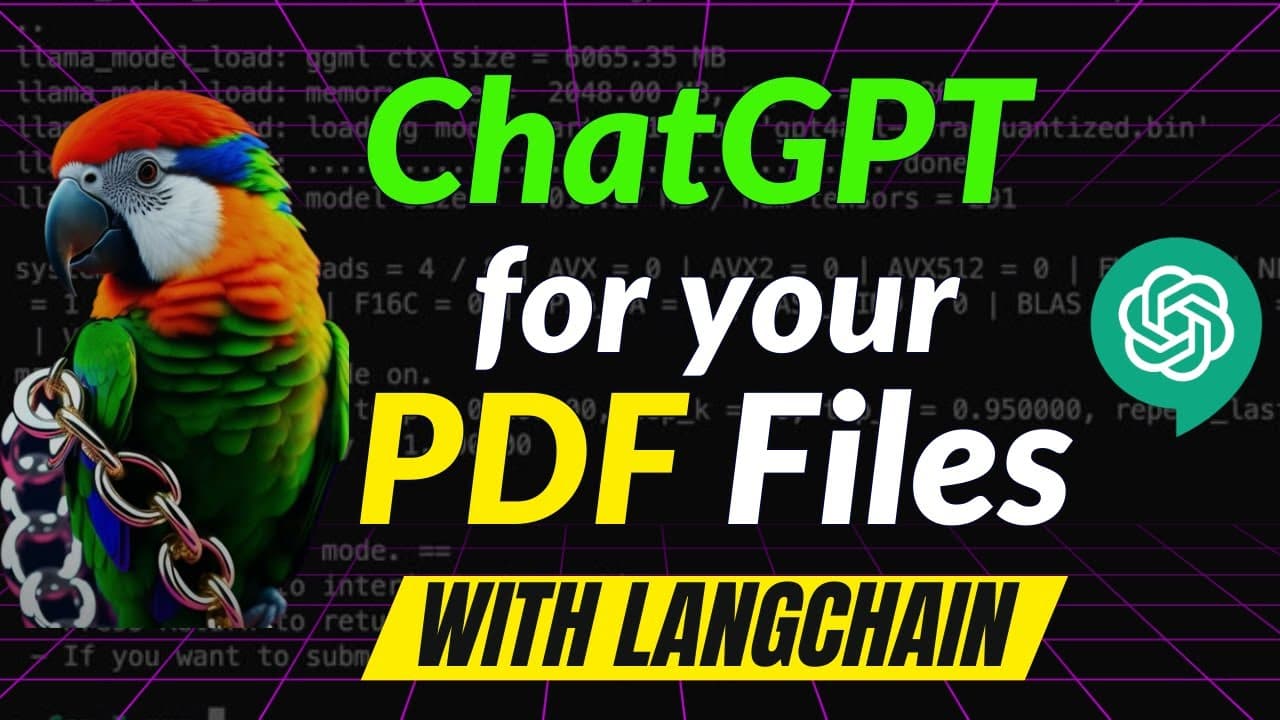
ChatGPT for YOUR OWN PDF files with LangChain
TL;DR
Learn how to convert PDF files into a conversational format using language models and OpenAI's text embeddings, with a step-by-step tutorial and a demonstration of a website that offers this functionality.
Transcript
if you have a bunch of PDF files and you want to have a conversation with them just like you can have a conversation with chat GPT about any topic then this video is for you I'm going to show you a website which uses the exact same concept and does the exact same work I'll also show you how to get free credits from open AI so that you can experimen... Read More
Key Insights
- 😒 Framework: The tutorial uses Blank Chan, a framework for developing language model-powered applications that connect with data sources and enable conversational interactions.
- 💁 Compression: Text embeddings are used to compress the text chunks from the PDF files. This reduces the size of the data while maintaining the semantic information.
- ⚾ Querying: User queries are converted into embeddings, and a vector database is used to search for the closest matching text in the knowledge base. A generative language model then generates responses based on the query results.
- 💁 Accuracy: The system shows impressive accuracy in retrieving specific information from PDF files, even when the information is not explicitly mentioned. It can infer details from the context of the document.
- 😇 Cost: Using OpenAI's API for this application incurs a minimal fee, with the video showing an example of using around 50 cents of a $5 credit for 62 requests.
- 👤 PDF TPT: The video showcases a website, PDF TPT.io, that allows users to upload PDF files and query them conversationally. The website uses a more powerful language model than the one used in the tutorial.
- 🔠 OpenAI API: The tutorial provides instructions on obtaining an OpenAI API key and demonstrates how to use it in the code.
Install to Summarize YouTube Videos and Get Transcripts
Explore YouTube Video Summarizer or Get YouTube Transcript Extractor
Questions & Answers
Q: How can I convert PDF files into a conversational format using language models?
To convert PDF files, you can follow the step-by-step tutorial in the video. It involves dividing the PDF into smaller chunks, converting them into embeddings, and creating a knowledge base for queries. The tutorial provides code examples and explains each step in detail.
Q: What is the purpose of using text embeddings?
Text embeddings are used to measure the distance between different text strings or sentences. In the context of the tutorial, embeddings allow for comparing text chunks and finding their semantic similarity. This helps in creating a knowledge base and generating responses to user queries.
Q: How can I obtain an OpenAI API key?
To obtain an API key, you need to create an account on OpenAI's website. The video provides a link to the registration page. Once registered, you can generate a new API key from your account dashboard. The tutorial explains where to input the API key in the code.
Q: Is there a website that offers the functionality to query PDF documents?
Yes, the video demonstrates a website called PDF TPT (PDF TPT.io) that allows users to upload their own PDF files and query them in a conversational format. The website requires an API key, which can be obtained by signing up on their platform.
Key Insights:
- Framework: The tutorial uses Blank Chan, a framework for developing language model-powered applications that connect with data sources and enable conversational interactions.
- Compression: Text embeddings are used to compress the text chunks from the PDF files. This reduces the size of the data while maintaining the semantic information.
- Querying: User queries are converted into embeddings, and a vector database is used to search for the closest matching text in the knowledge base. A generative language model then generates responses based on the query results.
- Accuracy: The system shows impressive accuracy in retrieving specific information from PDF files, even when the information is not explicitly mentioned. It can infer details from the context of the document.
- Cost: Using OpenAI's API for this application incurs a minimal fee, with the video showing an example of using around 50 cents of a $5 credit for 62 requests.
- PDF TPT: The video showcases a website, PDF TPT.io, that allows users to upload PDF files and query them conversationally. The website uses a more powerful language model than the one used in the tutorial.
- OpenAI API: The tutorial provides instructions on obtaining an OpenAI API key and demonstrates how to use it in the code.
- Resourceful Tutorial: The tutorial offers a comprehensive walkthrough of the code and explanations, making it accessible even to those who are not experienced in coding.
Summary & Key Takeaways
-
This video demonstrates how to convert PDF files into a conversational format using OpenAI's language models and text embeddings.
-
The process involves dividing the PDF into smaller chunks, converting them into embeddings (compression), and creating a knowledge base for queries.
-
The tutorial includes code examples, instructions on obtaining an OpenAI API key, and a demo of a website that allows users to query their own PDF documents.
Read in Other Languages (beta)
Share This Summary 📚
Summarize YouTube Videos and Get Video Transcripts with 1-Click
Try YouTube Summary with ChatGPT & Claude or YouTube Transcript Generator
Explore More Summaries from Prompt Engineering 📚


![Open Assistant: Open Source ChatGPT is Here!!! [live Demo] thumbnail](/_next/image?url=https%3A%2F%2Fi.ytimg.com%2Fvi%2FVFPrwxPBBVU%2Fhqdefault.jpg&w=750&q=75)

Summarize YouTube Videos and Get Video Transcripts with 1-Click
Try YouTube Summary with ChatGPT & Claude or YouTube Transcript Generator