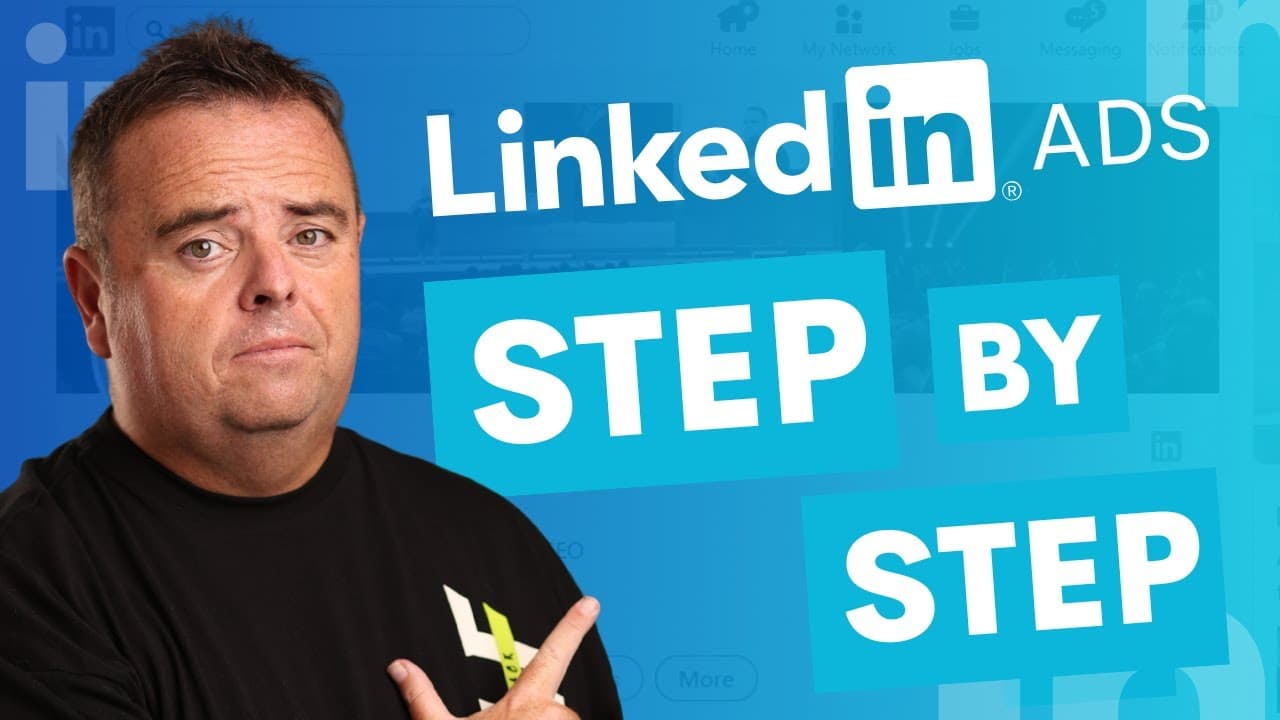
Watch Me Set Up LinkedIn Ads Step By Step!
TL;DR
Learn how to set up LinkedIn Ads step by step.
Transcript
LinkedIn ads, guys. Top right hand side where it says advertise is going to take you over to the campaigns that you can set up. Now, I have not used LinkedIn ads in a number of years. Um, mainly because I don't have much to sell to to the SEO audience. However, that doesn't mean you can't use LinkedIn ads. So, really simple and easy to go in and cr... Read More
Key Insights
- LinkedIn Ads offer a variety of campaign objectives like website visits, video views, and job applicants, allowing businesses to tailor their ads to specific goals.
- Audience targeting on LinkedIn can be highly specific, utilizing options like location, company demographics, education, and interests to reach the right people.
- The ad format options on LinkedIn are diverse, including single image, carousel, video, and more, providing flexibility in how businesses present their content.
- LinkedIn allows ads to appear on its platform and third-party publisher websites, increasing exposure and reach for businesses willing to take advantage of this feature.
- Budgeting for LinkedIn Ads is flexible, with options for daily budgets, start and end dates, and various bidding optimizations to control costs effectively.
- Conversion tracking is a crucial feature in LinkedIn Ads, enabling businesses to track user actions and measure the effectiveness of their campaigns.
- The setup process for LinkedIn Ads is straightforward, but attention to detail, such as selecting the correct audience and location, is vital for success.
- Despite some platform lag, LinkedIn Ads can be a powerful tool for reaching business owners and professionals, making it worth testing for targeted marketing efforts.
Install to Summarize YouTube Videos and Get Transcripts
Explore YouTube Video Summarizer or Get YouTube Transcript Extractor
Questions & Answers
Q: What are the main campaign objectives available on LinkedIn Ads?
LinkedIn Ads offer several campaign objectives, including website visits, video views, messaging, job applicants, website conversions, and lead generation. These options allow businesses to tailor their advertising efforts to specific goals, such as increasing brand awareness, driving traffic to their website, or attracting job applicants.
Q: How can businesses target their audience on LinkedIn Ads?
Audience targeting on LinkedIn Ads can be highly specific. Businesses can target based on location, exclude certain demographics, or use audience attributes such as company demographics, education, interests, and traits. Additionally, they can upload lists, use lookalike audiences, or retarget website visitors to refine their targeting strategy.
Q: What ad formats are available on LinkedIn?
LinkedIn offers a variety of ad formats, including single image, carousel, video, text, spotlight, message, conversation, event ads, and more. These formats provide flexibility in how businesses present their content, allowing them to choose the most effective way to engage their target audience and achieve their marketing objectives.
Q: What are the placement options for LinkedIn Ads?
LinkedIn Ads can be placed on LinkedIn properties and third-party publisher websites. This dual placement option increases exposure and reach, allowing businesses to target a wider audience. Advertisers can choose to appear only on LinkedIn or take advantage of additional exposure on third-party sites for broader audience engagement.
Q: How does budgeting work for LinkedIn Ads?
Budgeting for LinkedIn Ads is flexible, with options for setting daily budgets and choosing between running campaigns continuously or with specific start and end dates. Businesses can also optimize bidding strategies, such as landing page clicks or impressions, to control costs effectively and ensure their ads align with their financial goals.
Q: Why is conversion tracking important in LinkedIn Ads?
Conversion tracking in LinkedIn Ads is crucial for measuring the success of a campaign. It allows businesses to track user actions, such as visiting a landing page or completing a purchase, providing valuable data on the effectiveness of their ads. This information helps refine strategies and improve future ad performance.
Q: What are some common challenges when setting up LinkedIn Ads?
One common challenge when setting up LinkedIn Ads is ensuring all necessary details, such as audience and location, are correctly configured. Missing these elements can hinder campaign success. Additionally, some users may experience platform lag, which can affect the ad setup process, but careful planning and attention to detail can mitigate these issues.
Q: What is the potential benefit of using LinkedIn Ads for marketing?
LinkedIn Ads offer the potential benefit of reaching business owners and professionals, making them a powerful tool for targeted marketing efforts. By leveraging LinkedIn's specific audience targeting capabilities and diverse ad formats, businesses can effectively engage their target audience, increase brand awareness, and drive desired actions, such as website visits or lead generation.
Summary & Key Takeaways
-
The video provides a step-by-step guide to setting up LinkedIn Ads, explaining the process from campaign creation to ad publication. It emphasizes the importance of choosing the right campaign objectives and audience targeting to achieve desired marketing goals.
-
LinkedIn Ads offer various ad formats and placement options, allowing businesses to customize their approach to reach target audiences effectively. The video highlights the flexibility in budgeting and bidding strategies, making it accessible for different marketing budgets.
-
Conversion tracking is an essential aspect of LinkedIn Ads, enabling businesses to measure campaign success. Despite some platform lag, the video recommends LinkedIn Ads for reaching business owners and professionals, encouraging viewers to test its potential benefits.
Read in Other Languages (beta)
Share This Summary 📚
Summarize YouTube Videos and Get Video Transcripts with 1-Click
Try YouTube Summary with ChatGPT & Claude or YouTube Transcript Generator
Explore More Summaries from Craig Campbell SEO 📚
Summarize YouTube Videos and Get Video Transcripts with 1-Click
Try YouTube Summary with ChatGPT & Claude or YouTube Transcript Generator