YouTube Equipment Setup to Make Videos Look Professional
TL;DR
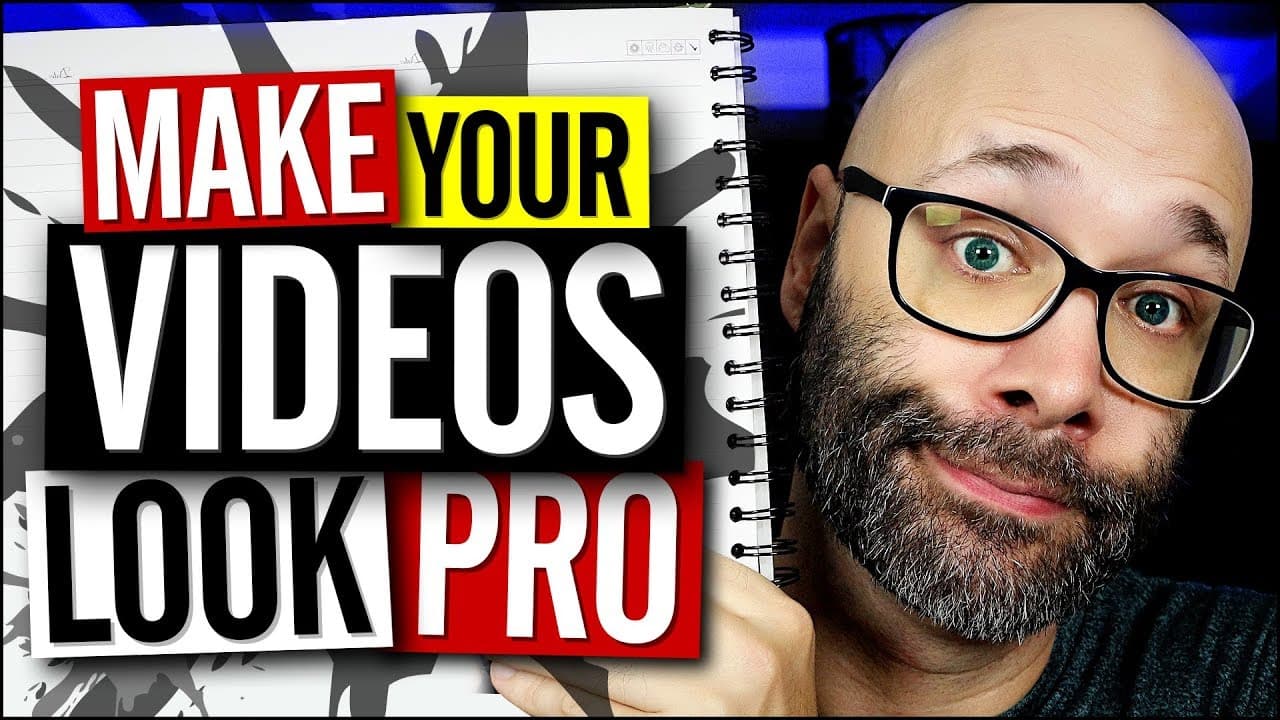
Learn about the essential YouTube equipment and editing techniques to improve the look and sound of your videos.
Transcript
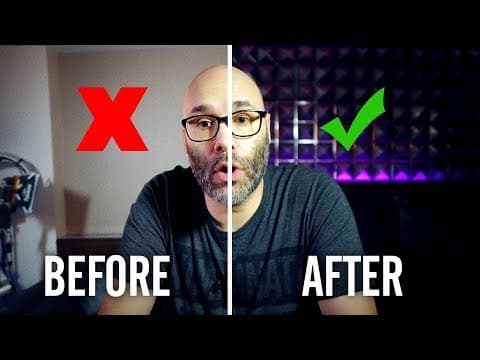
- I'm gonna show you all of the YouTube equipment you need to make your videos look like this instead of this. And we're starting right now. (hip-hop music) What is going on? My name is Nick, welcome to another video. If this is your first time here and you wanna learn how to grow your channel, make videos, all types of other YouTube related stuff,... Read More
Key Insights
- 🎮 Lighting is crucial for creating visually appealing YouTube videos, and can lights provide better control over the lighting in the room.
- 🩵 Blue lights can be used to add depth and interest to the background, creating a separation between the subject and the surroundings.
- 😚 The position of the microphone plays a significant role in audio quality, and keeping it close to the mouth ensures a fuller sound.
- 🧘 Basic editing techniques such as adjusting brightness, contrast, sharpening, and saturation can enhance the visual quality of the video.
Install to Summarize YouTube Videos and Get Transcripts
Explore YouTube Video Summarizer or Get YouTube Transcript Extractor
Questions & Answers
Q: How can proper lighting improve the quality of YouTube videos?
Proper lighting helps control the light in the room, creating a visually appealing setup. By using can lights and positioning them strategically, the focus can be on the subject while still maintaining a visually interesting background.
Q: What are the benefits of using blue lights in the background?
Blue lights can add depth and separation between the subject and the background, making the video more visually engaging. The use of blue lights also provides an opportunity for creative lighting effects.
Q: How does microphone position impact audio quality in YouTube videos?
Keeping the microphone close to the mouth ensures a fuller sound by capturing the voice directly. Placing the microphone near the camera can create distance between the speaker and the microphone, leading to tinny audio and unwanted ambient noise.
Q: What are some editing techniques mentioned to enhance video quality?
The video suggests adjusting brightness and contrast to make the image appear brighter and more vibrant. Adding a little sharpening can improve the overall sharpness and clarity of the video. Lastly, adjusting saturation can bring out the colors and make the image more visually appealing.
Summary & Key Takeaways
-
The video discusses the importance of lighting in creating visually appealing videos and explains a setup using can lights to control light in the room.
-
The content also explores the use of blue lights to create a visually interesting background and suggests adding a splash of light to fill in dark areas.
-
The video touches on audio setup, emphasizing the positioning of the microphone close to the mouth for better sound quality.
Read in Other Languages (beta)
Share This Summary 📚
Summarize YouTube Videos and Get Video Transcripts with 1-Click
Try YouTube Summary with ChatGPT & Claude or YouTube Transcript Generator
Explore More Summaries from Nick Nimmin 📚



Summarize YouTube Videos and Get Video Transcripts with 1-Click
Try YouTube Summary with ChatGPT & Claude or YouTube Transcript Generator