Apps For Youtubers | For Making Better Videos
TL;DR
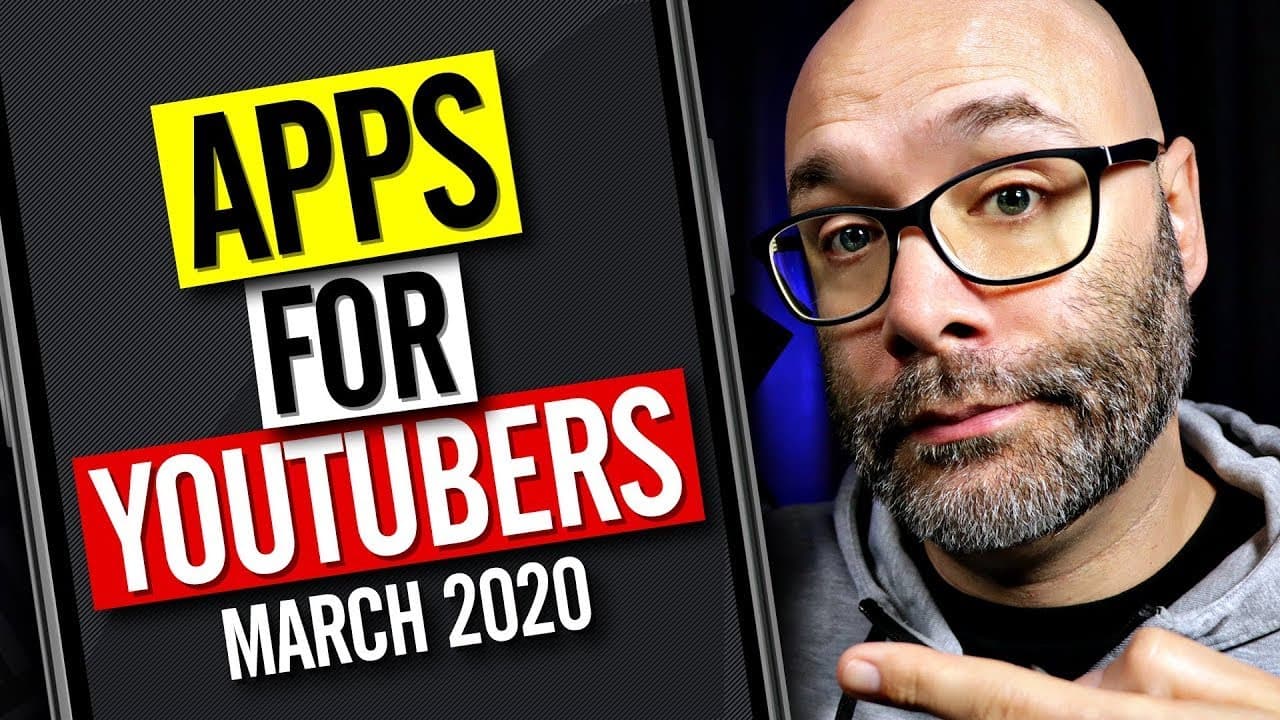
This video provides a list of apps that can enhance different aspects of a YouTube channel, including video editing, social media scheduling, project management, and more.
Transcript
- I'm gonna share with you a list of apps that are gonna help you do a bunch of different things around your YouTube channel, and we're starting right now. (intense rock music) Okay, so the very first thing that we are gonna talk about, of course, because you're a content creator, you're making videos for YouTube, is video-editing apps. Now I know ... Read More
Key Insights
- 😀 Videoleap and KineMaster are recommended video editing apps for iPhone and Android users respectively.
- 🏣 Buffer simplifies social media scheduling and posting for content creators.
- 🔪 Google Slides can be used to create media kits and incorporate visual slides into videos.
- 🛟 Todoist serves as a project management tool for organizing video ideas.
- 👻 Bitly allows content creators to track the performance of shared links.
- ❓ IFTTT offers automation capabilities for channel management tasks.
- 🏪 Duet turns phones or tablets into second monitors for on-the-go convenience.
Install to Summarize YouTube Videos and Get Transcripts
Explore YouTube Video Summarizer or Get YouTube Transcript Extractor
Questions & Answers
Q: What are the recommended video editing apps for iPhone and Android users?
For iPhone users, Videoleap is suggested, providing easy editing, multiple tracks, filters, and sound adjustments. Android users can opt for KineMaster until Videoleap releases its Android version.
Q: How can Buffer help with social media management for content creators?
Buffer allows scheduling and automated posting of social media content, including tweets, and provides a queue feature for convenient batch scheduling. It streamlines social media management and saves time.
Q: Why is Google Slides mentioned as an app for YouTubers?
Google Slides can be utilized for creating a media kit to present oneself professionally to potential sponsors. Additionally, content creators can use slides as visuals for numbering in videos, especially for top 10 lists.
Q: What is the purpose of Todoist for YouTube creators?
Todoist serves as a project management tool for organizing video ideas and tracking their completion. With a desktop version available, users can sync tasks between devices easily.
Q: How can Bitly be beneficial for YouTube creators?
Bitly allows for tracking the performance of links shared in videos, such as affiliate links or links to websites or email lists. It helps content creators gain insights into click rates and conversion rates over time.
Q: What does If This Then That (IFTTT) offer to YouTubers?
IFTTT provides automation capabilities for various tasks, such as sending weekly emails to channel members, publicly welcoming new members on Twitter, and automatically sharing videos across platforms. It streamlines repetitive actions.
Q: How can Duet be utilized by YouTube creators?
Duet enables using a phone or tablet as a second monitor, which is beneficial for content creators who need an additional display while on the go, for tasks like live streaming or multi-tasking.
Summary & Key Takeaways
-
Videoleap is recommended for iPhone users as an easy-to-use video editing app, while KineMaster is recommended for Android users until Videoleap releases their Android version.
-
Buffer is introduced as an automation tool to schedule and manage social media posts on platforms like Twitter and Facebook.
-
Google Slides can be useful for creating a media kit for content creators and incorporating slide visuals into videos, especially for top 10 lists.
-
Todoist is suggested as a project management tool to organize video ideas and track progress across different devices.
-
Bitly is highlighted as a link tracking tool to monitor the performance of affiliate links or sponsored content shared in videos.
-
If This Then That (IFTTT) allows for automation of various tasks, such as sending weekly emails to channel members or sharing videos automatically.
-
Duet enables using a phone or tablet as a second monitor while on the go, useful for live streaming or multi-tasking.
Read in Other Languages (beta)
Share This Summary 📚
Summarize YouTube Videos and Get Video Transcripts with 1-Click
Try YouTube Summary with ChatGPT & Claude or YouTube Transcript Generator
Explore More Summaries from Nick Nimmin 📚


Summarize YouTube Videos and Get Video Transcripts with 1-Click
Try YouTube Summary with ChatGPT & Claude or YouTube Transcript Generator