Working on a Classroom App | T3 Stack, Next, Tailwind, tRPC, Prisma
TL;DR
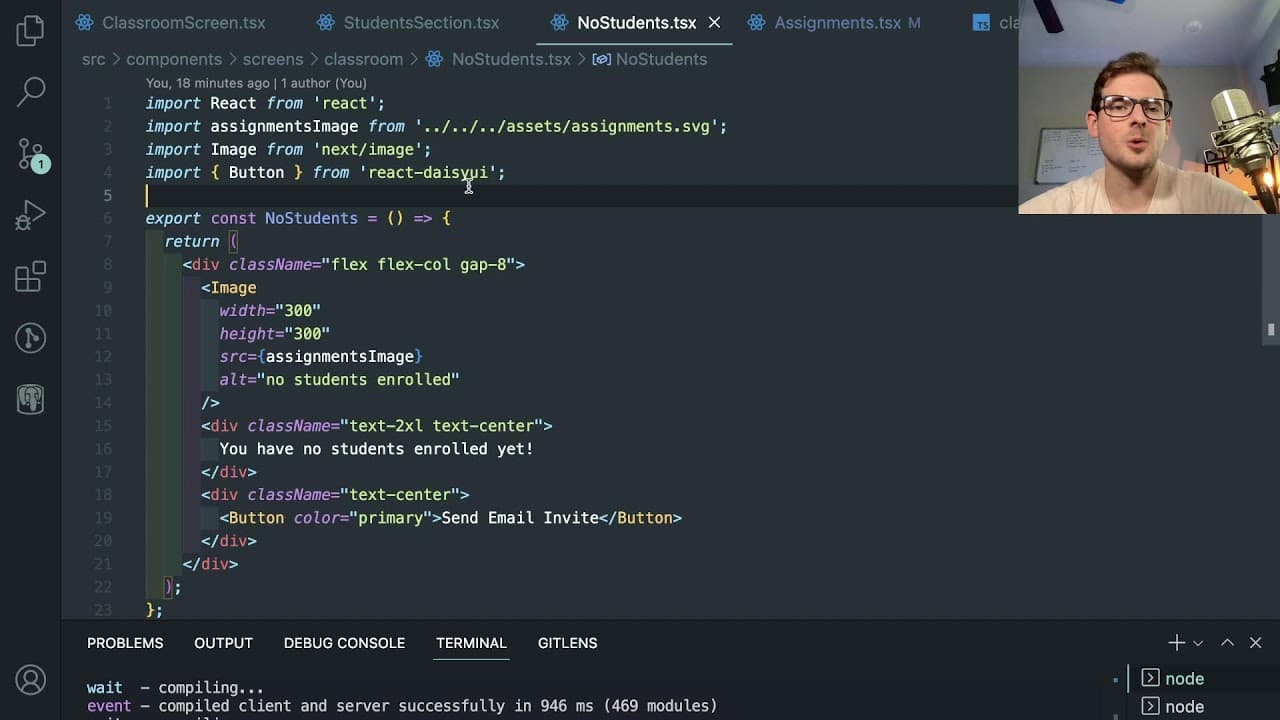
Live stream focused on developing a classroom management web application.
Transcript
foreign all right um so I'm just gonna be working on this project for a little bit today um in a live stream so hope you guys are interested in continuing on continuing on on this project I don't remember where I left off so I need to go and like log in as a student probably um and let's just go ahead and do that I think we were working on finding ... Read More
Key Insights
- 🧑🎓 Role-based access control is crucial for differentiating functionalities between students and teachers in educational applications.
- 👨💻 Debugging techniques, such as logging and inspecting variables, play a significant role in resolving coding issues effectively.
- 👤 The developer seeks to ensure a better user experience by simplifying UI elements and ensuring functionalities based on user roles.
- 😀 Continuous learning is essential for developers, as seen through the challenges faced with Next.js and its caching mechanisms.
- 🆘 Using an ORM like Prisma streamlines data management and helps create robust relationships between different models within the application.
- 👨💻 Engagement with the audience during live coding sessions enhances the learning experience and fosters a collaborative community.
- 👻 Iterative development and prototyping allow for testing features and collecting feedback on user experience before finalizing designs.
Install to Summarize YouTube Videos and Get Transcripts
Explore YouTube Video Summarizer or Get YouTube Transcript Extractor
Questions & Answers
Q: What is the purpose of the role-based access system in the application?
The role-based access system is designed to ensure that only authorized users can access specific functionalities within the application. For instance, only teachers should have the ability to create and manage assignments, while students should be restricted from these actions. This helps maintain a structured learning environment and prevents unauthorized changes to classroom materials.
Q: How does the developer handle errors encountered while coding the application?
The developer employs a debugging approach by adding console log statements to check current variables and states. When encountering issues, they revisit the code to pinpoint potential problems, often preferring to refresh or restart the application to clear any temporary errors, especially those related to caching issues in the development environment.
Q: What did the developer learn about the Next.js framework during the live stream?
Throughout the session, the developer expressed a learning curve with Next.js, specifically seeing caching behavior that resulted in stale data being displayed even after database modifications. They acknowledged that understanding the static rendering process and gracefully managing the loading states of different components is vital for improving user experience.
Q: How does the application store classroom and assignment data?
The application utilizes Prisma as an ORM to define models for classrooms and assignments stored in a SQL database. These models represent the relationships between students, teachers, classrooms, and assignments, making it easier to create, update, and query data effectively.
Q: What are some suggested improvements mentioned by the developer regarding the user interface?
The developer discussed various UI improvements including adding tabs to differentiate between assignments and student sections, refining button functionalities to enhance accessibility, and ensuring that the layout is consistent across pages. They also noted the importance of maintaining a clean and organized code structure to facilitate future design adjustments.
Q: How does the developer engage with their audience during the live stream?
The developer actively engages with the audience by addressing viewers' questions, sharing coding techniques and insights, and encouraging contributions to the project. They provide explanations for their coding decisions and invite audience members to discuss their own coding experiences and challenges.
Summary & Key Takeaways
-
The content revolves around a live stream where the developer adds new functionalities to a classroom management application, particularly focusing on role-based access and UI improvements.
-
Key features discussed include managing classroom assignments, enabling teacher-student roles, and refining user experience through intuitive design choices like hiding buttons based on user roles.
-
The developer also addresses potential bugs and refactors the structure of the application to improve code clarity, while engaging with the audience by answering questions and sharing insights.
Read in Other Languages (beta)
Share This Summary 📚
Summarize YouTube Videos and Get Video Transcripts with 1-Click
Try YouTube Summary with ChatGPT & Claude or YouTube Transcript Generator
Explore More Summaries from Web Dev Cody 📚





Summarize YouTube Videos and Get Video Transcripts with 1-Click
Try YouTube Summary with ChatGPT & Claude or YouTube Transcript Generator